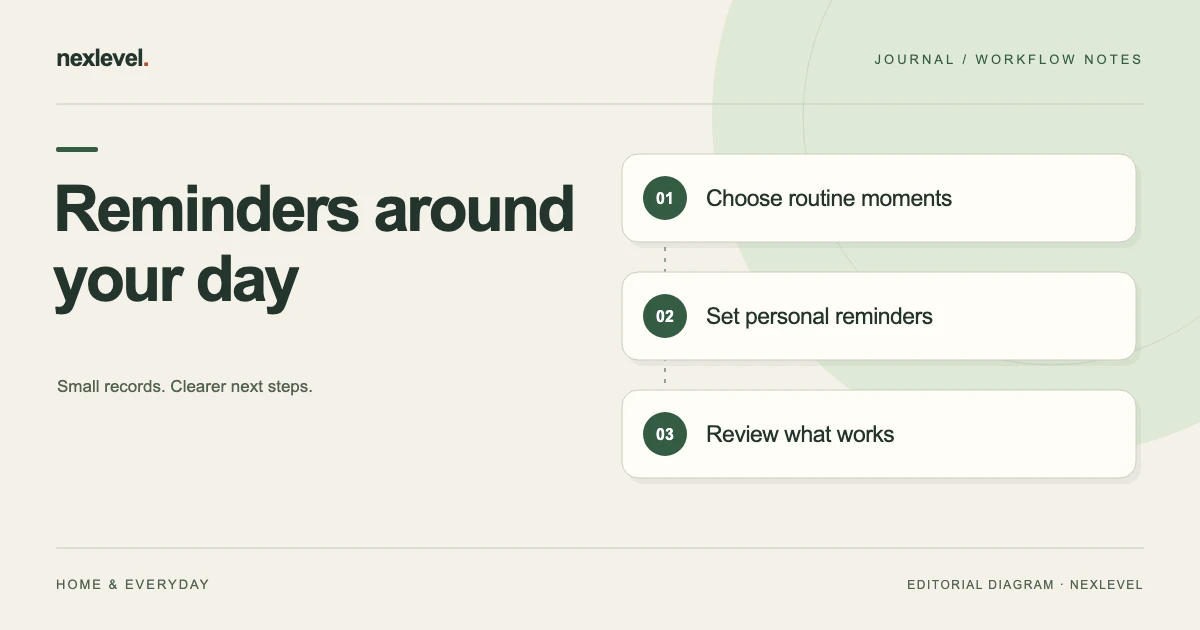
A drink reminder schedule should fit the day you actually have and leave an honest record of what you choose to log. A notification can help you notice a routine, but dismissing it does not mean you drank, and a completed app target does not measure your medical hydration status.
This template focuses on personal reminders, local times, notification settings, and record quality. It does not prescribe a daily fluid amount or a drinking interval. Use the guidance appropriate to you, including any individual instructions from a qualified healthcare professional.
Separate the health question from the reminder question
How much fluid is appropriate and when an app should notify you are different questions. The schedule can organize your chosen routine without determining an individual medical target.
The NHS hydration guide describes general guidance and notes that needs can vary with circumstances. A general guide is not an individualized prescription or a reason to override a personal care plan.
If your target is uncertain, resolve that through an appropriate source rather than letting an attractive default become an assumed requirement.
Keep the app’s visual progress and your health assessment distinct. The display reflects entered records under its settings, not a direct measurement of what your body needs.
Copy this reminder routine template
Use a small schedule record and a separate event log. The structure should remain simple enough to maintain.
- Routine: name, applicable days, local time zone, and review date.
- Reminder: chosen time or anchor, purpose, and whether it is currently active.
- Permission: notification status and the device settings to check.
- Personal input: any target or quick-log amount, its basis, and whether it needs review.
- Actual log: event date, time, entered amount, unit, and correction if needed.
- Exception: changed day, travel, quiet period, or reminder deliberately disabled.
- Review: what was useful, what was ignored, and the next schedule adjustment.
Keep a saved schedule separate from permission to deliver notifications. A routine can remain stored even while alerts are turned off.
Choose a small set of practical anchors
Begin with moments you can realistically notice, such as a chosen work break or another personal routine point. These are organizational anchors, not medically recommended drinking intervals.
Give each reminder a clear purpose. A prompt to check the routine can be enough; it does not need to demand that a particular amount be consumed immediately.
Avoid adding so many alerts that they become background noise. Review what you actually respond to rather than assuming more notifications make the routine better.
Keep quiet periods and changing work patterns in the schedule. A reminder that repeatedly appears when you cannot engage with it may need a different time or to be disabled.
A fictional office-day example
Imagine Avery chooses reminders at 09:30, 13:00, and 16:00 on a particular type of workday. Those times are personal planning choices for the example, not a recommended hydration schedule.
Avery checks notification permission, then records actual drink events separately. An alert dismissed during a meeting is not added automatically to the consumption log.
On a different workday, the routine begins later. Avery adjusts the applicable schedule and checks the next displayed reminder rather than assuming the old times still fit.
At review, Avery keeps the useful prompts and changes one that was consistently ignored. The outcome is a more workable reminder pattern, not a claimed health improvement.
Check what local time means on the device
Record the intended time zone and inspect the next scheduled alert after travel or a major device-time change. A familiar clock time can represent a different moment when your location changes.
Keep the schedule’s purpose visible. A routine tied to local daily activity may need different handling from a fixed event you want to preserve at the same instant.
Do not assume every reminder system updates identically. Check the actual next event in the app and the device’s current settings through the supported workflow.
If the displayed time is not what you expect, resolve the schedule before relying on it. Editing a label alone does not establish that the next alert changed.
Verify notification permission without rewriting the routine
A stored reminder and permission to show it are separate states. Review the app’s status and the relevant system settings rather than repeatedly recreating the schedule.
Device focus, quiet settings, or notification presentation can affect whether you notice an alert. A successful schedule entry is not proof that you saw it.
Keep a manual way to review the routine. The day should remain understandable even if notifications are intentionally disabled or temporarily unavailable.
When permission changes, inspect the next scheduled state again. A clear route back to settings can help without turning permission into a requirement for recording an event.
Log events rather than intentions
Record what you actually choose to log, with the amount and unit you entered. A planned pour or a displayed quick-log button is not an event until you confirm the record.
If you press the wrong amount or log twice, use the correction process and keep the resulting history honest. Do not preserve an error merely to maintain a visual streak.
For pure arithmetic, fictional entries of 200 ml, 300 ml, and 250 ml total 750 ml. That is a sum of those entries, not a recommended daily intake or proof of complete fluid consumption.
If the log is partial, label it as partial in your own interpretation. An unrecorded drink and a drink not taken are different possibilities.
Keep quick-log amounts interpretable
Choose a shortcut amount you can identify consistently for your personal recording. The convenience value should not be mistaken for a recommended serving.
When a container or routine changes, review the shortcut rather than automatically applying an old amount. A familiar tap can produce an inaccurate record if its meaning changed.
Keep units visible in exports and review screens. A number without its unit can be misleading when records move outside the original app.
Use estimates honestly where you do not measure. The log should not display a level of certainty that the entry process does not support.
Review streaks and trends as record summaries
A streak describes activity under the app’s rules and entered history. It is not a clinical assessment or a measure of personal worth.
Look for practical patterns in the routine: prompts ignored during meetings, duplicate entries, or a shortcut that needs updating. These observations can improve logging without making medical claims.
Do not fill missing days with invented events to make a chart look continuous. A truthful gap preserves the limits of the record.
If you change targets or settings, keep their effect in mind when comparing periods. A different rule can change the appearance of progress without representing a change in actual behavior.
Make the routine comfortable to use
Choose notification wording and visual settings that suit the task. A personal log should be usable without requiring elaborate attention every time.
If motion is uncomfortable, use available reduced-motion settings. A calmer display can preserve the underlying record without changing what was entered.
Keep text and controls readable at the sizes you use. A routine that works on a larger device may need a quick check on a watch or smaller screen.
Confirm the actual saved result after a quick action. A visual animation can acknowledge a tap, but the record state is what matters for later review.
Handle a changed day explicitly
A day off, travel day, or changed shift may need a different reminder pattern. Keep the exception identifiable instead of letting temporary edits become an unexplained permanent schedule.
When restoring the ordinary routine, check active times and next events. An old disabled reminder should not be assumed active merely because its label remains in a list.
If you pause the routine, keep the reason and next review simple. A pause is an organizational choice, not a failed health assessment.
Do not compensate for missed notifications by treating the log as an instruction to consume a larger amount. The reminder record does not determine individual fluid needs.
Export a record with its limits clear
Check dates, local times, amounts, units, and corrections in a sample export. The data should remain understandable outside the app.
Keep personal history private unless you deliberately choose a recipient and purpose. A shared record may need context about what was and was not logged.
If you use the log in a healthcare conversation, describe its recording method and gaps rather than presenting it as an instrument measurement.
Know which history and export features are available under your current access. A report and a full recovery copy can serve different purposes.
Try a short routine experiment
For an optional organizational exercise, choose a small reminder pattern for one kind of day and review it after a short period. Define the question as whether the prompts are noticeable and practical, rather than whether the app proves a health outcome.
Record which alerts were noticed, ignored because of context, or intentionally disabled. Keep those observations separate from drink events. An inconvenient notification can be useful evidence about the schedule without saying anything about the person’s fluid needs.
Change one practical element at a time, such as the timing of a prompt. Preserve the earlier schedule or a concise note so you can understand what you changed. The experiment should reduce friction rather than create a complicated compliance score.
At review, keep the reminders that help and remove or adjust those that do not. A shorter maintained routine can be more useful than an elaborate pattern dismissed automatically throughout the day.
Check duplicate entries and shortcut meaning
Suppose the fictional 200 ml, 300 ml, and 250 ml entries total 750 ml, but the final 250 ml event is accidentally entered twice. The displayed sum becomes 1,000 ml. Correcting the duplicate restores the recorded total to 750 ml.
The correction changes the log, not what actually happened. Keep that distinction in mind when interpreting a streak or target display. A visual improvement caused by duplicate data should not be treated as meaningful progress.
Check the quick-log amount when changing containers. If the shortcut represents a different amount from the one you intend to record, update the setting or use the supported custom entry rather than repeatedly applying the old number.
For a simple read-back, identify the actual event, entered amount, unit, and correction. If those cannot be reconstructed, improve the entry process. This exercise concerns the accuracy of a personal record and supplies no recommended serving, daily intake, or compensatory drinking instruction.
A useful personal review note might say: “The first prompt fits my workday, the second is usually missed during a meeting, and the last entry was corrected after a duplicate tap. I will change the meeting-time prompt and keep actual drink entries separate.” That note describes a practical schedule decision without claiming a medical result.
Keep the experiment’s scope visible when looking at a later chart. A week of partial workday logging is a record of that chosen period. It is not a complete account of fluid intake, and it should not be compared with a fully logged week as though the entry methods were identical.
Use QuenchPop for a local reminder routine
QuenchPop supports personal quick-log amounts, custom entries, local reminder times, permission status, recent history, and visual progress. Its official listing describes light and dark appearances, reduced-motion treatment, Apple Watch logging, and optional Pro history or export tools.
View QuenchPop on the App Store for current features and access. Use it to organize a chosen routine without treating app targets or streaks as medical guidance.
Sources and example scope
App features were checked against the official QuenchPop listing and product page. General context is linked to NHS guidance above. Avery, reminder times, and amounts are fictional; no individual fluid target, medical treatment, or health outcome is supplied.