Check an Invoice CSV Against Its Source Records
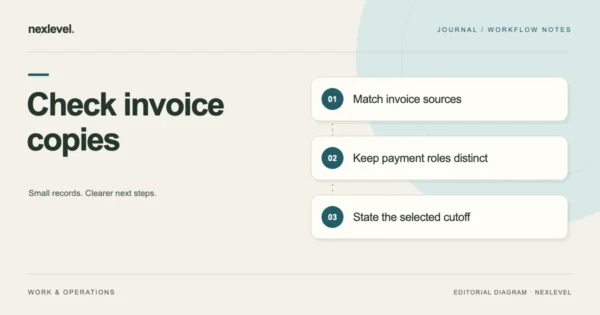
Compare an invoice CSV with selected invoice, payment and promise sources. Check currency, date roles, next tasks and cutoff without assuming full restoration.
Oct 16, 2026 · 9 min read
Organize overdue invoice follow-ups, payment promises, and balances. Review reminder wording before sharing and keep a local history of client payment updates.
iPhone · iPad
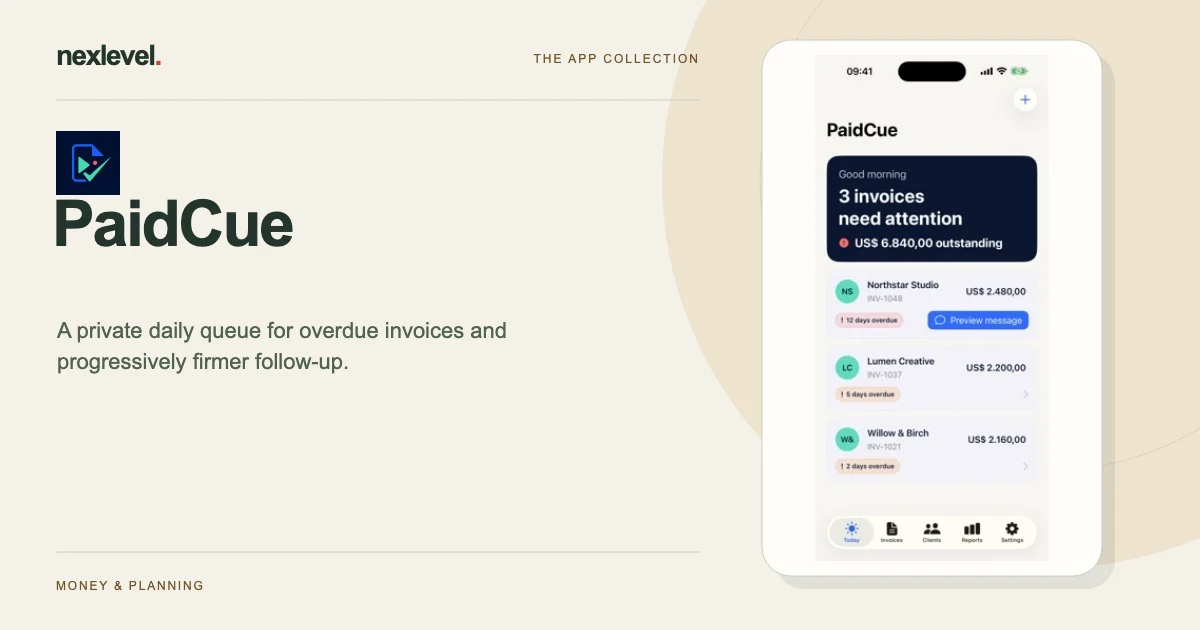
PaidCue organizes the invoices that need attention and the next message you may choose to send. Keep a promise to pay, a recorded partial payment and the remaining balance distinct so another reminder does not rely on an out-of-date assumption. Messages remain under your control.
Start with a practical guide: Invoice follow-up tracker template, Record partial payments accurately, Avoid duplicate follow-up at handoff.
Prioritize invoices by overdue age, payment promises, and the next follow-up step. Keep the outstanding amount visible without reconstructing a separate spreadsheet each morning.
Prepare progressively firmer reminder wording as an invoice ages, then edit, copy, or share it deliberately. PaidCue never contacts the client automatically. A recorded payment promise pauses the usual sequence until its date passes.
Log partial or full payments and retain the follow-up history. Optional device notifications point to the matching invoice and are canceled when the invoice is paid, archived, or deleted.
Free supports three active invoices, and CSV and PDF exports with the PaidCue Free footer remain available without ads. You may optionally complete a video for a clean PDF of selected frozen report content. Matching saved access can be reused offline on this device; a new report date or a changed invoice requires new access. Videos do not unlock Pro or increase the Free invoice limit.
Pro adds unlimited active invoices, complete follow-up sequences, and clean CSV and PDF exports without videos. No app account is required. Review facts, tone, agreements, and applicable requirements before sending; PaidCue is not debt-collection or accounting advice.
The App Store listing shows current compatibility, pricing and any optional purchases.
Compare an invoice CSV with selected invoice, payment and promise sources. Check currency, date roles, next tasks and cutoff without assuming full restoration.
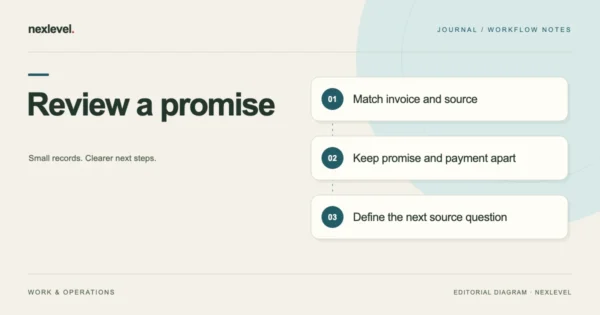
Match a payment promise to the right invoice, preserve its wording and date, check later payment evidence and choose the next task from current sources.
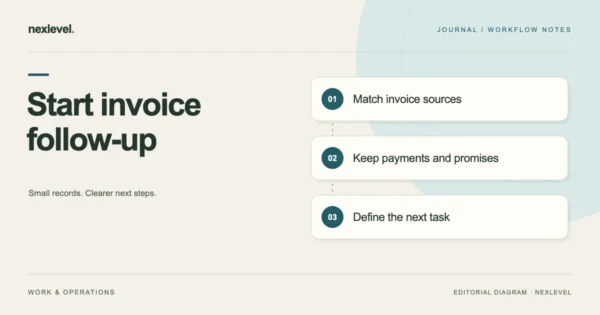
Turn an invoice, payment reference and client response into a clear follow-up record. Match sources, preserve date roles and identify the next review task.
A structured vendor-comparison workspace for defensible purchasing decisions.