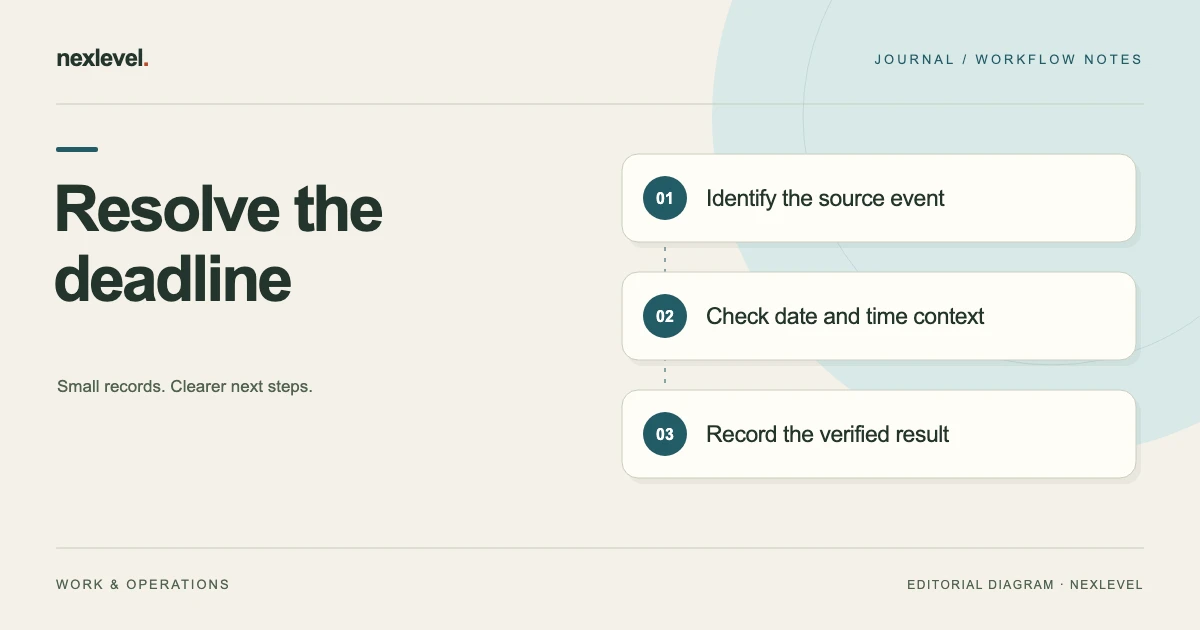
A reservation email, provider page, calendar event, and travel note can show different times without making the reason obvious. One may describe a payment cutoff, another may show a local calendar entry, and a third may belong to a superseded reservation. Copying the most convenient timestamp into a reminder does not resolve the conflict.
Audit the source, the event, and the time interpretation separately. Keep uncertain information visible while you check the provider’s current instructions through its official channels. A countdown can help you act on a recorded deadline; it cannot establish a provider rule that the underlying sources do not make clear.
This guide offers an original discrepancy worksheet and a fictional reservation example. It does not describe the policy of a real airline, hotel, or booking service. Start with the reservation deadline tracker template if you need the basic record first.
Identify the reservation before comparing times
Record the provider, reservation type, confirmation reference, traveler or decision owner, and current reservation state. Check that every source you are comparing belongs to the same reservation and the same version of the arrangement.
Similar itineraries can produce confusing records. A replacement hold, an earlier quote, and a completed booking may share dates and destinations while having different references. A deadline from the earlier hold should not silently become the deadline for its successor.
Keep sensitive references out of unnecessary shared notes or notification text. The working record needs enough information to identify the reservation, while the circulation copy may need less. Follow your actual arrangements for who can inspect the underlying booking material.
Name the event each timestamp describes
Read the wording around the time. A fare-hold expiry, payment deadline, cancellation cutoff, check-in time, and scheduled departure are different events. They may appear in the same email, but they should not occupy one undifferentiated “deadline” field.
Copy the event label with the timestamp into the discrepancy worksheet. If the label is ambiguous, preserve the wording and record the question. Avoid replacing a phrase such as “complete by” with a more specific event that the source never states.
Separate the decision you need to make from the provider event. Your group may want to decide several hours before a hold expires. That internal planning time can be useful, but it should remain distinguishable from the provider’s actual stated cutoff.
Gather sources without rewriting them
Keep the relevant confirmation, current provider page, message, or other source with its date and context. Record where each timestamp came from and when you checked it. A copied number without its surrounding label is difficult to reconcile later.
Distinguish original provider material from a personal note or a manually created calendar event. The latter may help explain what you planned, but it does not independently establish the provider’s requirement. Preserve its source reference if one was recorded.
If a screenshot omits the year, time zone, event label, or reservation reference, record that limitation. Do not infer the missing detail because the image sits in a folder named after a particular trip. Find the fuller source where possible.
Record the full date and time context
For each entry, capture the displayed date, time, stated time zone or offset, source label, and the event it describes. Include the year when available. A day and month alone may be insufficient when comparing old and current trip records.
Keep provider time and your local planning view clearly labeled. A calendar event may already have converted a timestamp, or it may have been entered manually without the intended zone. Check the actual entry rather than assuming its displayed clock time is the provider’s original wording.
Where the source does not establish a time zone, mark it unresolved. A familiar city name or a traveler’s current location is not enough to supply a missing zone. Confirm the intended interpretation through the provider’s official information or support route.
Work through a fictional five-hour discrepancy
Imagine a fictional hold email stating an expiry of 12 June at 18:00 with an explicit UTC+02:00 offset. A personal calendar entry shows 12 June at 18:00 in a fixed UTC−03:00 planning zone. These example offsets are given values, not assumptions about a real city’s seasonal rules.
In this example, 18:00 at UTC+02:00 corresponds to 16:00 UTC and 13:00 at UTC−03:00. The manually entered 18:00 local event is five hours later than that interpretation of the provider timestamp. The worksheet records the discrepancy and identifies the calendar entry as a manual copy to inspect.
The traveler still checks that the email belongs to the current hold and that the timestamp describes the relevant expiry event. Correct arithmetic cannot make an obsolete confirmation current or resolve an unclear provider instruction.
Use a discrepancy worksheet with a next action
Useful fields are: reservation reference; source identifier; source date; event label; displayed date and time; stated zone or offset; interpretation; discrepancy; verification question; responsible person; and current result. Include a link or location for the original material.
For the fictional example, one row records the hold email with its explicit offset. Another records the personal calendar entry and notes that it was entered manually. The question is whether the calendar should represent the provider expiry or an earlier internal decision point.
Keep the correction decision separate from the observations. “Calendar entry differs by five hours under the stated offsets” describes the comparison. “Replace this entry with the verified expiry interpretation” is an action to take only after checking the relevant source and purpose.
Check whether a source has been superseded
Look for a new confirmation, changed hold reference, revised reservation state, or explicit replacement instruction. A newer-looking file is not automatically a successor; its relationship to the current reservation still needs to be established.
Record which source is current for the event being tracked and why. Preserve earlier material as history where appropriate, clearly labeled so it cannot be mistaken for the active instruction. Avoid deleting context merely to make the list of deadlines look cleaner.
If the provider page and confirmation still disagree, identify the exact conflict when seeking clarification through the official route. Keep the resulting reference or explanation with the reservation record instead of relying only on a memory of the conversation.
Distinguish a reminder from the underlying deadline
A reminder is a prompt to act. It may be scheduled before a deadline and may display a different time because it serves a different purpose. Review the reminder settings and the recorded expiry separately when something looks wrong.
Check which deadline or calendar entry the reminder refers to. Changing one record may not change a separate manually created event or note. Identify the copies you actually maintain and reconcile the relevant ones deliberately.
Do not treat an alert’s absence or presence as confirmation of provider policy. Notification permission, device settings, and the tool’s actual behavior affect the prompt you receive. Keep the authoritative source available even when a reminder is working as intended.
Assign one person to resolve the conflict
When several travelers are involved, name the person who will verify the source and update the working record. Others can contribute information, but the next action should not depend on everyone assuming someone else has checked.
State what the person needs to establish: the current reservation reference, the relevant event, the applicable timestamp, or whether a later message replaced an earlier instruction. A focused question is easier to resolve than a general request to “check the booking.”
Record the result and communicate the corrected planning information through your normal group arrangement. Keep any proposed booking action separate from the verification itself. Establishing a deadline does not mean the group has decided to book, release, or change the reservation.
Handle an unresolved source without inventing certainty
If the provider’s current instruction remains unclear, preserve the uncertainty and the pending verification task. An internal planning time can help organize the next check, but label it as your own planning choice.
Do not describe the earliest of several unclear timestamps as the verified provider deadline. That may be a deliberately conservative planning assumption, yet it does not establish what the provider will actually do or guarantee any reservation outcome.
Use the provider’s official channels for questions about its terms, availability, or required action. This worksheet organizes the information and the unresolved issue; it cannot supply a policy answer that is absent from the source.
Check for a date-boundary mistake
A time conversion can change the calendar date as well as the clock time. In a second invented example, 01:00 on 12 June at UTC+02:00 corresponds to 23:00 UTC on 11 June and 20:00 on 11 June at UTC−03:00.
Record both the date and time when comparing that entry. Copying only “20:00” while keeping the provider’s 12 June date would create a different planning record. The example uses explicit fixed offsets and does not establish a real provider’s time-zone rule.
Check the year, date, event label, and source again before correcting a record. A valid conversion of the wrong event remains the wrong deadline. Keep the arithmetic result and the source verification together in the worksheet.
Verify the corrected record and its copies
After making an intended correction, read the working record back against the verified source. Check the reservation identity, event, date, provider time context, local interpretation, and next action. Inspect any deliberately exported calendar copy as well.
Ask a second traveler or colleague to explain the relevant deadline from the summary. They should be able to distinguish the provider event from the group’s earlier decision time. If they cannot, improve the labels before relying on the record during travel.
Keep a short correction note identifying what changed and the source used. You do not need a lengthy narrative for every entry, but the record should explain why a previously circulated time is no longer the one you intend to use.
Keep the eventual reservation outcome separate
Once the group acts, record the actual outcome through your normal booking process. A verified deadline, a planned action, and a completed reservation are separate states. Do not mark a hold booked merely because the deadline review is finished.
If the hold is released or expires, preserve the relevant history without leaving it in the active decision queue. A later replacement hold should have its own identifiable record and source relationship.
Use the completed example to improve future intake. If the recurring problem is manually copied time zones, add a check for the original event and zone when entering the next reservation. That is a specific process improvement grounded in an observed discrepancy.
A compact fictional correction entry could read: “Reservation X48, current hold confirmation B. Event: hold expiry. Source display: 12 June, 18:00, explicit UTC+02:00. Local planning interpretation under UTC−03:00: 12 June, 13:00. Earlier personal calendar entry showed 18:00 local and was a manual copy. Owner checked the current reference and event label before correcting the calendar. Internal decision time remains separately labeled.” Adapt the fields to your source instead of copying the invented time. This entry explains the observed conflict, the basis of the correction, and the distinction between the source deadline and the traveler’s own planning choice.
Use BookingHold as a deadline record
BookingHold records reservation details, provider time zones, local time, decision owners, and deadlines, with optional on-device reminders. Its current listing also describes booked, released, and expired states and a history of decisions.
The app works with information you enter; it does not establish a provider’s policy or complete a booking for you. Check current features and plan details in the official BookingHold App Store listing. Keep the source verification connected to the deadline you actually record.