A commission forecast and a payment record answer different questions. The forecast describes an expected result under recorded inputs. A statement describes an amount reported for a particular period or item. A receipt record describes what was observed as received. Combining those facts into one “paid” field can hide the question you actually need to resolve.
Keep the stages separate and connect them through identifiable deals, plan versions, periods, and source records. This lets you compare an expectation with later information without rewriting the original estimate or treating a difference as proof of a particular cause.
This guide provides an original reconciliation worksheet and fictional arithmetic examples. It is about organizing records, not interpreting compensation rights or providing payroll, tax, or financial advice. Start with the commission forecast tracker template for the underlying estimate.
Give each stage an explicit label
Define what your working fields mean. Expected amount, statement amount, and recorded receipt should be separate observations. If your process includes an intermediate confirmation stage, name it and identify its source rather than assuming it is equivalent to payment.
Record the event and date behind each stage. “Statement received on the eighth” is different from “payment observed on the eighth.” Those dates may coincide, but the record should establish that fact rather than allowing one date field to imply both events.
Keep unresolved states readable. A deal can have a forecast while its statement comparison remains pending. An empty statement field should not be interpreted as a zero payment unless a source actually establishes a zero amount for the relevant item and period.
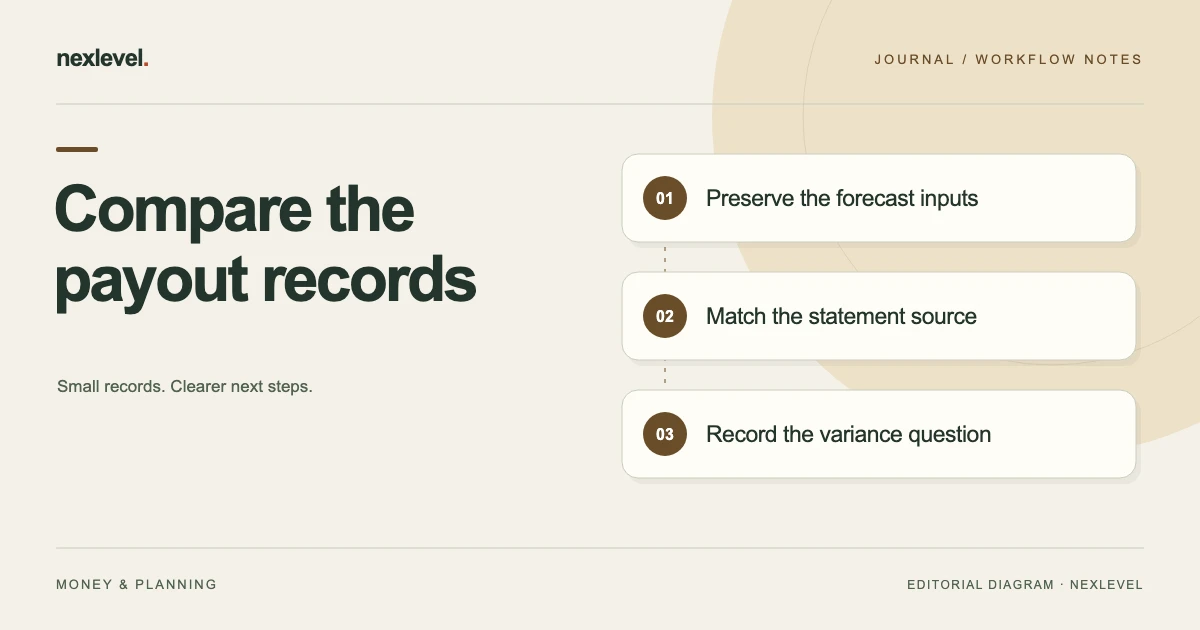
Preserve the plan version behind the forecast
Identify the plan edition and the inputs used when the estimate was recorded. Relevant inputs can include credited share, rate, timing assumptions, and other rules entered through your actual workflow. Keep the source reference beside the estimate.
If plan information changes, preserve the relationship between the earlier estimate and its original inputs. A new calculation can be useful without making the earlier forecast appear to have used terms that were not recorded at the time.
Use the governing documents and responsible compensation process to resolve rule questions. A calculation tool applies entered information; it does not establish which rule should apply to a disputed payment. Record that distinction before using the output in a comparison.
Match the deal and period before comparing amounts
Use a stable deal or transaction reference, a readable alias where appropriate, and the relevant reporting or expected payout period. Similar customer names or amounts may not uniquely identify the item on a statement.
Check whether the statement covers the same event or a different period. A later adjustment, partial item, or differently grouped line can create an apparent mismatch that needs explanation. Preserve the source labels instead of forcing every line into the format of the original forecast.
Where a match is uncertain, record the candidate relationship and the question to resolve. Do not assign a statement line to a deal solely because doing so makes the totals balance.
Make the expected calculation reproducible
Record enough of the entered calculation for another person to reproduce the displayed expectation. Keep quantities, rates, shares, units, and any included adjustments identifiable. A single total without its inputs is difficult to investigate later.
In a simple fictional example, an eligible amount of 10,000 currency units, a credited share of 50 percent, and a rate of 8 percent produce 400: 10,000 × 0.5 × 0.08. These are invented worksheet inputs, not a description of a real compensation plan.
State which factors the example includes and excludes. If another rule applies in your actual plan, obtain and record that rule through the appropriate process. Do not treat the simplified example as a complete model for every commission arrangement.
Record the statement as a source observation
Capture the statement identifier, relevant line, period, displayed amount, and any adjustment wording. Preserve the original reference so the comparison can be checked against the source. Keep your interpretation in a separate note.
If the statement amount is 350 against the fictional 400 forecast, the arithmetic difference is minus 50 when calculated as statement minus expected. The difference identifies a question. It does not, by itself, establish underpayment, the correct entitlement, or the reason for the variance.
Check the event relationship and recorded inputs before assigning a cause. An explanation should be connected to evidence rather than inferred solely from the size or direction of the difference.
Keep receipt information separate where you track it
If your own process tracks observed receipts, identify the source and the amount it actually shows. Distinguish a receipt observation from an employer or provider statement. Use the access and confidentiality arrangements appropriate to those records.
Do not invent a gross-to-net explanation to make two amounts agree. A statement total and a received amount may require additional context from the responsible records or payment process. Keep the unexplained relationship visible until that context is obtained.
Share only the evidence needed for the question. A focused comparison may not require distributing an entire personal financial record. The worksheet should point to the relevant source without collecting unnecessary sensitive material.
Use a comparison worksheet with distinct columns
Useful fields are: deal reference; plan version; forecast date; expected payout period; expected amount; statement reference and amount; arithmetic variance; receipt reference if tracked; matching status; open question; evidence location; and next action.
Define the variance formula on the sheet. “Statement minus expected” and “expected minus statement” produce opposite signs. A visible definition prevents two colleagues from reading the same positive number as different conclusions.
Keep a decision or resolution field separate from the variance itself. An issue can be resolved by a documented explanation without changing the fact that the original estimate differed from the later statement.
Work through a fictional two-deal comparison
Suppose deal A has an expected amount of 400 and a statement amount of 350. Deal B has an expected amount of 150 and a statement amount of 200. The row variances, using statement minus expected, are minus 50 and plus 50.
The expected total is 550, and the statement total is also 550. A review of totals alone would show no aggregate difference, while the two rows still contain separate questions about how the amounts relate to their respective inputs and source lines.
The reviewer keeps both questions open until the source relationships are explained. They do not move 50 between deals simply to make each row look matched. These invented figures demonstrate why a balanced total does not establish that every underlying comparison has been reconciled.
Do not let aggregation hide unresolved rows
Summaries can help you see the overall period, but keep access to the item-level comparison. A zero net variance may contain several positive and negative differences. The usefulness of the summary depends on understanding what it combines.
Record whether each row is matched, awaiting a source, awaiting an explanation, or otherwise unresolved under your process. A total should not silently convert those states into a blanket “all correct” label.
If a statement groups several items together, preserve that grouping and document the mapping method. Avoid presenting a manually allocated amount as a source-provided deal figure unless the source actually supplies that allocation.
Handle partial and later records explicitly
A comparison may involve more than one statement entry or receipt observation. Identify each event separately and show how it relates to the deal and period. Do not overwrite the first amount with a cumulative total without preserving the sequence.
For a fictional expected amount of 300, two relevant statement entries of 180 and 120 total 300. The arithmetic alone does not establish that both entries belong to the same expected event. Confirm the references before calling the comparison matched.
Keep pending information visible. If a later source is expected, record the next check and its owner. Avoid describing an unresolved remainder as permanently missing when the actual current state is that its relationship has not yet been established.
Preserve the original expectation when inputs change
If the entered eligible amount or credited share was wrong, document the correction and its source. Keep the earlier forecast distinguishable from the corrected calculation. That explains whether the variance came from an input error, a changed assumption, or another unresolved issue.
Use a successor calculation or the tool’s actual version workflow where available. Do not rewrite a closed comparison merely to make the historical estimate match the amount later observed.
Record what changed, who checked the supporting information, and which current figure should be used for the next task. The useful history explains the transition without leaving two equally current expectations for the same event.
Prepare a focused clarification question
When a question needs the responsible compensation or payment team, identify the deal reference, plan version, period, expected calculation, statement line, and specific discrepancy. Keep the request factual and within the scope of the evidence.
A fictional question might ask which recorded adjustment explains the difference between the 400 estimate and the 350 statement line. It should not announce a legal conclusion or accuse someone of an error that has not been established.
Record the actual response and its source through your normal process. A prepared draft or exported evidence pack is not a sent message or a resolved issue. Keep communication and resolution states separate.
Check the resolution against the evidence
Before marking an issue resolved, identify what the explanation establishes and which record it affects. A correction to an estimate is different from a corrected statement or an explanation that leaves both original amounts intact.
Keep the supporting response, revised source, or other evidence linked to the row. “Explained” is not enough if a later reviewer cannot locate what was explained or why it addressed the question.
Check related summaries after the resolution. If the current estimate changes, its period total may need updating. Preserve the original comparison history while making the present working state clear.
Test a portable evidence pack
Prepare the output you intend to keep or share and open the actual file. Verify the deal references, plan editions, amount labels, variance definition, and unresolved questions. Check what supporting material is included versus merely referenced.
Use appropriate access arrangements for sensitive records. A focused export should help the intended recipient understand the comparison without exposing unrelated deals or personal information.
Ask a colleague to reconstruct one row from the packet if that fits your process. They should be able to distinguish the forecast, statement observation, and resolution evidence without relying on your memory of the conversation.
Keep alternative scenarios separate from payment events
A base, likely, or stretch scenario describes an alternative set of entered assumptions. It is not another payment to add to the same deal. Keep the scenario label and its inputs visible when comparing a later statement with a forecast.
For example, fictional scenarios of 100, 200, and 300 currency units do not imply a total expected payment of 600. They are three alternatives in the example. Identify which scenario you are comparing and why, while preserving the others as separate possibilities.
If assumptions later change, record a new scenario or calculation through the actual workflow. Do not select whichever earlier scenario happens to match the statement and then describe it as the original expectation. The useful record explains what was forecast at the time and how later information relates to it.
Use PayoutVerity for user-entered comparisons
PayoutVerity forecasts from entered plan and deal values, preserves calculation details, and compares expected amounts with statement amounts. Its current listing describes variance review, supporting evidence, resolution records, and focused PDF or CSV evidence exports through Pro.
Employer plan documents and statements control actual payment; the app is not payroll software or compensation-plan advice. Check current capabilities and plan details in the official PayoutVerity App Store listing, and keep each stage of the record distinct.