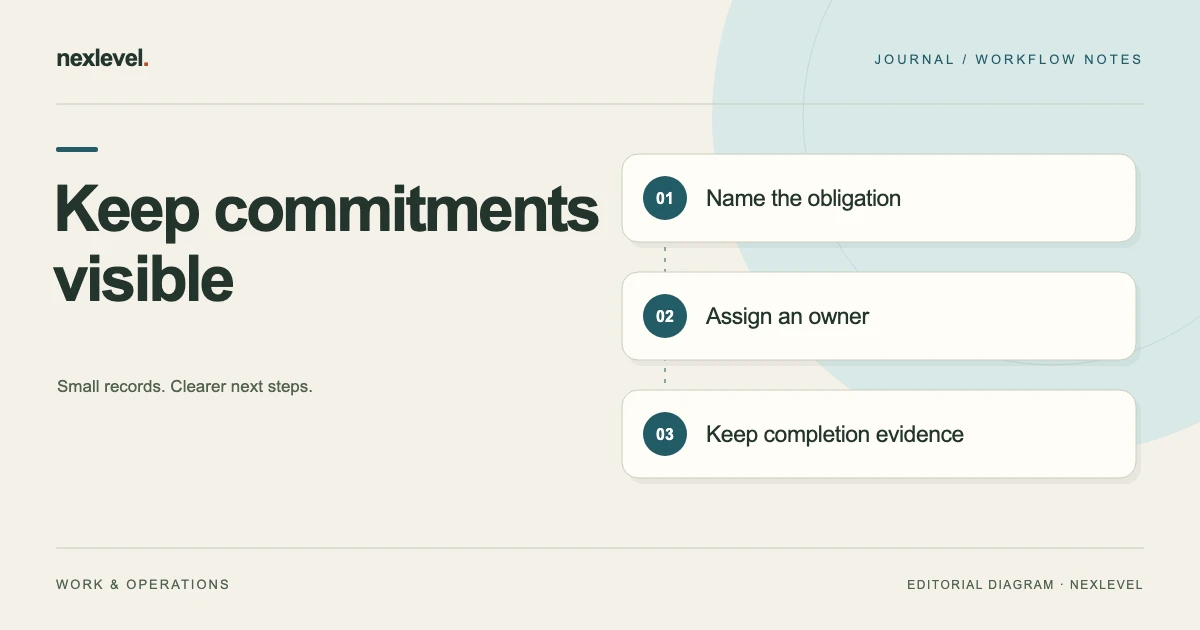
A project can have a clear delivery plan and still lose track of the commitments around it. Someone promised to provide a report, confirm access, obtain a review, or send supporting evidence. The work is mentioned in a document or meeting, but it never becomes an owned, reviewable item.
An obligation tracker connects those commitments to their source, owner, timing, dependencies, and completion evidence. It helps distinguish a task that is merely scheduled from one that has actually been fulfilled under the team’s agreed process.
This guide uses fictional project-delivery commitments. It explains an organizational method, not how to interpret contractual or legal duties. The responsible people should establish the actual requirement and authoritative dates before those details are entered into the tracker.
Define what belongs in the tracker
Start with commitments that need a clear owner and a way to confirm completion. Examples might include providing an agreed weekly report, supplying approved content, arranging a review, or handing over a required document.
Keep ideas and optional improvements distinguishable from established commitments. A suggestion from a meeting should not quietly become a duty assigned to someone who has not accepted responsibility. Record its state accurately while it is being clarified.
Also decide how the tracker relates to the work plan. The plan may contain many implementation tasks, while the obligation tracker focuses on the promised result and the evidence needed to close it. Link them where useful rather than duplicating every detail.
Write a short scope statement for the tracker itself. “Client-delivery commitments for this project” is a more useful boundary than an unlimited list of everything anyone might need to remember.
Keep the source beside the commitment
Every consequential entry should point to the source that establishes the requirement. That could be a reviewed project brief, a confirmed meeting record, an approved plan, or another authoritative reference in your organization.
Record the document version and relevant section when needed. “See agreement” is difficult to act on if several versions exist. A precise reference helps the responsible person check the original wording without guessing which document the tracker summarizes.
Keep your summary separate from the source. A concise tracker entry is useful for daily work, but it should not silently replace a requirement with a different interpretation. Mark questions for review when the source is ambiguous.
Where a requirement has legal or other specialist significance, use the appropriate review process to establish what it means. The tracker can preserve that confirmed interpretation and its reference; it should not be treated as a substitute for the responsible judgment.
Assign ownership and direction clearly
An entry needs a person responsible for moving it forward. A department name may describe the area involved, but it can still leave the next action unclear. Identify the accountable owner at the level your process uses.
It can also help to distinguish what your team owes from what it is waiting to receive. “Send the review packet” and “Receive approved copy from the client” involve different actions, even if both affect the same milestone.
For incoming material, identify who follows up and who provides it. Your project coordinator may own the follow-up while the client owns the requested content. Recording both avoids implying that the coordinator controls the other person’s response.
When ownership changes, preserve the handoff. The next person should know the current state, source reference, open questions, and next checkpoint. A renamed owner field alone may not communicate that responsibility has actually transferred.
A practical obligation-tracker template
The following structure connects the requirement to the work needed to satisfy it. Start with these fields, then add specialized information only when it supports a real review or decision.
| Field | Question it answers |
|---|---|
| Reference and summary | Which commitment are we discussing? |
| Source | Where is the requirement established? |
| Owner and direction | Who acts, and are we providing or receiving something? |
| Due date and basis | When is it required, according to which source? |
| Preparation point | When should work begin or be reviewed? |
| Dependencies | What must happen before completion? |
| Evidence requirement | What record supports closure? |
| State and next action | What is happening now? |
| Completion history | What was done, reviewed, and recorded? |
Use explicit unknowns where an entry is not yet ready. An unanswered ownership or timing question deserves visibility rather than an invented value inserted to complete the row.
Separate the due date from the preparation date
A due-date reminder can arrive too late to be useful if the work requires preparation or review. Keep the required delivery point separate from the earlier point when the owner should act.
Suppose a fictional project report is due Friday. The team chooses Wednesday as its internal preparation checkpoint so missing information can be identified before the report is assembled. Wednesday is an internal planning date; it does not redefine the agreed Friday requirement.
Label the basis of each date. A confirmed delivery date, an estimated dependency date, and a self-imposed reminder are different. If a date is provisional, keep that state visible until the appropriate person confirms it.
For work involving different locations, record the relevant time and time zone when those details affect the handoff. Avoid letting a tool’s default display silently determine what another party meant by a deadline.
A worked weekly-report obligation
In the fictional project, the team has agreed to provide a weekly delivery report. The approved communication plan identifies the content, recipient, and timing. The project lead owns preparation, and the delivery reviewer checks the draft before it is sent.
| Tracker element | Fictional entry |
|---|---|
| Commitment | Provide the agreed weekly delivery report |
| Source | Communication plan v2, reporting section |
| Owner | Project lead |
| Preparation point | Wednesday internal checkpoint |
| Dependency | Current delivery signals and reviewer availability |
| Evidence | Reviewed report version and sending record |
| Current state | Draft preparation in progress |
The tracker does not need to contain the entire report. It needs to connect the obligation to the right report version, review state, and completion evidence. A link to the supporting record is often more useful than copying its contents into a large notes field.
Make dependencies actionable
A dependency should identify what is needed and who is following up. “Waiting on client” describes a broad situation but does not make the next step clear. “Awaiting approved service descriptions; coordinator follows up at the agreed checkpoint” is more actionable.
Distinguish a dependency that is merely planned from one that is currently blocking progress. If the team can prepare most of the report before receiving a final detail, the whole item may not need to be labeled blocked.
Record the effect on the commitment. A missing input may delay preparation, prevent review, or change the proposed response. Knowing which part is affected helps the owner choose an appropriate next action.
Keep follow-up proportionate and aligned with the communication process. The tracker should help someone make a clear request, not generate repeated messages that do not add new information or reach the person who can resolve the dependency.
Use escalation as a decision route
An escalation point identifies when the owner should seek a decision or additional help. It is most useful when the recipient, context, and requested action are defined.
For the report example, the team might agree that an unresolved content dependency is raised with the delivery lead before the final review window. That is an example internal process, not a universal timing rule.
Explain the consequence that needs a decision. Should the report identify missing information, should a date be reconsidered through the normal process, or should another owner provide the input? An escalation that merely repeats “urgent” leaves the recipient to reconstruct the problem.
Record the response and its effect. If a new plan is agreed, connect the tracker to the confirmed source of that change. Do not quietly replace an established deadline with a preferred date because an internal escalation occurred.
Define evidence before marking completion
Completion evidence should match the requirement. A draft file may show that writing began, but it may not show that the agreed review and delivery occurred. Decide what record supports each relevant stage.
Keep preparation, review, and delivery distinct when different people own them. A green status based only on the first stage can mislead someone who needs to know whether the promised output reached its recipient.
For the fictional report, the evidence might include the reviewed report version and a reference to the recorded sending event. The exact evidence depends on the organization’s process and the actual commitment.
When something remains uncertain, use an accurate state such as “delivery confirmation pending.” A tracker becomes more useful when it can show partial progress without forcing every item into either open or complete.
Review the portfolio without treating every item equally
A review can focus on upcoming preparation points, unresolved dependencies, approaching due dates, and items awaiting completion evidence. Those groups represent different actions even when a dashboard displays them together.
For each item that needs attention, identify the next useful decision or action. Repeatedly reviewing the same blocked entry without changing its ownership or follow-up plan adds administration without improving the outcome.
Check for duplicate obligations created from several references to the same commitment. Keep the supporting sources connected while avoiding separate rows that different people may complete inconsistently.
Also review changed or superseded commitments. Preserve the history and the confirming reference, but keep the active view focused on what currently applies. A long list of obsolete duties can obscure the work that actually needs attention.
Give recurring obligations separate completion records
A recurring commitment needs both a reusable definition and a record for each occurrence. A weekly report sent last Friday does not establish that this Friday’s report has been prepared or delivered. Keep each cycle’s dates, state, and evidence distinguishable.
You might use a parent reference for the reporting commitment and a dated instance for each required report. The parent explains the recurring requirement. The instance connects that particular cycle to its owner, current dependencies, review, and completion record.
Avoid reopening the same checkbox indefinitely if that overwrites the previous completion history. A simple interface may make repeated use convenient while leaving no clear account of which occurrence was completed. Check how your chosen tool or table preserves those distinctions.
When a recurring requirement changes, identify the effective cycle and the confirming source. A revised reporting format may apply to future reports without changing the evidence associated with earlier ones. Keep the previous definition available where the history needs it.
Also decide what happens when the responsible owner is unavailable for one cycle. Record the substitute arrangement and the next handoff explicitly. Reusing a recurring template should reduce repeated setup while preserving the truth about each separate piece of work.
Choose a workspace for sources and proof
A small table can work when the commitments are few and their sources are easy to retrieve. As the portfolio grows, check whether your tool can keep ownership, timing, dependencies, and completion records connected without hiding uncertainty.
ObligationRadar is designed for tracking commitments after an agreement, including owners, source references, preparation lead times, dependencies, and evidence requirements. Its official listing describes attention states and a dated completion history across its native device views.
You can view ObligationRadar: Duty Tracker on the App Store. Evaluate the current features against your actual recordkeeping requirements. An organizational app does not determine the meaning or legal effect of the underlying agreement.
Start with a small set of confirmed commitments. Give each a source, owner, preparation point, and clear completion record. That is a useful foundation for a daily review that explains both what is promised and what still needs to happen.
Product reference: ObligationRadar’s official App Store listing. The reporting commitment and internal checkpoints are fictional examples of project organization.