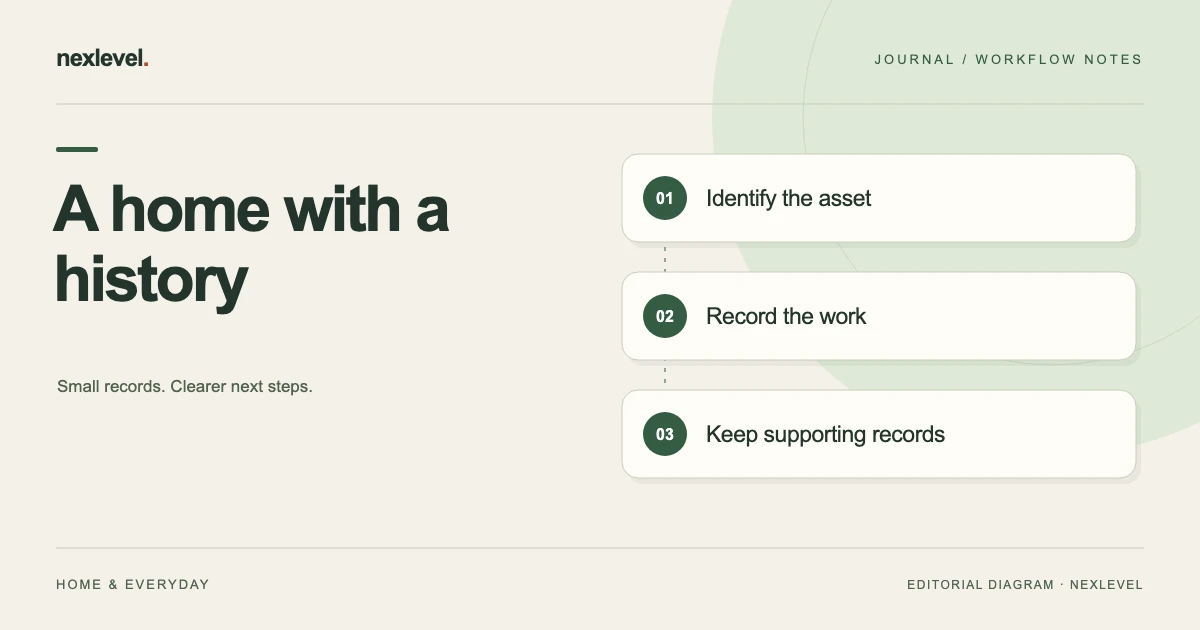
A home maintenance record should tell you what was done, which part of the home it concerned, what evidence exists, and what needs attention next. A folder full of invoices does only part of that job. A recurring checklist does another part. Connecting the two makes the history usable when a contractor asks about earlier work or you need to plan the next visit.
This guide explains how to organize home maintenance records around assets and completed work. It includes a fictional example, a practical filing structure, and a review routine. It addresses recordkeeping rather than repair instructions: task intervals and technical work should come from the relevant manufacturer, service professional, or applicable requirements.
Start with the questions the record must answer
Before importing years of files, choose a few retrieval questions. When was this unit last serviced? Which company attended? What did the invoice cover? Was the reported issue resolved or left open? Which manual belongs to the installed model? These questions determine your fields more effectively than a large list of document types.
Separate three kinds of information: the asset or area, the planned task, and the completed event. The asset might be a particular heating unit. A planned task describes future care. A completion records what happened on a specific date. If you mark a plan complete without preserving an event, the old detail can disappear when the next due date changes.
Begin with current assets and recent work. A useful record for the equipment you have now is better than an elaborate archive of appliances removed years ago. Add older material when it answers a real question, and identify uncertain historical dates instead of guessing.
Create an asset index before sorting the paperwork
Give each significant item a stable, readable identifier, such as Kitchen Dishwasher 01 or Hall Ventilation Unit 01. Include its room or area, manufacturer, model, serial number when available, and installation information. A photograph of the product label can help confirm transcription, provided it is taken safely and is readable.
Use the identifier across notes, photos, invoices, and reminders. If two appliances share a brand, the asset identifier prevents the wrong service history from attaching to the wrong unit. Room names alone are not always enough because replacements can occupy the same location.
Keep property-level records for work that does not belong to one device: exterior painting, roof inspection, or a shared drainage assessment, for example. Do not force every invoice into an appliance entry. A clear property or area record is preferable to an arbitrary asset relationship.
Record retired assets as retired rather than silently reusing their identifiers. The new dishwasher can become Kitchen Dishwasher 02, while the first unit keeps its earlier history. This small distinction helps when you compare installation dates, receipts, or old service recommendations.
Use a completion record with a small set of fields
For each completed activity, record enough detail for another reader to understand the event without opening every attachment. The following structure works in a notebook, spreadsheet, file index, or maintenance app:
- Identity: property, room or area, asset identifier, and event date.
- Work: task name, person or company involved, and what the record says was performed.
- Result: observed outcome, reported findings, and any work explicitly left incomplete.
- Evidence: invoice reference, service report, relevant photos, and correspondence.
- Cost: amount, currency, source document, and whether it covers this task alone or several items.
- Next action: follow-up owner, due or review date, and the source of that date.
Distinguish a professional’s reported finding from your own observation. “Technician’s report states seal replaced” and “I observed no visible water after the visit” are different statements. Keeping attribution clear prevents a household note from appearing to be a professional inspection result.
Use an explicit unknown value when necessary. “Installation date not confirmed” is more useful than a plausible year with no source. You can later improve the record without having to discover which earlier details were guesses.
A fictional example: one appliance, two separate events
Consider a household keeping records for Kitchen Dishwasher 01. The index contains the model and serial details from the appliance label, a purchase receipt, and the installation invoice. The maintenance task links to the manual for the installed model. No generic online checklist is treated as the authority for its service interval.
On 4 September, the household records a service visit after an intermittent leak. Event DW01-2026-09-04 links the service invoice and the technician’s written note. The summary says the company replaced a specified seal. A separate outcome note says the household will observe the next normal uses and contact the company if the symptom returns.
On 8 September, the household adds a follow-up observation rather than rewriting the service record: “No visible leak noticed during uses recorded since the visit.” That note does not certify the entire appliance or predict future performance. It simply preserves what was observed and when.
If another visit becomes necessary, it receives its own event. The first invoice remains attached to the first service. This makes the sequence understandable and avoids a single evolving note that no longer reveals which work happened on which date.
Connect planned care to reliable scheduling sources
A recurring task should state why it repeats. Link to the product manual, the service company’s recommendation, or another relevant source you can identify. Record the document version or date if it matters. Different equipment, use patterns, climates, and property conditions can require different care.
Distinguish a fixed calendar task from one that repeats after completion. If your intended routine is based on the last service, the next date should reflect that basis. If a fixed inspection date is required, moving the date merely because a task was completed late could conceal an important deadline.
Keep the original due date and the actual completion date conceptually separate. An overdue task completed today was not completed on time simply because its next reminder is now in the future. The history should preserve the event, while the plan presents the next action.
Do not mark hazardous or specialist work complete because you have created a reminder. A recordkeeping system can show a planned appointment or an unresolved issue without giving repair instructions or implying the work has been verified.
Name attachments for retrieval, then preserve their originals
A practical filename combines date, asset, and document purpose: 2026-09-04_DW01_service-invoice.pdf. Photos can add a short subject, such as label or completed-work. Keep names readable and avoid putting sensitive account details into filenames that might appear in a shared folder preview.
Store the original document as received. If you make an annotated or redacted copy for sharing, label it as a derivative and retain the original privately. A photograph of a paper invoice may help retrieval, but check that all pages, totals, and relevant references are legible.
For several photos of one event, use captions that explain their relationship to the record. “Image 02: label on installed unit” is useful. “After” is less useful when the reader cannot identify the object, date, or work it refers to. More images do not automatically create a clearer history.
Link the same multi-item invoice from the relevant events instead of creating conflicting edited versions. If you allocate a shared cost across assets for your own planning, label that allocation as yours and keep the original total visible.
Handle costs without turning estimates into paid amounts
Keep a quoted amount, an invoiced amount, and a paid amount separate when all three exist. A quote that was never accepted should not appear in the total of completed maintenance spending. Likewise, an invoice can cover more than one visit or include a deposit already recorded elsewhere.
Choose one rule for your planning totals and state it. You might summarize paid invoices by payment date, while keeping service dates in the event history. Another household may prefer invoiced work by completion date. The record needs a clear basis more than it needs a complicated dashboard.
Record currency and identify refunds or adjustments instead of overwriting the original amount. Do not describe household maintenance totals as tax or insurance classifications. Their suitability for another purpose depends on that purpose’s requirements and the underlying documents.
Review open work and incomplete records separately
During a short review, first look for unresolved work: missed appointments, outstanding recommendations, repeat symptoms, or documents promised by a service company. Give each item an owner and a next contact or review date. A general note reading “follow up” is too easy to postpone indefinitely.
Then look for record gaps. A missing serial number is a documentation task; an unresolved leak is a property issue. They should not compete as equivalent checklist items. This separation helps you prioritize attention while still improving the archive over time.
When a report arrives after the visit, attach it to the correct event and note when it was received. If it contradicts your earlier summary, add a correction with the reason. Preserve the earlier source rather than deleting it to make the history look tidy.
Retire tasks when equipment is replaced or removed. Keep their history searchable, and build a new plan for the replacement using its own guidance. Automatically carrying an old unit’s care schedule forward may produce a neat but inappropriate checklist.
Prepare a focused handoff for a contractor or household member
Share the records that answer the recipient’s question. A contractor investigating a symptom may need the asset identity, relevant earlier work, and recent observations. They probably do not need unrelated invoices, household routines, or a complete property archive.
Include a short index explaining what is in the packet and which questions remain open. Confirm that attachments can be opened outside your own device and that the newest relevant service report is included. A clear cover note can be more useful than dozens of unexplained files.
For a household handoff, explain where originals live and who updates the plan. Avoid creating several competing copies of the schedule. If two people maintain records independently, agree how they will reconcile completed work before both schedule the same service.
Make the archive recoverable, not just tidy
Choose a backup routine for the records you cannot easily replace. A private device library and a shared PDF report serve different purposes: the report presents selected history, while a backup should preserve the information needed to recover your working records. Check what your chosen tool actually exports before assuming those are the same thing.
Test one sample outside its original location. Can you open the invoice, understand which asset it belongs to, and locate its completion note? If the sample depends on a broken file link or a folder available only on an old computer, improve that relationship before importing hundreds more documents.
Keep an index of where originals and backup copies live. If another household member needs access, explain the intended route without weakening device security or distributing private files indiscriminately. A brief recovery note is valuable when the person who maintains the archive is unavailable.
Use Dwellmark for the plan and its completion history
Dwellmark organizes recurring home care by room or area, with local reminders and completion history. Its official listing describes completion notes and costs, plus optional Pro features including photo records and private PDF reports. It keeps household data on the device unless you choose to export or share it.
View Dwellmark on the App Store for current features and compatibility. Begin with one area of the home and the most recent meaningful events. A record that consistently connects the asset, work, evidence, and next action is useful long before every old document has been filed.
For purchase evidence that supports these records, see our guide to organizing receipts and warranties. Keep maintenance observations and purchase terms connected where relevant, while preserving their different purposes.
Sources and example scope
App capabilities were checked against the official Dwellmark listing and product page. The household, dates, identifiers, and service sequence are fictional examples of recordkeeping. This guide does not prescribe maintenance intervals, certify work, or replace equipment guidance and professional assessment.