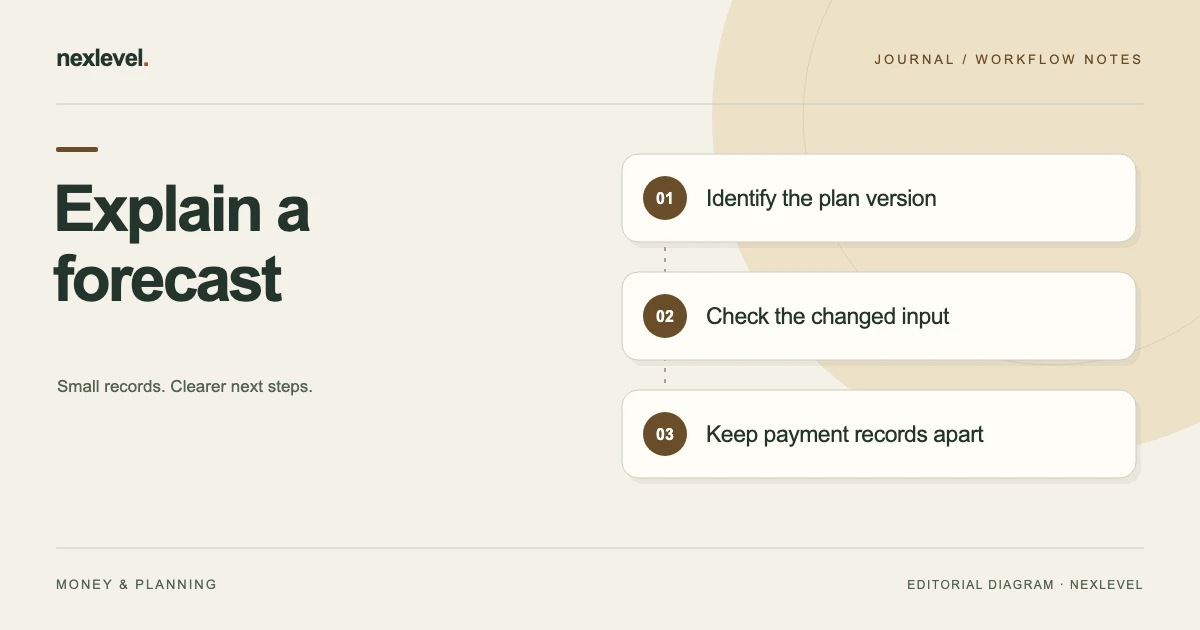
Review a changed commission forecast by identifying whether the difference came from a corrected input, new deal information, plan version, scenario or expected payout period. Preserve the earlier calculation so a revised amount does not erase the reason it changed.
Explain what changed before replacing the total
- Match the prior and revised deal set, scenario, period and currency.
- Classify each changed input and identify its actual source.
- Reproduce the calculation while keeping unchanged assumptions visible.
- Record amount changes and period moves separately, with the remaining question and owner.
Working fields:
Deal | Prior/revised plan | Changed input/source | Prior amount | Revised amount | Period move | Change type | Remaining question
Useful next steps: Clarify an input’s source or assumption role, Keep a forecast revision separate from payment evidence.
Define the forecast being reviewed
Identify the selected plan, deal set, scenario, and expected payout period. A total for all entered deals should not be compared with a total for one period as though the scopes were identical.
Write the cutoff for the review. A later deal update may belong in a later comparison or an explicitly revised worksheet. Keep that distinction visible so the reader understands why a total changed after the review.
PayoutVerity’s current listing describes base, likely, and stretch scenarios built from entered values. Those labels do not establish employer-approved probabilities or guarantee a payout.
The independent worksheet should identify the actual view or source used. It is a review aid, not a new authoritative compensation statement.
Classify the reason for an input change
A correction repairs an incorrectly entered fact. A new source changes what is known about the deal. A plan-version change concerns the rules being applied. A scenario change concerns the assumptions used for a particular forecast.
| Change type | Source question |
|---|---|
| Entry correction | Which original input was wrong? |
| Deal update | What new source changed the deal context? |
| Plan version | Which entered rules apply to this calculation? |
| Scenario | Which selected assumption differs? |
More than one can apply, but identify each rather than explaining every difference as “the forecast moved.” The result should remain understandable after the reviewer forgets the original discussion.
Where the source relationship is unclear, retain the question and responsible owner. Do not choose a favorable interpretation merely to produce a complete total.
Use a version-aware review worksheet
Suggested fields include deal alias, source reference, selected plan version, eligible amount, credited share, rate basis, additional rule inputs, expected payout date, scenario, prior estimate, revised estimate, change reason, and unresolved question.
Keep the raw source inputs separate from the calculated result. A matching total does not prove that every input or rule is correct. Two errors can offset each other.
Use actual supported app records for the working calculation. The worksheet’s extra review fields are proposed independent practices, not a promise that the app exposes every item in precisely this layout.
Retain only necessary private deal information. An alias and appropriate source route can be useful without distributing full customer details in a general review summary.
Work through a fictional credited-share correction
Imagine deal D14 in a deliberately simplified fictional plan. Its entered amount is 40,000 units, credited share is 50%, and flat rate is 4%. With no other rules in this example, the estimate is 40,000 multiplied by 0.50 multiplied by 0.04, or 800 units.
Suppose the responsible reviewer establishes from the actual fictional source that the share should have been entered as 60%. Under the same simplified assumptions, the result becomes 40,000 multiplied by 0.60 multiplied by 0.04, or 960 units.
The difference is 160 units, explained by the credited-share correction. It is not a new payment, a pay increase, or a claim that every real plan calculates credit this way.
The review receipt should identify the corrected input and source. Preserve the selected plan context instead of saying only that the estimate rose from 800 to 960.
Do not turn the example into a universal formula
Actual entered plans may involve tiers, accelerators, caps, clawbacks, eligibility conditions, or other source rules. This article’s flat-rate example deliberately excludes those features to make one input change visible.
PayoutVerity’s current listing describes preserving entered credited shares, rates, accelerators, tiers, clawbacks, payout caps, and plan versions in a calculation trail. The actual employer documents and statements still control real payment.
Do not substitute this arithmetic for a source interpretation. If the applicable rule is unclear, record that specific question and obtain the appropriate clarification.
A forecast can be useful while containing an explicit limitation. An invented rule produces a precise-looking number without establishing its meaning.
Keep a new plan version separate from closed deals
The current product description says new plan terms create a new version without rewriting closed deals. This is an important recordkeeping boundary: later rules should not silently make an older calculation look as though it used them all along.
Identify which plan version belongs to the selected calculation. Do not infer applicability solely from the date the reviewer opened the app. The actual source relationship needs to establish which entered version is relevant.
For fictional D14, a corrected share within the selected source context and a later new plan are different events. Explain which one is being reviewed instead of combining both into one unexplained total change.
This guide does not decide when an employer’s revised terms legally apply. Keep that question with the actual source documents and appropriate responsible process.
Review scenario assumptions one at a time
A base-to-stretch comparison can differ because the selected deal set, input values, expected dates, or assumptions differ. Identify the actual scenario scope before attributing the change to one variable.
Where practical, use an independent comparison that holds other stated inputs constant while examining one change. That helps explain the arithmetic without implying a guaranteed outcome.
Do not describe a scenario label as a verified probability. The app’s listing says forecasts come from entered values; it does not establish that an employer will approve the assumptions or that a deal will close.
Retain unresolved assumptions in the review note. A useful summary can state that an estimate depends on a particular source question still awaiting clarification.
Check expected payout dates independently
A revised estimate can move between expected periods without changing its amount. Conversely, an amount can change while the expected period remains the same. Keep those dimensions distinct.
Review the actual source for the entered expected date. Do not assume a deal date, review date, and payment date mean the same thing. A source that establishes one may not establish the others.
When comparing weekly totals, check whether a deal left the selected period. A lower total can reflect scope rather than a reduced commission calculation. Explain that relationship rather than rewriting an accurate deal input.
No actual payroll schedule or employer policy is supplied here. The worksheet preserves entered timing assumptions and their source limitations.
Preserve caps and adjustments as sourced rules
A cap or adjustment can affect a forecast’s result, but a field name alone does not establish how a real plan applies it. Review the actual entered rule and source context.
If a change concerns one of these inputs, identify it explicitly. Do not hide it inside a general “manual adjustment” note whose basis cannot be reconstructed later.
Keep amount units and currency context consistent in the independent calculation. This fictional example uses one unit throughout and supplies no exchange rate or tax treatment.
When a rule is disputed or unclear, retain the open question. The app is not payroll software and does not resolve compensation-plan interpretation merely by displaying an audit trail.
Keep actual payment reconciliation separate
A forecast revision is not a payment event. If a statement amount becomes available, review it through the actual reconciliation workflow rather than replacing the estimate with the statement and losing the difference.
The current listing describes recording statement amounts, surfacing variance, attaching evidence, and marking issues resolved. Those records still require an accurate source relationship.
For the separate comparison task, see how to separate forecasts from payment records. A weekly input review can identify a question that later reconciliation answers without treating the two processes as identical.
A recorded resolution should describe what was established. It should not imply that the software independently verified the employer’s payment calculation.
Inspect the comparison copy before sharing it
Open the actual intended summary or supported export. Check the selected deal set, plan version, period, scenario, input change, and remaining limitation.
PayoutVerity’s listing describes focused PDF and CSV evidence packs, with expanded scenarios and evidence exports under Pro. Verify current plan access and the actual file contents. Do not promise that every independent worksheet field appears automatically.
A portable file is a prepared copy. It does not continuously update when a later input changes. Identify the intended version through the actual sharing arrangement if a corrected copy is needed.
Share only the appropriate information. A concise alias-based change explanation can be useful without exposing unrelated deal evidence.
Close the review with a reproducible explanation
A fictional receipt can state: “D14 selected forecast reviewed. Source-backed share correction from 50% to 60% identified. Simplified flat-rate estimate changed from 800 to 960; difference 160. Plan version and period retained. No payment event inferred.”
For real work, use the actual inputs and results rather than copying the fictional numbers. Identify unresolved source questions and their next owners. Keep the calculation trail readable enough for another authorized person to reproduce the explanation.
Ask a second reader what changed and what stayed constant. If they can only name the final total, improve the source and input explanation. If they assume the forecast guarantees payment, clarify its role.
The review is complete when it explains the selected change and its limits, not when every scenario shows the same number.
Separate a period change from an amount change
Consider a second fictional comparison for D14. The simplified estimate remains 960 units, but its entered expected payout moves from review period P1 to P2 based on a newly established source. P1’s selected total falls by 960 and P2’s rises by 960.
That movement does not itself establish a reduction or increase in the deal estimate. It changes the selected period’s composition. A review note should identify the timing input and source rather than describe it as a new commission calculation.
Now imagine the share correction and period change both occur between weekly reviews. The independent worksheet can explain them in two lines: the share input changed the simplified estimate by 160; the timing input moved the resulting estimate between selected periods. Combining those into “forecast changed” would lose the explanation.
Keep the actual app calculation and source rules authoritative for the entered record. This independent example does not claim a particular report automatically decomposes changes or that every real plan uses these period labels.
Finally, check whether the recipient copy presents deal-level values and period totals clearly. A person should not add the old period’s retained estimate to the new period’s current estimate as though they were two deals. The same alias and source relationship can help explain why one deal appears in several historical review copies without becoming several independent payout claims.
Use PayoutVerity for entered forecast context
PayoutVerity organizes entered plans, deal aliases, forecast calculations, expected dates, and payment comparisons. Its current description distinguishes the free plan and deal allowance from Pro expanded plans, scenarios, and evidence exports.
Check the official PayoutVerity App Store listing for current features and plan details. Preserve which source inputs created each estimate, while leaving actual compensation decisions with employer documents and statements.