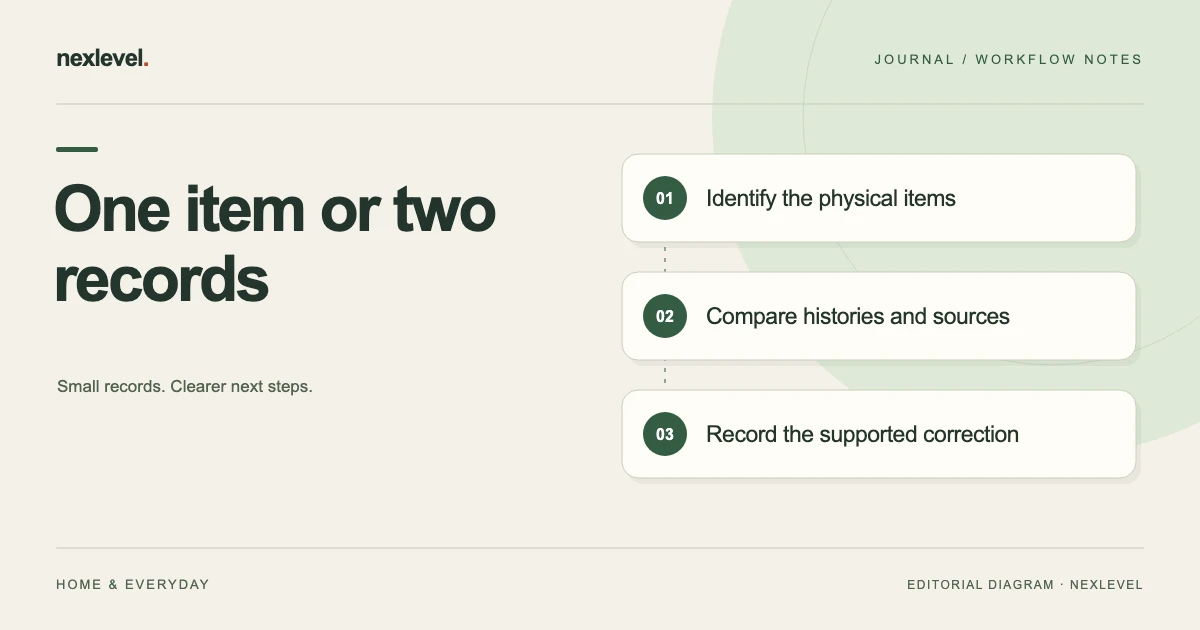
Two beauty records with the same name may describe one duplicate entry, a separate backup or a replacement purchase. Establish physical-item identity before changing dates, use counts or project links. Matching totals or a familiar cost-per-use ratio cannot establish that relationship.
Count the physical items before combining records
- Compare the actual containers, variants, sizes and source photos.
- Classify each record pair as the same item, separate containers, a replacement or unresolved.
- Check dates, use events and project membership before any supported correction.
- Inspect the resulting item count and relevant history without assuming an automatic merge.
Working fields:
Record pair | Containers/variant | Identity sources | Date/use conflict | Matching result | Supported correction | Remaining question
Useful next steps: Define one entry per tracked item, Separate uses from amount estimates, Recheck project membership and weekly scope.
Start with the physical containers
Identify what is actually on the shelf under your normal recordkeeping arrangement. Record the product name, brand, variant or shade, size where useful, and a readable item reference if similar containers need distinguishing.
Do not assume identical names mean one container. A backup and an opened product can legitimately have separate records. Conversely, two photographs of one container do not establish that two items exist.
If an item is unavailable, record that limitation rather than forcing a match from memory. A useful inventory can preserve an unresolved identity question until you can check the relevant source.
Compare product identity before use history
Check variant, shade, size, and other distinguishing label information before comparing dates or use counts. Two products can share a range name while having different contents or intended roles in your collection.
Keep the exact label wording or a useful photo reference where ambiguity matters. A shortened nickname can be convenient for browsing while hiding which actual product an older note concerns.
Do not infer formulation, performance, or suitability from a matching name. The reconciliation task is to establish what the records represent, not to make a technical assessment of the product.
Separate one product type from one owned item
A product type can have several owned containers over time. If your chosen inventory method tracks individual items, give replacements and backups distinguishable references rather than reusing the old entry without explanation.
Record the relationship where it helps: backup for an active product, later purchase of the same variant, or a new size of a familiar product. These are proposed worksheet relationships, not a claim about a particular app’s database structure.
Keep the identity boundary clear before moving dates or use events. Combining information from separate containers can make a plausible-looking history that no single item actually had.
Use a reconciliation worksheet
Useful fields are record A, record B, physical items observed, product and variant details, photo or label references, purchase context where recorded, opened-date source, use-history question, current status, matching result, and next action.
Use outcomes such as same physical item, separate containers, different variant, replacement relationship, or unresolved. These labels organize the review and do not establish whether a product is safe to use.
Keep a proposed merge or correction separate from the confirmed result. A similar photo is a useful clue, but it should not silently decide which dates and use events are retained.
Work through a fictional backup pair
Imagine two entries named “Tint A,” both for the fictional shade R2. One physical container is opened and used in a current project. Another remains a separate backup. A broad name search makes the entries look duplicated.
The owner compares the actual containers, source photos, and recorded context. They identify two items and keep their histories separate. The backup does not inherit the opened date or use count of the active container.
A short note explains the relationship without claiming anything about future usability or shelf life. The records now support collection planning while preserving the distinction between the two physical items.
Handle a genuine duplicate record
If the sources establish that two entries concern the same container, inspect the fields and histories before changing either. One entry may contain a date source while the other contains a photo or project note.
Use the tool’s actual supported correction or deletion workflow. Do not assume it has a merge function or automatically combines use history. Keep a deliberate retained reference where your process needs it.
After the correction, check the current item, history, project membership, and any other relevant view. Removing a duplicate-looking entry should not silently remove the only record of a use event you intended to retain.
Keep opened dates connected to their source
Record whether an opened date came from a contemporaneous note, another record, or later recollection. Preserve uncertainty when the actual date is not established.
Do not copy a date between separate containers merely because they share a name. A replacement or backup can have a different history. Keep its own source context visible.
An organizational date does not establish a safety verdict. Use the actual product label and appropriate professional guidance for safety questions rather than treating the inventory’s timeline as an authoritative expiry determination.
Check use counts without inventing missing events
A recorded use count describes events captured through the actual workflow. If an event may have been entered twice, identify the source and date context before changing it.
Do not combine counts from separate items and then present the total as the history of one container. If you deliberately use a broader project-level view, label that boundary clearly.
Where the history cannot be reconstructed, record the limitation instead of manufacturing a precise count. A useful personal inventory can remain honest about incomplete data.
Distinguish active, empty, and decluttered records
Status labels should describe what you actually recorded about the item. An empty record is different from a duplicate, and a decluttered item is different from a product that has merely left the active project list.
Check how the actual app treats these states before changing them. A filter may hide an item without deleting its history. Do not assume the absence of a visible row means the record no longer exists.
Keep a replacement purchase distinguishable from the earlier item’s closed state. Reusing one row indefinitely can erase the history that would explain cost or use comparisons later.
Keep remaining-amount notes consistent
Record what the remaining-amount field means in your chosen method. A personal visual estimate, measured quantity, or percentage entry can be useful when labeled, but they should not be mixed without explanation.
If two duplicate-looking rows show different estimates, check whether they concern different times or containers. Do not choose the preferred amount merely to make a progress chart look smoother.
Preserve the source and uncertainty relevant to the next action. A numerical remaining amount does not independently establish product condition, suitability, or a precise future use count.
Recheck project membership
A current project can refer to a specific item rather than every container with that product name. Confirm which record belongs to the project after resolving the identity question.
For fictional Tint A, the opened container may belong to the active project while the backup does not. The relationship should remain clear without forcing the two use histories together.
Check targets and dates through the actual tool’s supported workflow. The reconciliation should not imply that the app chooses which product a person must use or guarantees a particular completion date.
Prepare a readable collection copy
If you export or share a collection record, inspect the actual output. Check product identity, variant, item distinction, dates, status, and any limitations relevant to the intended recipient.
Do not assume a CSV recreates the complete working app or includes every photo and project relationship. State the scope of the copy where it matters.
Keep private notes and images within your intended sharing boundary. A deliberate comparison or archive copy does not need to expose unrelated collection details.
Test the result with a shelf lookup
Start from the current inventory and locate one physical item, then return to its history and project context. You should be able to explain which container the row represents.
For the fictional backup pair, the active record should not inherit the backup’s unrelated history or vice versa. If the labels still require memory to distinguish them, improve the item reference or photo context.
Record the ambiguity found and correct it through the supported workflow. This checks record usability, not product safety or the accuracy of every past observation.
Check totals as well as ratios
A ratio can remain unchanged even when duplicate records inflate both parts. Use the underlying item and event identities to establish the relationship rather than assuming a familiar cost-per-use figure proves the collection is reconciled.
In a declared manual example, one container costs 18 currency units and has nine recorded uses, giving 2 per recorded use. If an accidental duplicate repeats both the 18 price and the same nine events, summed prices become 36 and summed events 18. The ratio is still 2, while the totals describe the same item twice.
This illustrates a manual calculation boundary, not Panmoire’s internal metric formula. The useful lesson is that a matching aggregate ratio does not establish distinct physical items or independent use events. Check the source records before using a summary to judge the collection’s progress.
Reconcile a three-entry example
Imagine entry A for the opened Tint A container, entry B suspected of duplicating A, and entry C for a separate backup. The reviewer checks the physical containers, photos, and available event context before deciding what each entry represents.
If A and B are confirmed to describe the same container and the same recorded events, keep that finding separate from C’s legitimate identity. Do not remove the backup merely because all three rows share a product and shade name.
Use the tool’s actual supported workflow for any correction. Preserve the relevant source and history deliberately, then inspect the current item, project view, and any report you use. The worksheet does not assume an automatic merge or a particular rule for combining use counts.
Keep a concise reconciliation receipt
A fictional receipt could say: “Tint A, shade R2. Opened container identified separately from backup. A and B reviewed as possible duplicate records; source event relationship checked. C retained as a separate container. Current project references inspected after the supported correction. Opened-date source remains labeled according to what is known.”
Add the date of the check, the specific records affected, and any unresolved question. This receipt explains the change without claiming a product-safety assessment or a complete reconstruction of unrecorded use.
Keep the retained history understandable. If an export or earlier summary still contains the duplicate state, identify its scope rather than editing every historical copy to make the collection appear to have always been tidy. The current record should be clear about what was corrected and why.
Before closing the review, compare the physical-item count with the current record count under your chosen boundary. In the fictional three-entry case, confirming one genuine duplicate and one legitimate backup leaves two physical containers represented, not one. Keep any empty or decluttered historical entry distinguishable from those active items. This final count does not validate every past use event, but it can reveal whether the correction accidentally removed a separate container or left the same physical item represented twice.
Use Panmoire as a personal collection record
Panmoire records product details, opened dates, period-after-opening guidance, remaining amount, optional photos, use events, and project context. Its current listing describes active, empty, and decluttered views and Pro collection export.
Period-after-opening dates are organizational guidance, not a safety verdict. Check current features and plan details in the official Panmoire App Store listing, and keep distinct containers and their histories clear.