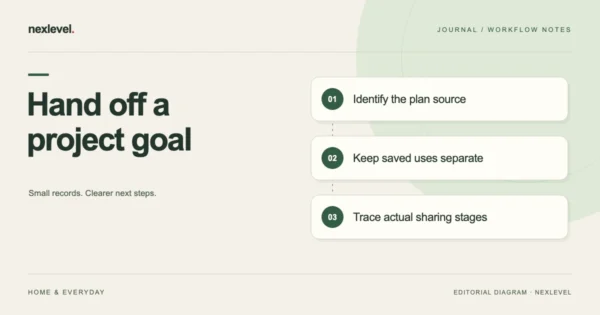
Project Pan Handoff: Separate Goals from Recorded Uses
Prepare a Project Pan handoff that separates goals, planned finish dates, saved uses, amount estimates and status. Give the next reader a specific source question.
Oct 16, 2026 · 9 min read
Organize your beauty collection and Project Pan goals. Log product use, review opened dates, and follow a use-next queue with cost-per-use context.
iPhone · iPad · Widgets
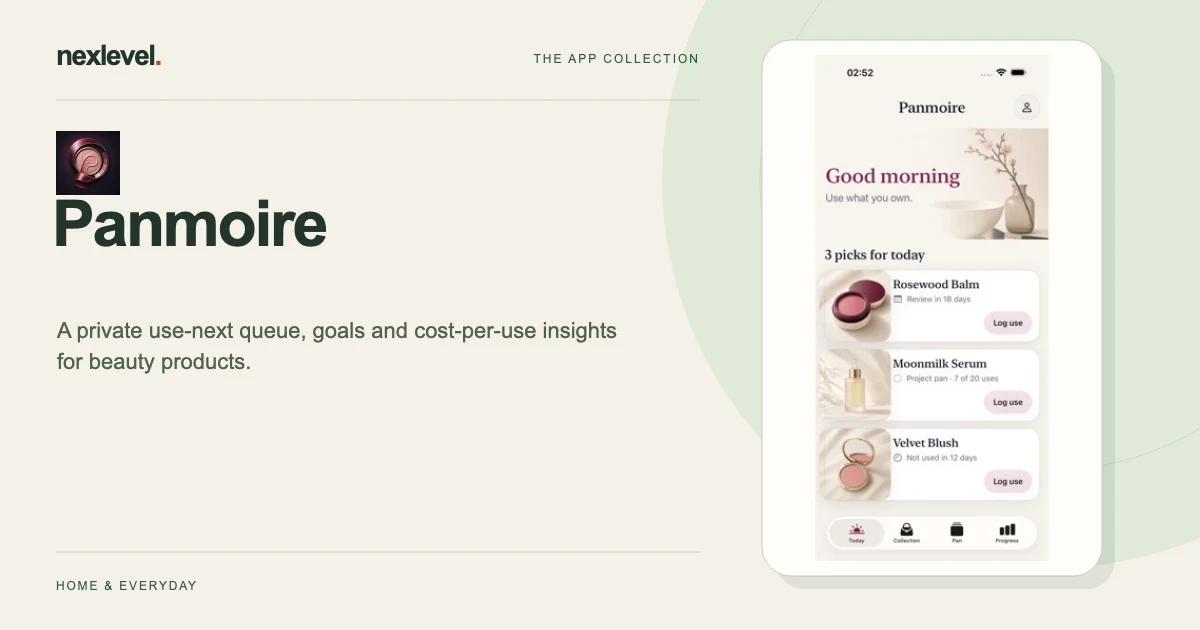
Panmoire connects your beauty-product inventory to the items you want to use next. Record the product’s own label context and opened date, set a Project Pan goal when useful, and log actual uses separately from the target. A review prompt is not an independent product-safety verdict.
Start with a practical guide: Beauty product inventory template, Reconcile duplicate inventory entries, Review Project Pan goals and records.
Keep a product’s brand, category, opened date, period-after-opening guidance, remaining amount, price, and optional photo together. The queue considers those records, active projects, and recent use.
Choose products for a focused project, set a target and finish date, and log each use. Search or filter active, empty, and decluttered products as the collection changes.
Look at uses, empties, declutters, value used, and cost per use. The review calendar is a prompt to reconsider the product’s condition; it is not an independent expiry or safety verdict.
Free supports fifteen active products and one Project Pan. Pro adds unlimited products/projects, deeper insights, widgets, and CSV export. Collection data stays on device without an app account. Follow product labels and seek professional advice when safety is uncertain.
The App Store listing shows current compatibility, pricing and any optional purchases.
Prepare a Project Pan handoff that separates goals, planned finish dates, saved uses, amount estimates and status. Give the next reader a specific source question.
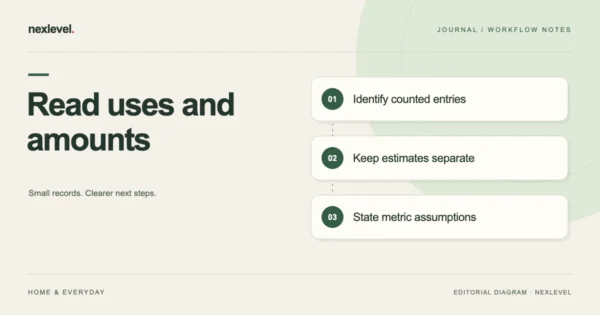
Keep beauty use counts separate from remaining-product estimates and cost-per-use models. Identify the counted records, estimate basis and limits of derived metrics.
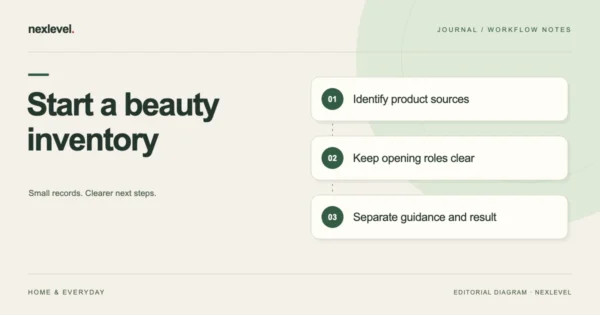
Set up a beauty inventory by separating product identity, purchase context, opening evidence, label guidance and review prompts. Keep uncertain dates explicit.
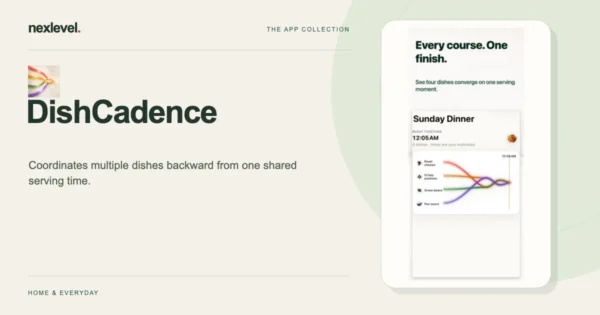
Plan a multi-dish dinner around one serving time with coordinated cooking stages, a live timeline, saved meal plans, and Apple Watch glances.