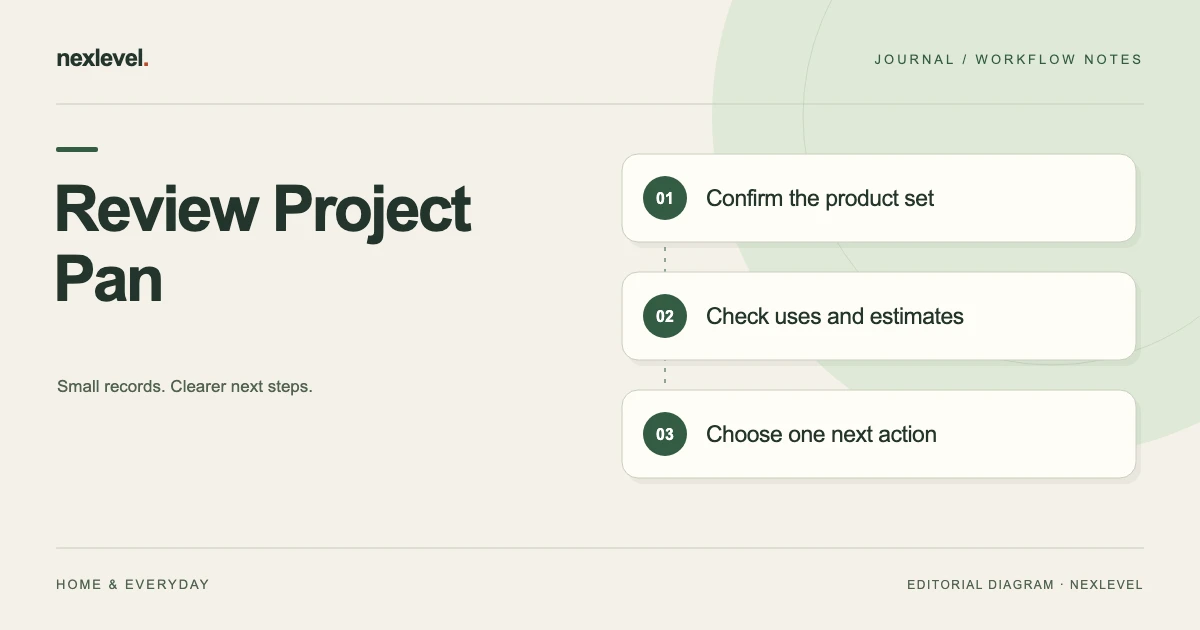
Review Project Pan by confirming the products and period, then comparing recorded uses, amount-estimate context and outstanding questions. A goal is a plan and an old estimate is not a fresh observation. Finish with one manageable next action for each unresolved point.
Review the selected week before setting another goal
- Name the project, current product set and exact review period.
- Compare recorded uses with the selected source and cutoff.
- Keep amount estimates, photos and cost-per-use denominators attached to their basis.
- Choose the next review action without changing a product's collection status by implication.
Working fields:
Project/period | Product | Recorded uses | Amount basis/occasion | Open question | Project decision | Next action
Useful next steps: Use the core beauty inventory structure, Interpret use counts and amount estimates, Prepare a goal-aware project handoff.
Choose one project and its review boundary
Record the project name, selected products, intended target, finish date if used, and the period you are reviewing. These establish what the review is about. A collection-wide total can be interesting without answering a particular project’s question.
Use an explicit cutoff such as the end of your selected review period. Entries added later can belong to a later review unless you deliberately revise the current one. Do not let the word “weekly” hide which days the copy actually covers.
Your independent worksheet can hold these review notes. They are proposed organizational fields, not a claim that Panmoire includes a separate weekly-audit form or automatic review receipt.
Confirm the product set before counting uses
A product can remain on your shelf while entering or leaving a project. Check the actual selected products rather than assuming last week’s set is unchanged. Similar product names can also refer to different sizes, shades, or physical items.
Use enough identity context to distinguish the item under review. A brand and short name may be sufficient in one collection and ambiguous in another. Do not merge records solely because their display names look alike.
When the project membership changed, say what changed in the independent review note. That helps explain why two weekly summaries contain different product sets without implying that either source is necessarily wrong.
Separate goals from recorded use events
A target expresses what you chose to pursue. A use event records something entered in the working history. A finish date is a planning boundary. These have different meanings and should remain distinguishable in the review.
Do not count a planned use as a completed one. Equally, do not erase a recorded event merely because it did not advance the target you originally had in mind. Review what the actual event means before changing the record.
Panmoire’s current listing describes one-tap uses and project targets. Check the actual supported history when reviewing the period. An independent checklist should explain your review, not manufacture extra uses to make a goal look complete.
Use a small weekly worksheet
Suggested columns are project reference, product identity, period, recorded uses in the selected source, remaining-amount observation or estimate, current project question, source needed, and next action.
Add a separate field for a project decision, such as retain in the selected project or review membership later. That decision should not be confused with the product’s active, empty, or decluttered status in the collection.
Keep the worksheet small enough to use. If a field never changes a review decision, consider whether it belongs elsewhere. The purpose is to make the next review easier, not to duplicate every product detail in another document.
Work through a fictional project review
Imagine a fictional project called Shelf Three, with product references P11, P12, and P13 in an independent worksheet. The reviewer chooses a particular week and checks that these are still the products selected in the actual project.
P11 has recorded uses in the selected history. P12 has no visible use in that selected period. P13 has a remaining-amount estimate that has not been revisited recently. Those are three different review questions, not three automatic judgments about success.
For P11, the reviewer checks whether the source period and product identity match the worksheet. For P12, they verify that the selected view actually covers the intended dates before saying there were no recorded uses in that source. For P13, they retain the old estimate’s context rather than presenting it as a new observation.
The resulting note can be concise: source period confirmed, product set confirmed, P13 estimate awaiting review. It should not imply that a blank record proves the product was never used outside the recorded workflow.
Keep remaining amount honest
A remaining amount may come from an estimate, a visual observation, or another actual source. Preserve that basis in the independent review if it matters to the decision. A rounded estimate should not become a precise measurement merely because a chart can display it.
If you update an estimate, record the actual present observation through the supported workflow. Do not reconstruct a smooth history of past amounts unless you actually have the sources to establish it.
For fictional P13, the reviewer can say “prior estimate retained; no new amount established this week.” That is more useful than copying the previous value and giving it a fresh date that suggests a new check occurred.
Review photos as evidence of a particular occasion
A product photo can help identify an item or show its appearance at a known occasion. It does not automatically establish the remaining amount, purchase price, or safety of the product. Keep the photo’s actual role clear.
If you compare two photos in your independent review, confirm they concern the same physical item and identify their source context. Different lighting or framing can affect appearance; do not claim a precise numerical change from a casual comparison.
Panmoire’s current listing describes optional product photos. This worksheet does not claim a dedicated automatic before-and-after measurement tool. Use the actual supported record and label your own interpretation as an interpretation.
Read cost per use with its assumptions attached
A cost-per-use figure depends on the recorded price and the counted uses. It is an organizational calculation, not proof of money saved or a requirement to keep using an unwanted product.
For a simple fictional arithmetic check, a recorded price of 40 units divided by 20 recorded uses gives 2 units per recorded use. If only 10 uses are included in another selected source, dividing the same price by that count gives 4. The difference may come from the denominator’s scope rather than a price change.
Identify which source and period the figure represents before comparing summaries. Do not assume a project-only count and a collection-wide count answer the same question. This example explains arithmetic, not the app’s precise internal calculation method.
If the price is estimated, keep that basis visible. A precise-looking quotient cannot make its input more certain than the actual source.
Avoid double-counting across projects
A product reference can appear in more than one independent planning view. That does not automatically make each representation a separate physical product or a separate use event. Trace the relationship to the actual working record.
If you prepare two project summaries, explain their scopes rather than adding every displayed total together without checking overlap. A repeated reference may be intentional. An accidental duplicate may require a supported correction. Establish which case applies.
Do not claim that Panmoire automatically allocates every use across every possible project arrangement. Check the actual selected project and history, and keep your independent reporting assumptions readable.
Review active, empty, and decluttered states separately
Panmoire’s listing describes collection states for active, empty, and decluttered products. These help organize the shelf. A product leaving a project does not necessarily mean it is empty or decluttered.
In the fictional Shelf Three example, the reviewer might decide to revisit P12’s project membership. That planning decision should not silently change the physical item’s collection state. Record only the state actually established through your own supported workflow.
Likewise, a status change in the working record does not prove that a retained spreadsheet or old screenshot has updated. Identify the copy used for the review before comparing counts of active products.
Keep review dates and label guidance in their roles
A review date is an organizational prompt. An opened date is a recorded event. Period-after-opening guidance is label-related context. Do not flatten these into one universal “safe until” statement.
The current listing explicitly treats period-after-opening dates as organizational guidance rather than an authoritative safety verdict. Keep actual product labels and appropriate professional advice in their proper role when safety is uncertain.
This weekly worksheet does not decide whether a product should be applied, diagnose a reaction, or set a universal disposal period. It helps you identify what needs review and where the relevant source can be found.
Choose one next action per open question
A useful question is specific enough to resolve: confirm P13’s current remaining-amount estimate, verify P12’s selected history period, or decide whether P11 still belongs in the project. “Improve the collection” is too broad to guide a short review.
Name the action in the independent worksheet and keep it distinct from a completed event. A plan to inspect a product later is not a new use, a new amount observation, or proof that the inspection occurred.
Allow questions to remain open when the source is unavailable. A precise unresolved item is easier to continue next week than a complete-looking row built on an assumption.
Inspect the review copy you actually keep
If you prepare a portable record, open the actual file and check its contents. Panmoire’s current plan description places CSV export in Pro. Do not promise that every recipient has that feature or that every independent worksheet detail appears automatically in an export.
Confirm the project scope, selected period, product identity, and open questions in the copy you retain. A saved filename alone does not establish those facts. A static file also should not be described as the whole editable app.
Share only what is useful through the intended arrangement. A personal review can remain private while still being clear enough for your future self to reconstruct the source relationship.
Finish with a short review receipt
A fictional receipt might say: “Shelf Three reviewed for the identified period. Product membership checked. Recorded uses compared with the selected source. Amount estimates kept distinct from new observations. P13 question retained with a next action. Review copy inspected.” Replace the generic phrases with the actual result.
At the next review, start with the previous open questions before adding more metrics. Did the missing source become available? Was the planned check actually completed? Does the same ambiguity still need a better capture habit?
The review is successful when it makes the next decision clearer. It does not need to maximize use counts, produce an uninterrupted progress curve, or turn estimated values into claims about savings.
Keep a skipped week explicit
If you did not review the collection for a week, say so in the independent worksheet. Do not create retrospective observations merely to fill a calendar gap. At the next review, distinguish the current check from any earlier recorded uses that you can actually establish.
A gap in review history is an organizational fact, not proof of failure. Clear source dates let your future self understand it without inventing a continuous sequence of inspections.
Use Panmoire for the working collection and project history
Panmoire organizes product identity, opened dates, label guidance, prices, remaining amounts, photos, uses, and Project Pan goals. Its current listing describes Pro expanded products and projects, deeper insights, widgets, and CSV export.
Review the official Panmoire App Store listing for current capabilities and plan details. Keep the actual records in the app and use the weekly worksheet to preserve scope, source questions, and a manageable next action.