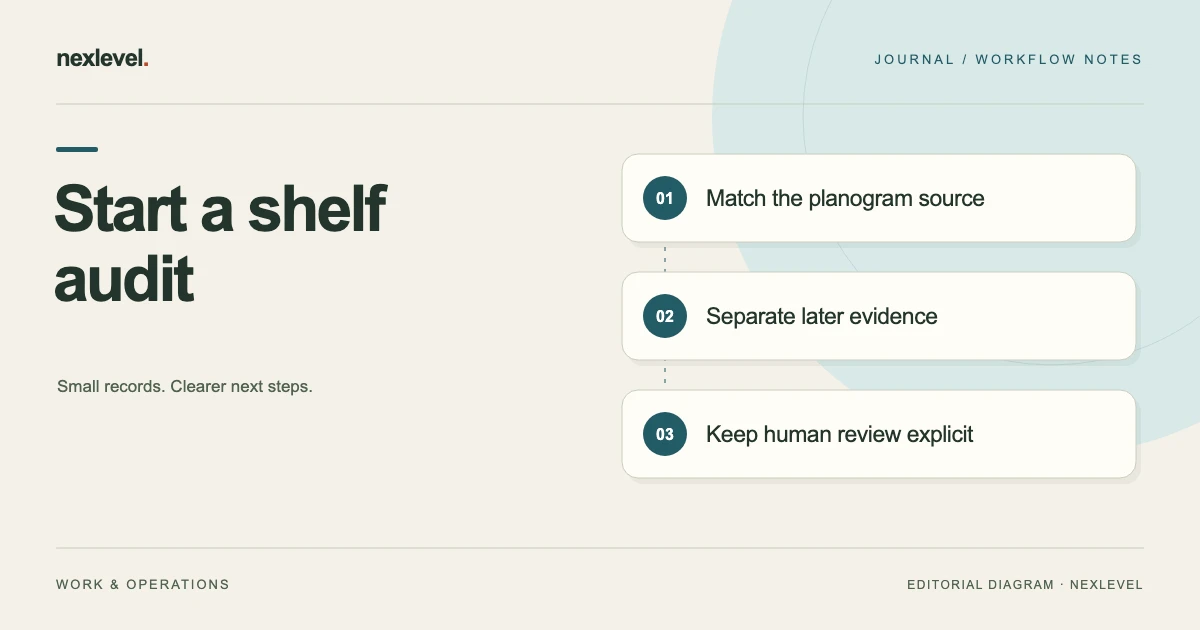
Start a shelf-audit record by matching the intended planogram to the project and documenting its source scope. Prepare references for later photos and review work without filling them with assumed observations; importing a PDF alone does not establish a shelf condition or approval.
Confirm the starting reference before adding findings
- Identify the selected planogram, project and applicable source occasion.
- Check the actual PDF and clarify any approval or assignment question.
- Prepare photo and finding references as future roles until real evidence exists.
- Keep local work, optional upload and human review as separate stages.
Working fields:
Project | Selected planogram/version | Source scope | Applicability question | Photo role | Finding/review stage | Next owner
Useful next steps: Use the shelf audit template, Check photo and count relationships, Review an optional AI draft.
Choose the preparation question
Write which selected planogram and audit context the record concerns. A current source, an older retained plan, and another store assignment can have different scopes.
The task is to make the selected source relationship understandable before relying on findings. It is not to certify authorization or establish actual shelf compliance.
A precise unanswered question is a useful result. Do not invent a product count or approval context merely to make a project look complete.
Set up a fictional audit packet
Imagine P64 is the selected planogram reference, J2 the audit-project context, S3 a source-scope note, F4 a later shelf-photo role, L5 a local-finding role, D6 a human decision, A7 an optional online-draft role, and E8 a retained output.
The selected question is whether P64/J2/S3 identify the intended starting source. F4 and L5 are only future roles in this exercise.
These labels are teaching references rather than native fields. No actual PDF, image, store, product, AI request, or saved finding is supplied.
Use a source-before-findings worksheet
| Role | Question before relying on the audit | Keep separate |
|---|---|---|
| Planogram | Which selected P64 source is intended? | A familiar filename alone |
| Project | What J2 context is established? | Another location or assignment |
| Source scope | What does S3 actually establish? | Approval by assumption |
| Shelf evidence | What would F4 represent if supplied? | A captured observation already established |
| Finding | What is L5’s actual source role? | A final human decision |
| Optional draft | What sharing and review stage actually occurred? | Mandatory upload or automatic approval |
| Output | What does E8 actually represent? | The complete editable project |
The worksheet is an independent companion convention. It does not establish native custom fields, an approval registry, or automatic source certification.
Establish planogram identity first
A familiar planogram title can recur across source occasions or assignments. Match the actual selected representation to J2 rather than choose the nearest-looking file.
PlanoVerity currently supports importing an approved planogram PDF. Importing a file does not independently prove that every real authorization or approval relationship is satisfied.
If S3’s scope remains unclear, retain that precise source question. A more formal-looking project label cannot supply missing evidence.
Keep current and retained source occasions distinct
An older planogram can remain useful history while differing from the intended current source. Identify the actual selected occasion before interpreting the difference.
Do not make an old E8 copy appear to update automatically with a later project or reference change.
The source-planogram archive guide covers the broader historical task.
Prepare evidence roles without inventing photos
The current app supports up to eight shelf photos per audit. F4 in this exercise is a possible evidence role, not an actual image or observed shelf condition.
Keep selected evidence associated with the actual audit source when it later exists. Similar-looking shelves do not independently establish the same project relationship.
This guide photographs no store and handles no retail materials. Appropriate real authorization remains part of the actual source arrangement.
Keep image normalization within advertised scope
PlanoVerity currently strips embedded location and camera metadata during image normalization and keeps project files protected on device.
Do not expand that statement into universal redaction of visible information, removal of every possible identifier, or proof that all sharing purposes are authorized.
This preparation exercise supplies no image and performs no normalization. It preserves the actual evidence role without inventing additional privacy controls.
Keep local analysis available as its own path
The current listing describes local analysis by default and continued local work when managed AI is off or unavailable. The preparation task does not require an online draft.
Do not make A7 a mandatory step for importing or organizing the selected local reference. The app requires no account for the advertised workspace.
This guide performs no analysis and supplies no algorithm result. It should not claim a local finding is physical verification.
Read comparison views as representations
PlanoVerity advertises Planogram, Reality, and Overlay views. Those views help organize selected sources while retaining their actual evidence relationships.
A visible alignment or familiar image does not independently establish approval, product identity, or every physical count.
The photo-and-count mismatch guide covers a related review task.
Keep the seven-check scope within current documentation
The current app works through seven shelf-check categories. The public description does not list every category definition or every calculation rule.
Use the actual selected workflow rather than invent a taxonomy, threshold, or automatic pass rule for the companion worksheet.
A planned check role is different from a completed human review. Do not fill findings merely to make the prepared audit look complete.
Keep findings separate from human decisions
The current app supports accepting, correcting, or rejecting each finding individually, with reviewer notes, timestamps, and local-source traceability.
L5 should retain its actual source role until the relevant human decision relationship is established. A suggested finding is not automatic approval.
This exercise supplies no actual finding or decision. It preserves the distinction needed for later evidence review.
Make optional evidence upload explicit
The advertised secure AI draft requires evidence upload to be enabled explicitly for each audit. Prepared evidence is minimized on device before transfer through the app’s first-party gateway to a paid multimodal route.
That optional network operation differs from local analysis. Do not describe all evidence processing as always on-device or all project content as automatically uploaded.
This guide enables no request and sends no planogram or image. It keeps the selected sharing stage explicit.
Keep managed suggestions advisory
The current listing keeps every suggested category source-linked and advisory until reviewed. An optional draft should not automatically become D6 or a verified physical finding.
Do not invent a confidence threshold, automatic batch approval, or guarantee that a managed suggestion is complete.
If a source relationship remains unclear, retain that question. A more fluent draft cannot supply missing evidence.
Work through a source-clear preparation
In the first fictional branch, P64/J2/S3 identify the intended starting source. F4/L5/D6/A7 remain unprovided or later roles as actually represented.
The result can state that the local source setup is understandable. It should not claim a shelf audit occurred or any store condition was verified.
E8 remains a later output role. A preparation note does not create an exported reviewed report merely by naming it.
Work through a wrong-reference branch
In another branch, P64 belongs to another project context with a similar title. Correct the selected association or retain the precise source question.
Do not change accurate historical evidence to make an unrelated planogram fit J2. The mismatch concerns identity before it concerns findings.
A generic fixed label would hide whether project, source occasion, photo, or finding context changed. Keep the actual relationship explicit.
Work through a premature-finding branch
In a third branch, a preparation note calls L5 a reviewed finding while no actual shelf evidence or human decision is supplied. Restore the actual future-role meaning.
The correction creates no physical observation, analysis result, or review decision. It repairs the companion explanation.
If actual sources later become available, give them their own occasions and relationships rather than make the earlier note appear to contain later evidence.
Respect the actual export-review boundary
The current app exports CSV after every check has been reviewed and unlocks polished PDF reports with Pro. A prepared structure is different from a fully reviewed export source.
The listing also says formula-like CSV values are neutralized for safer spreadsheet handoff. Do not broaden that feature into universal spreadsheet security or factual certification.
The public description does not establish arbitrary CSV import or complete restoration. A report copy is not automatically the whole editable project.
Keep access details with the current listing
Free currently includes one protected local project, the full human-review workflow, CSV export, and up to one secure AI audit each month. Pro adds unlimited projects, PDF export, and up to eight secure AI audits each month.
Keep optional service access separate from the local workflow. Do not invent a quota bypass, reset rule, or mandatory app account.
This exercise consumes no service allowance and changes no project. It supplies an independent preparation worksheet.
Run an independent preparation-reading test
Give another authorized reader the fictional source note and controlled references. Ask which P64/J2 context is selected, what S3 establishes, and which evidence/finding/decision roles remain unprovided.
Then introduce another similarly titled planogram. The reader should preserve actual identity and occasion rather than assign the most familiar source.
Record any manual explanation needed. Repair an unclear copy when its source is accurate;retain a precise question when the underlying relationship remains missing.
Use a copy-ready source receipt
A companion receipt can identify the selected planogram, project, source scope, later evidence roles, optional-upload boundary, actual representation inspected, copy correction, cutoff, and next question.
For the source-clear fictional branch, it preserves local preparation without an audit or approval claim. For the premature-finding branch, it identifies the unsupported reviewed-result label.
Read the receipt without its filename. The next reviewer should understand the result without reconstructing the original retail assignment conversation.
Connect preparation to handoff and method choice
For an administrative transition, use the item-reference handoff guide. For choosing a working method, use the shelf-audit workspace comparison.
Keep the selected source-preparation purpose visible when choosing a representation. Imported references, selected evidence, suggested findings, human decisions, and exported reports can all be useful without having the same meaning.
A clear packet can make the next source question specific while leaving actual store conditions, authorization, and commercial outcomes in their appropriate roles.
Make the preparation note specific
A companion note can identify P64/J2/S3 as the selected planogram, project, and source-scope set. It can separately identify F4, L5, D6, A7, and E8 as unprovided or later roles in this fictional exercise.
If the source does not establish the intended planogram association, keep that precise question open. A familiar filename cannot supply approval, assignment, or current-source context.
If later evidence or a human decision becomes available, give it its own occasion before preparing another representation. The older preparation note can remain accurate history without appearing to contain later findings.
If an optional online draft is actually used in another case, preserve the explicit sharing and advisory-review stages. That should not be inferred from the local project’s existence or from a prepared placeholder.
For a final practical check, remove the original folder context and ask an authorized reader which source is selected, what remains hypothetical, what would require explicit optional upload, and what actual human review is established. Their answer should not require a real retail photo, an invented approval, or a fabricated service response. Record any explanation still needed beside the affected reference.
Use PlanoVerity for clear local source preparation
PlanoVerity connects selected planogram and shelf sources, local analysis, human review, and supported output with an explicit optional online-draft path.
Check the official PlanoVerity App Store listing for current capabilities and access. Keep source preparation, evidence capture, optional upload, advisory findings, and reviewed results distinguishable.