An archived client brief is useful when someone can retrieve the right edition and understand why it mattered. Moving a project out of the active list is only one part of that job. The source answers, reference version, unresolved notes, and deliberate exports may live in different places.
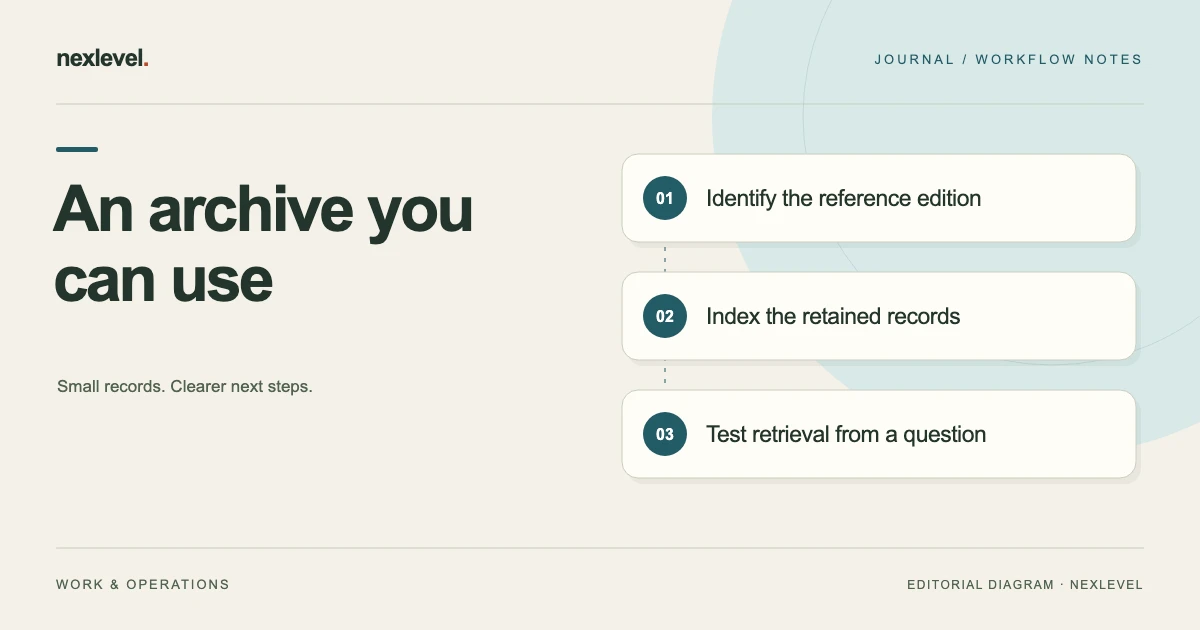
Build the archive around a small index and a retrieval test. Keep earlier drafts distinguishable from the reference used for the completed stage, and state what the archive does and does not contain. This helps a later question become a search task instead of a reconstruction from memory.
This guide offers an original archive worksheet and a fictional studio example. It concerns project records, not legal retention requirements or signature services. For the distinction between receipt and a reference version, see client receipt, review, and the project brief baseline.
Decide what the archive needs to explain
Write the questions you expect the archive to answer. Common examples are which deliverables were described, which edition supported an estimate, what changed after intake, and where the relevant client response can be found.
Keep the scope practical. You may be archiving the intake stage rather than every production file or business record associated with the project. State that boundary so a later colleague does not assume the brief archive contains the entire project history.
Identify the person responsible for maintaining the index and the location where appropriate colleagues can find it. A carefully arranged folder in one person’s private working area may not support the actual handoff or retrieval arrangement your studio needs.
Identify the relevant brief editions
Record the project identifier, brief identifier, edition or revision, creation context, and purpose. Keep the working draft, estimating reference, and later successor distinct where they differ. A filename containing “final” does not establish which role a version served.
Preserve any frozen reference version as the version it actually represents. Do not edit its content to incorporate later answers while retaining the earlier label. A later addition should be identifiable as a successor or separate record under your process.
Keep earlier drafts when they serve a defined purpose in your retained history. Label their status clearly rather than leaving every version looking equally current. The archive index should help readers choose the relevant reference without hiding that earlier material exists.
Separate archive status from completion status
Archiving a brief can mean removing it from active intake work. It does not necessarily mean every project task or question is complete. Record remaining issues and their owners before changing the brief’s working status.
For example, the intake stage may be closed while a production change discussion continues elsewhere. Link the relevant successor record instead of keeping the whole original brief active solely because a later phase still needs attention.
Do not use an archive label to conceal an unresolved requirement. If an open question affected the estimate or deliverables, preserve that fact and the action taken. The later reader needs to understand the record’s limitations, even when the project is no longer in the active list.
Keep source answers connected to interpretations
Identify the source answers or discussions that informed the reference brief. Distinguish the original response from the studio’s clarified or reorganized interpretation. Both can be useful when someone later asks why a requirement was written in a particular way.
Retain only the source material required by your actual records process and access arrangement. A convenience archive should not automatically collect unrelated correspondence or private notes simply because they share a project name.
Where the source is held elsewhere, include a reliable reference and explain the access boundary. A broken link into a former employee’s private folder is not a usable substitute for a source record. Resolve that gap while the project context is still available.
Build a small archive index
Useful fields are: project ID; brief ID; reference edition; reference purpose; archive date; archive owner; file or record location; related response references; known limitations; successor location; and the date of the retrieval check.
Add a short contents note. State whether the archive contains the brief text, supporting sources, a version history, selected exports, or only references to some of those items. A clear index can prevent someone from assuming that one exported file recreates an entire working workspace.
Keep index statements factual. “Revision 3 exported for the project handoff” is different from “all scope approved.” Use the more specific wording unless the broader statement is actually supported by a corresponding decision record.
Work through a fictional studio archive
Imagine studio project L14, a fictional six-page website intake. Brief B14 has two early drafts and a frozen revision 3 used to prepare the estimate. A later production request is recorded separately as change discussion C04.
The archive index names revision 3 as the estimating reference, identifies the deliberately exported Markdown brief, and links the relevant client response record. Drafts 1 and 2 remain labeled as earlier working material. C04 is listed as a successor discussion rather than silently folded into revision 3.
The archive note says what was retained and identifies the person responsible for access. It does not describe the frozen version as a legal signature or imply that the later change was part of the earlier estimate. A colleague can now find the relevant records without receiving a verbal project history.
Choose filenames that support retrieval
Use a consistent pattern based on the project, brief, and edition. A fictional filename such as L14-B14-r03-estimating-reference.md is easier to distinguish from earlier drafts than several files called brief-final.md.
Keep the visible title or internal edition information aligned with the filename where possible. A renamed file can still contain an old heading, so inspect the actual content before treating the name as evidence of its edition.
Use a stable folder or record arrangement that fits your studio. Avoid embedding every historical event in a very long filename. Put the sequence and context in the index, while keeping each file’s own identity short enough to recognize.
Understand what an export preserves
Inspect the actual exported format and contents. A readable text brief can be valuable without containing every source response, attachment, comment, or internal event from the working tool. State those limits in the archive index.
Distinguish a portable document from a full application backup or an importable workspace. Do not assume that opening an exported Markdown file in a text viewer reconstructs the app’s version timeline or client-link state.
Choose the retained outputs needed for your questions and process. If the archive needs a source response reference in addition to the brief text, keep that connection deliberately. A polished exported document should not replace evidence it does not actually contain.
Check access and sharing deliberately
Decide who needs the archive and what they need to see. A project manager may need the reference brief and change history, while an external collaborator may need a narrower handoff. Use your actual confidentiality and access arrangements.
Prepare intentional copies when sharing and inspect the result before circulation. Remove unrelated personal notes or source details that do not belong in that copy. Keep the full retained record in its appropriate location rather than using an uncontrolled share copy as the archive.
Do not place passwords or other access secrets in a general archive index. Record an appropriate access route or responsible contact instead. The index should help authorized people retrieve the material without becoming a new source of avoidable exposure.
Treat old client links as a separate decision
If the intake workflow used a client link, review whether it still serves a purpose. Link availability and archive retention are separate issues. Revoking a link through a tool’s supported workflow is not the same as organizing the local brief record.
Record the link’s intended state and any relevant follow-up under your process. Do not assume that an earlier recipient’s downloaded or copied material disappears because a link is later revoked. Keep your own archive description focused on the records you actually retain and control.
If a link remains active for a reason, identify who owns that decision. Avoid leaving link management to a future colleague who cannot tell whether the link is still needed or merely forgotten.
Run a retrieval test from a realistic question
Ask someone to find the brief edition used for the estimate, identify its unresolved items, and locate the relevant later change discussion. Give them the archive starting point without reconstructing the answer aloud.
For fictional L14, the correct route should lead to B14 revision 3 and then to C04 as a separate later discussion. If the colleague opens draft 2 because it has a newer file modification time, improve the index and status labels.
Record what the tester could open and what caused confusion. Fix broken references, mismatched edition labels, and missing context. The test shows whether this archive is usable for the selected question; it does not prove every retained project record is complete.
Test the deliberate portable copy
Open the exported brief through the kind of reader you expect the recipient to use. Check the text, headings, version reference, links, and any fields needed to understand the document. Inspect the file itself rather than only the original app view.
If the portable copy depends on neighboring files, check those relationships after moving or copying the intended packet. A link that worked in the original working folder may not work in the recipient’s arrangement.
Do not claim a restore test unless you actually performed a supported restoration. Reading an export is a useful retrieval check, but it is a different action from recreating the entire workspace. Label the evidence accurately.
Handle a project reopening as a successor
When the client returns with new work, start a distinguishable working record linked to the archive reference. Preserve the earlier edition and its purpose. The new request should not make the old estimate appear to have described work that had not yet been discussed.
Reuse relevant context deliberately, checking whether people, content, dependencies, or assumptions changed. A prior brief can be useful input without being a current source for every requirement in a new phase.
Keep the archive index’s successor reference current after the new working record is established. This lets a colleague follow the project sequence in either direction while avoiding an endless series of edited files all labeled as the same final brief.
Review retention through the actual process
Use the studio’s established records requirements to decide what to retain and for how long. This article does not prescribe a legal retention period. The archive worksheet organizes the records selected through that process.
Before deleting or consolidating material, check dependencies and who relies on it. A source response referenced by an active dispute or successor project may have a different role from an unused draft export. Route the decision through the responsible person.
Keep retained records distinguishable and accessible under the agreed arrangement. An archive becomes less useful when obsolete share copies, missing sources, and current references are mixed together without an owner or index.
Use Brievra’s archive and export features accurately
Brievra supports local brief creation, search, editing, duplication, and archiving. Its current listing describes Pro frozen version evidence, a version timeline, and clean Markdown export. Those capabilities can support the reference-and-retrieval method above.
Version evidence is not an electronic-signature service, and an exported brief should be inspected for its actual scope. Check current features and plan details in the official Brievra App Store listing, then test whether your retained records answer the questions you expect to ask later.