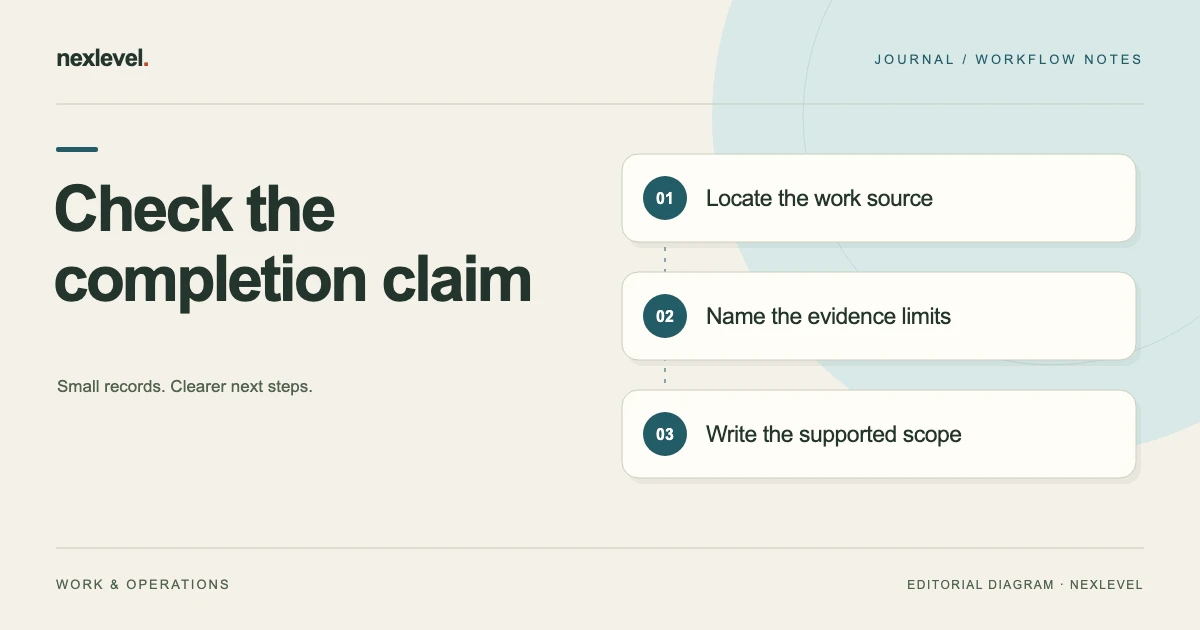
Audit a service report by matching its important statements to the work item, source record and report version they describe. Check broad wording such as 'all completed' especially carefully. When the selected evidence supports a narrower result, revise the statement or retain a specific question for the responsible reviewer.
Check each consequential statement against its source
- Select the report version and underline claims about completion, quantities, materials and resolved exceptions.
- Find the source for each claim and note what photos or work entries actually establish.
- Separate recommendations and customer acknowledgment from evidence of work performed.
- Record any supported correction, then open the replacement report and check the summary, work list and exceptions together.
Working fields:
Claim | Report/version | Work item | Supporting source | Limit | Proposed correction | Reviewer/next action
Useful next steps: Resolve a photo's visit and item context, Triage missing evidence at closeout.
Identify the report and visit
Record the job, visit, report edition, relevant work scope, and preparation cutoff. Several reports can concern the same customer while describing different occasions.
Keep the actual working record and intended share copy distinguishable. A source correction should not leave an old exported document looking current.
Use stable item references where useful so a reader can connect each claim with the relevant work and source evidence.
Underline consequential claims
Look for statements about completion, quantities, materials, exceptions resolved, recommendations, and customer review. These statements can change what the recipient believes happened.
Separate a recorded action from a broader result. A checklist entry may describe work performed without establishing every technical condition implied by a summary phrase.
Keep a specific source reference for each important statement. The audit should make the report easier to inspect rather than adding empty formality.
Read the work record before the summary
Check which tasks and items the actual record covers. A broad project title should not automatically expand the scope of the completed work.
Keep incomplete or uncertain tasks visible through the supported process. A prepared PDF does not resolve an open source question.
Use the responsible professional and organizational procedures for technical completion decisions. This worksheet organizes claims and sources rather than supplying a trade standard.
Use a statement-review worksheet
Useful fields include claim ID, report wording, relevant item, source event, supporting evidence, limitation, proposed revision, responsible reviewer, actual result, and next action.
Keep proposed wording separate from the confirmed record. A more careful phrase can still make an assertion that needs a source.
Add a relationship to the report edition so later revisions remain understandable. A note saying “fixed” may not explain which claim or copy changed.
Work through a fictional quantity claim
Imagine job J17 with three selected items. The work record establishes actions for two, while a third item remains an open clarification. The draft report says all three were completed.
The reviewer identifies the mismatch and checks the relevant source. They do not mark the third item complete simply to make the summary match.
The corrected wording follows the actual established scope and process. It can describe the two recorded actions and preserve the remaining question without certifying a technical outcome.
Keep photographs within their visible scope
A photo can show a location, visible condition, or a selected detail. It does not automatically prove every hidden step or every item mentioned in a broad report.
Check the image’s job, visit, and evidence role. A later follow-up or an earlier reference picture should not silently become the after-work evidence for the current visit.
Use the service-photo labeling guide when the source relationship is unclear.
Record exceptions and recommendations distinctly
An exception describes an actual limitation or issue in the record. A recommendation concerns a proposed next step through the responsible process.
Do not make a recommended action appear completed merely because it is included in the report. Keep the event and source that would establish completion separate.
If a warning remains unresolved, preserve that state instead of removing it to create a cleaner final copy.
Check materials and quantity wording
Compare the report’s item and material descriptions with the recorded sources. A general category may be suitable for one summary while a more specific claim requires another source.
Keep quantities on a stated boundary. A total recorded for the whole visit should not be copied into each item as though it occurred separately.
Where the source is uncertain, record the question. A precise-looking number should not replace missing evidence.
Keep acknowledgment within its actual role
Identify the report edition or information associated with customer acknowledgment. Receiving or reviewing a record is different from independently validating every technical statement.
Use the actual product and organizational language. Do not describe an acknowledgment as a qualified electronic signature if that is not what the workflow provides.
Keep the acknowledgment source separate from the work checklist and photos. Each record can contribute useful context without being interchangeable.
Handle a correction as a distinguishable update
If a statement needs revision, identify what changed, why, and which source supports the current wording. Use the actual tool’s supported report history or version workflow.
Preserve an earlier retained report according to the relevant process. Do not make different contents appear under an unexplained identical final label.
Inspect the intended current copy after the change. A correct working note does not automatically replace a file already prepared or shared.
Test reconstruction with another reader
Ask someone to identify the source for one completion statement and explain its limitation. They should be able to find the relevant work item and evidence without the author’s memory.
For J17, the reader should distinguish two recorded actions from the third open item. If the report still implies all three are complete, improve the wording or source relationship.
This checks the record’s usability. It does not independently assess every technical result or establish regulatory compliance.
Reconstruct J17’s completion statement
For the fictional J17 review, begin with the actual source boundary: three selected work items, records for two actions, and an open clarification for the third. Keep those facts visible before deciding how the report sentence should read. A broad project title does not establish that all selected work reached the same state.
The reviewer maps the draft phrase “all three completed” to the relevant item references. They locate the source entries for W1 and W2 and identify the question attached to W3. The review should establish what the available record supports rather than selecting the most convenient interpretation of an ambiguous summary.
If another appropriate source establishes W3’s result, record that source and the responsible review through the actual process. If it does not, preserve the limitation and use supported wording for the current scope. The worksheet does not decide the technical completion criterion or replace the person responsible for that determination.
A possible source-based summary can identify two recorded actions and one remaining question. Keep its exact wording under the actual review process. A carefully phrased sentence is useful only when it matches the source and intended meaning, not merely because it sounds less confident than the original.
Inspect the actual PDF after any change. The work list, summary, exceptions, and captions should tell a coherent story. A corrected sentence in the working note does not prove that an old export has been replaced or that a recipient has seen the current copy.
Review an unsupported hidden-condition claim
A second fictional draft says that hidden fittings are secure, while the selected evidence set contains a front-view image and a general work note. The image’s visible area should remain clear in the caption. It cannot be made to show an unseen condition by adding a more confident label.
The reviewer checks whether another appropriate source supports the technical assertion. Absence from the selected photo does not prove the assertion false; it identifies a support question for this report. Keep that distinction visible so the audit does not replace one unsupported conclusion with another.
The next action may be to locate the relevant work source or obtain the responsible professional review through the actual process. This article supplies no access technique, repair instruction, or technical standard for the underlying task. The worksheet organizes the claim and evidence relationship.
If the statement remains unsupported within the report’s retained source boundary, preserve that limitation and review the wording appropriately. Do not invent a source, attach an unrelated image, or label the customer’s acknowledgment as technical verification of the hidden condition.
The final source note should identify what was inspected, what was established, and what remains open. It can be concise while retaining a route to the detailed record. A reader should not need the original author’s memory to understand why the report uses its current wording.
Check a material-quantity statement
A third fictional record contains a supplier source expressed in packages and a work note expressed in individual items. The reviewer first identifies what each quantity means rather than assuming the numeric values describe the same unit.
A source for two packages does not establish two installed items unless the package contents and actual work relationship support that statement. Conversely, a job-level materials subtotal should not be copied into every work item as if it were a separate quantity used on each one.
Keep ordered, received, assigned, and observed-use roles distinguishable under the actual business process. This is a documentation method, not an inventory or accounting rule. A complete-looking row should not erase a source limitation about what happened physically.
If the relevant relationship is established, record its basis and current result. If not, preserve the question and named next action. Avoid selecting a number merely because it makes the report’s item list or total appear balanced.
Inspect the resulting output and any portable summary. The current material wording should refer to the same source boundary as the work record. A recipient who sees only the summary should not be led to infer a broader claim than the retained evidence supports.
Keep customer review separate from technical proof
A fourth fictional case has a typed name and drawn acknowledgment associated with a report edition. The reviewer identifies the information presented and the event actually recorded through the supported workflow. They do not treat the mark as a replacement for missing work evidence.
ProofLedger’s current description says acknowledgment records review of the service information shown and is not presented as a qualified electronic signature. Use that actual scope when describing the record. This article does not determine its legal effect or create a technical acceptance standard.
If the report later changes, preserve which edition the earlier acknowledgment concerned. Do not automatically attach it to different wording and imply the customer reviewed that new copy. Use the actual version and communication process for any later review.
Record preparation, sharing, and any known recipient response as distinct observations where the business maintains them. A PDF created on a device is not evidence that another person received it. A share action should be described according to what the actual source establishes.
The completed claim check can leave a narrow open question while the rest of the record remains useful. Its purpose is truthful scope and retrievable evidence. Keep the next action assigned, the current report identifiable, and the technical, customer, and administrative roles understandable rather than combining them into one unexplained approved label.
Before closing the check, compare the current report with the source boundary selected at the start. Confirm which claims were reviewed, what evidence was located, and which question remains assigned. Keep the report edition and next action clear enough for another person to inspect later. A completed administrative review can leave a technical or evidence question open; it should not turn that gap into a confident statement merely to make every field look finished.
Use ProofLedger as the visit record
ProofLedger connects job records, work checklists, labeled photos, materials, exceptions, recommendations, and versioned PDF reports. Its current listing describes customer review acknowledgment without presenting it as a qualified electronic signature.
Keep the actual scope and source of each consequential claim clear. Check current capabilities and plan details in the official ProofLedger App Store listing.