Service Handoffs: Photo Folders or Structured Job Reports?
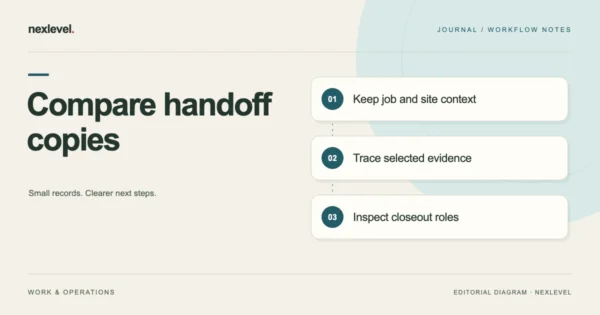
Compare a photo folder with a structured service report using the same visit. Test job identity, image context, exceptions, recommendations and recipient access.
Oct 16, 2026 · 9 min read
Create work-completion reports from service notes, before-and-after photos, and customer acknowledgment. Keep the field record local and share a versioned PDF.
Apple devices — see App Store for compatibility
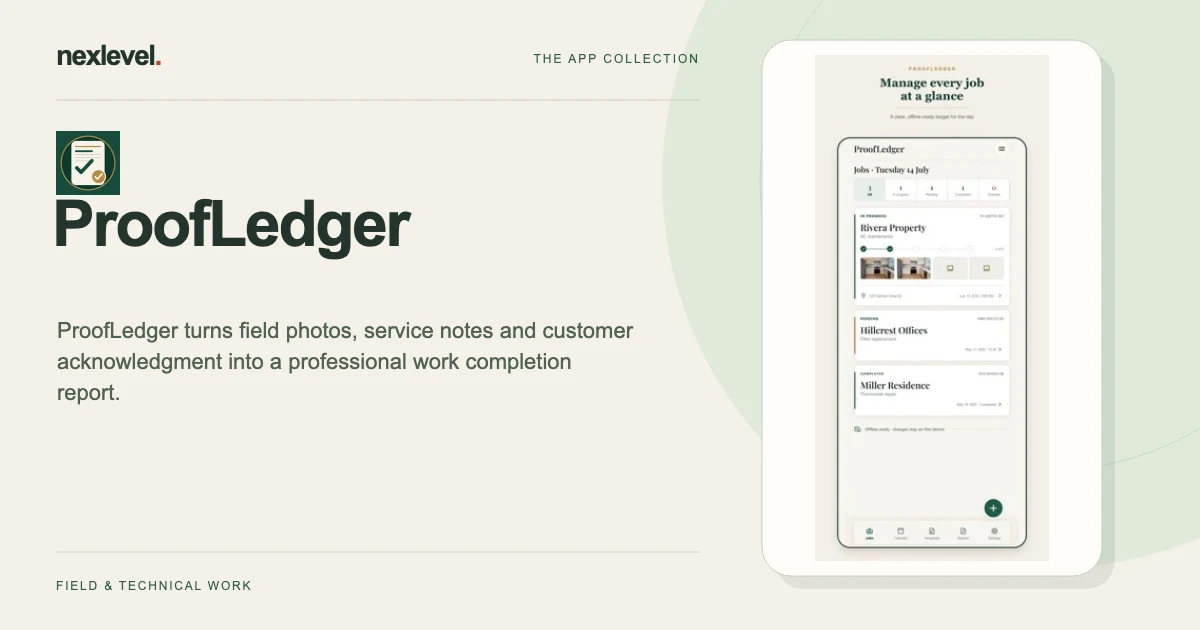
ProofLedger helps a technician explain a completed visit using the job record, labeled photos and the work actually recorded. Separate completed tasks from exceptions and recommendations, then review the report before the customer handoff. An acknowledgment records review of the shown information rather than verified identity or legal certification.
Start with a practical guide: Work completion report template, Label photos for a technician handoff, Check unsupported completion claims.
Create a scheduled or ad hoc job for the customer and site, attach labeled before-and-after photos, and record completed work, materials, exceptions, and recommendations while the details are fresh.
Preview a versioned completion report and deliberately share the PDF through the iOS share sheet. A local archive keeps drafts and completed jobs available, including the core field workflow without a connection.
A typed name and drawn mark record that the customer reviewed the service information shown. The acknowledgment is not presented as a qualified electronic signature, verified identity, or legal certification.
Free includes three watermarked completion reports per month on the device. Pro removes the watermark and report limit through Apple-managed subscriptions. ProofLedger does not provide invoicing, payment processing, dispatch optimization, or employee monitoring.
Compare a photo folder with a structured service report using the same visit. Test job identity, image context, exceptions, recommendations and recipient access.
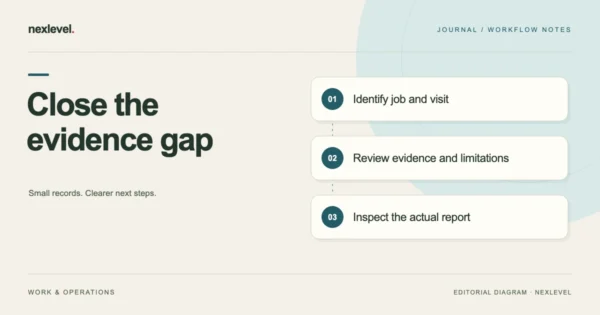
Check a service visit for missing photo context, work records, material sources and unresolved exceptions. Assign each documentation gap before issuing the report.
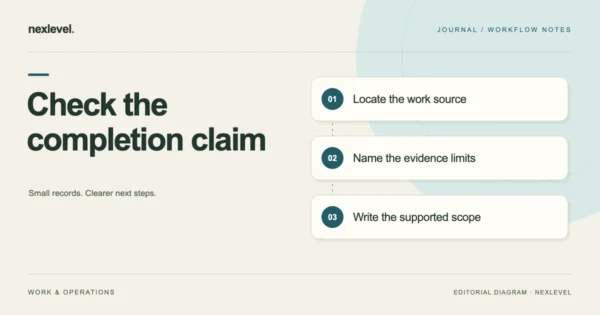
Check service-report statements against work records, photos, materials and exceptions. Correct unsupported scope while retaining report versions and open questions.
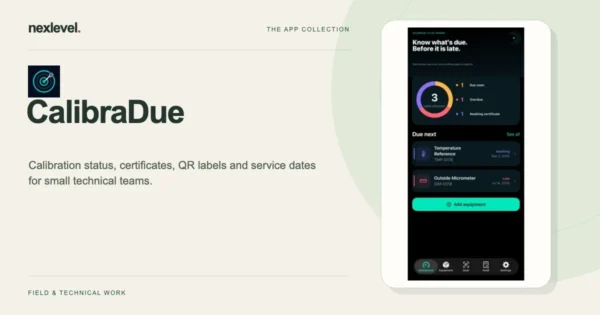
Track equipment calibration dates, certificates, and QR labels in a local register with reminders, CSV export, and optional Pro PDF audit packets.
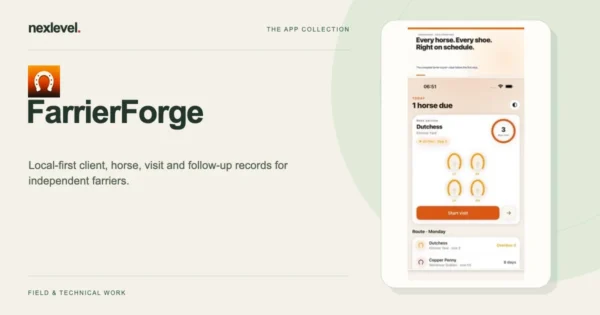
Keep horse and hoof records, plan farrier service cycles, and export CSV offline. Start with five horses and optionally earn an extra local roster slot.