Retain the measurement and the reference behind it
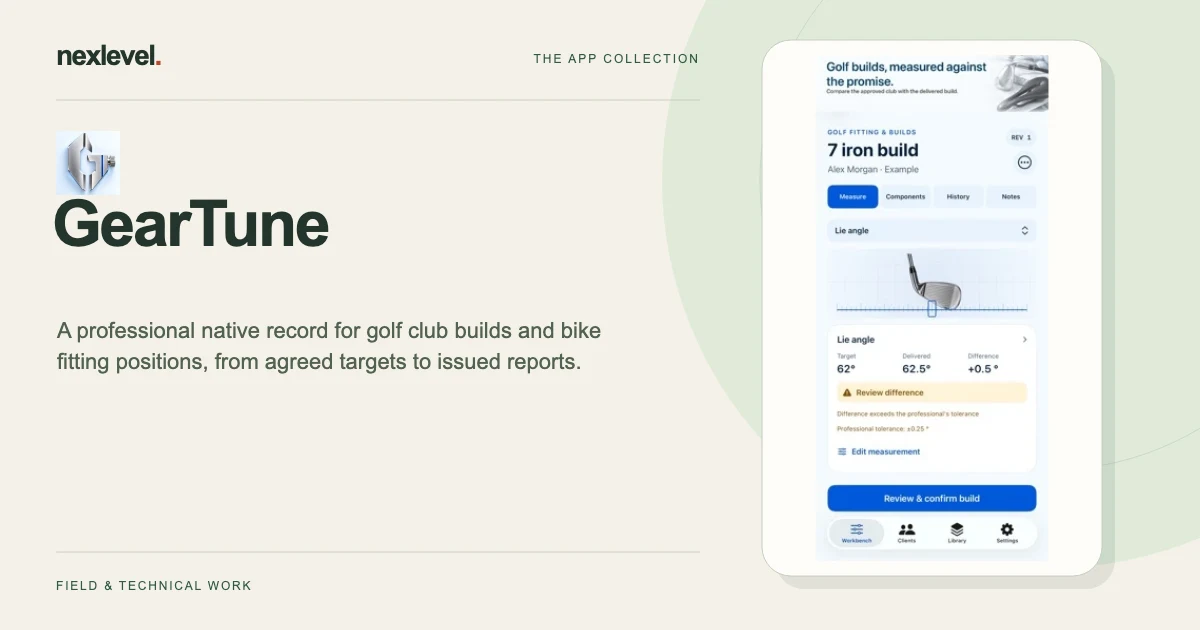
GearTune gives an equipment professional separate Golf and Bike Fit record workspaces. Keep an agreed target distinct from a delivered measurement, and retain units, reference points and revision context so a later comparison is interpretable. The app records your measurements rather than inferring them from a photo.
- Choose the correct equipment workspace and identity.
- Record targets and measured values with units and reference methods.
- Keep confirmed revisions and the selected client report distinct from private notes.
Start with a practical guide: Bike fit measurement record template.
Compare the agreed golf build with delivered values
Record club identity and component details, then retain approved loft, lie, length, and swing-weight targets separately from delivered measurements. Review substitutions and differences using tolerances you enter.
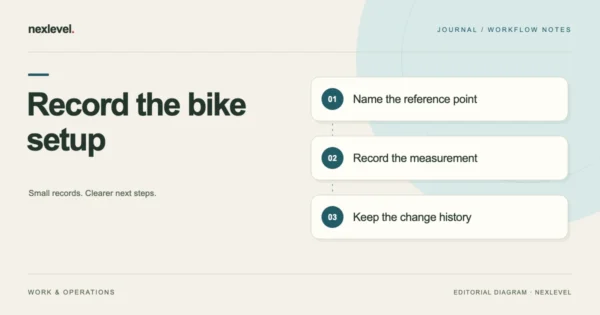
Recall a bike position with its measurement context
Preserve initial, proposed, and final coordinates with reference points, methods, units, and side. Keep adjustment reasons and rider observations distinct from measured values, and issue a before-and-after fit report.
Keep confirmed revisions and private notes separate
Later changes create successor records. Client reports retain confirmed names while private studio notes stay out. Core capture, retrieval, reports, encrypted local records, and password-protected backups work without a separate app account.
Complete free workflows for both sports
Free includes three equipment records per workspace, unlimited revisions, client reports, and backup/restore. One Pro entitlement adds unlimited equipment, templates, full club sets, and studio headings. GearTune does not infer coordinates from photos, diagnose discomfort, or guarantee equipment safety or sporting results.
Choose one extra equipment slot in the workspace you use
In version 1.1, a full Free equipment quota can offer an optional completed video for one permanent additional record slot in that Golf or Bike workspace on this device. The reward is offered only when one slot can enable the next record. An unavailable or incomplete video earns nothing and leaves your current work unchanged.
Keep reports and backups available without videos
Existing equipment, revisions, reports, and encrypted backups remain usable offline. Earned slots do not unlock Pro templates, club sets, or studio headings, do not transfer with portable backups, and are cleared by deleting local app data. No ads appear for Pro users or on Apple Watch. Optional videos need internet, consent, and availability; fitting content is not sent to the ad service. Manage available regional advertising privacy choices in Settings.
Ready to try GearTune?
The App Store listing shows current compatibility, pricing and any optional purchases.