Organize Inspection Photos into a Clear Evidence Report
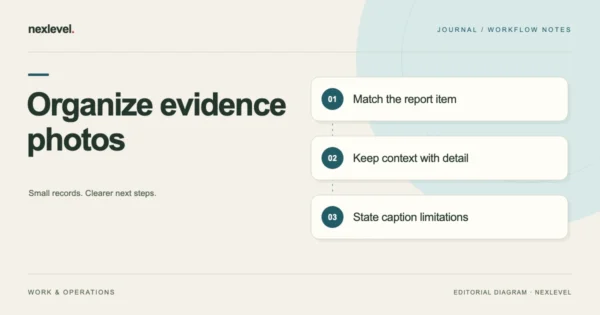
Connect inspection photos to report items with context and detail roles, source references and accurate captions. Check the actual PDF as the recipient will read it.
Oct 16, 2026 · 10 min read
Record inspection checklist results, entered readings, and findings. Preserve a versioned report snapshot and share a traceable PDF from your Apple device.
iPhone · iPad · Watch

Inspecova helps inspectors keep checklist answers, findings and selected evidence connected during a site walk. Use it to record what you observed and what remains unresolved, then review critical items before completing a report. The app does not independently detect defects or certify the property.
Start with a practical guide: Property inspection evidence log, Document inaccessible inspection areas, Separate observations from proposed repairs.
Start from a reusable checklist and record required or optional items, notes, severities, and findings. Pro adds selected evidence photos, readings, recommendations, and additional reporting capabilities.
Monitor, Attention, and Critical states remain explicit. Missing requirements and critical acknowledgments must be reviewed before completion; a warning is not silently treated as resolved.
Completion freezes an immutable snapshot with a report number and traceability details. Share a watermarked PDF in Free; Pro adds unwatermarked PDFs and CSV exports. Local sentence cleanup remains editable and never substitutes new facts.
Free includes one template, two completed reports per month, and five local sentence cleanups per month. When the included reports are used and an inspection passes completion checks, an optional completed video can earn one extra watermarked PDF report credit on this device. An unavailable or unfinished video earns no credit. Earned credits do not expire and are spent only when a report saves; included monthly reports are used first.
A report credit does not unlock Pro, CSV export, or watermark removal. Pro removes the completed-report and sentence-cleanup limits and adds the evidence and export tools described above. Existing drafts and reports remain available offline. Pro users and Apple Watch have no ads. No account is required. Inspecova records your inspection; it does not detect defects, certify compliance, or guarantee safety.
The App Store listing shows current compatibility, pricing and any optional purchases.
Connect inspection photos to report items with context and detail roles, source references and accurate captions. Check the actual PDF as the recipient will read it.

Write inspection follow-up notes with the exact report item, evidence question, source route and next owner. Keep prepared requests distinct from completed work.

Compare an inspection note with advisory sentence cleanup while preserving item IDs, negation and uncertainty. Keep proposals, accepted edits and snapshots distinct.
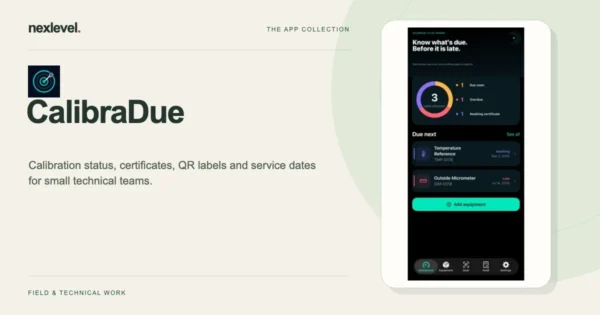
Track equipment calibration dates, certificates, and QR labels in a local register with reminders, CSV export, and optional Pro PDF audit packets.
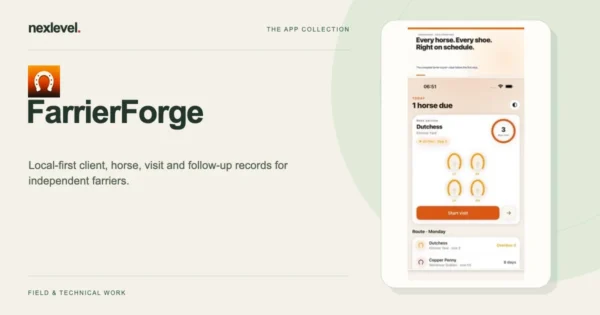
Keep horse and hoof records, plan farrier service cycles, and export CSV offline. Start with five horses and optionally earn an extra local roster slot.