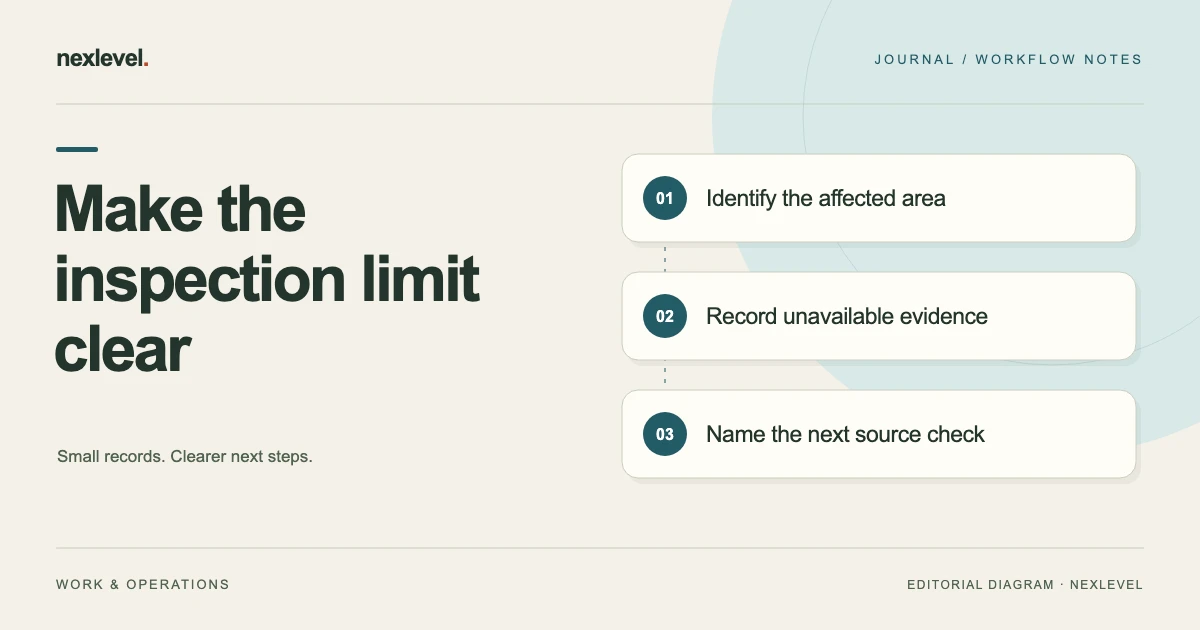
An inspection record needs to show the boundary of what was actually observed. An inaccessible area, missing view, or unavailable source should remain identifiable rather than appearing as a completed check with no finding.
Record the location, reason for the limitation, relevant evidence, and the next responsible action. Keep the description within the scope of the visit and the inspector’s actual process. A report can be clear about limitations without inventing a conclusion about an area that was not inspected.
This guide provides an original worksheet and fictional examples. It does not prescribe an inspection standard, access method, building diagnosis, or legal reporting obligation. Use the property inspection evidence log for the wider visit record.
Identify the area precisely
Use the report’s location scheme to name the relevant room, zone, item, or checklist reference. A note saying “could not access” is difficult to use when several areas are involved.
Keep the location label consistent across notes, selected photos, and follow-up. If a client or colleague uses another label, record the relationship where it matters.
The worksheet should help an authorized reader locate the record. It does not instruct anyone to enter an unsafe or restricted space to complete the form.
State what was unavailable
Describe the inspection limitation in observable terms. An area not entered, a surface outside the view, and a source document not supplied are different limitations.
Record the source of the information. Distinguish what the inspector directly observed from an access explanation supplied by someone else.
A precise limitation helps the recipient understand which conclusion cannot be drawn from this visit. It should not be replaced by a generic completed state merely to produce a final-looking report.
Keep observations separate from assumptions
Describe what the available evidence actually shows. An obstruction visible in one selected image can support a note about that view, while it may not establish every fact about access elsewhere.
Where a reason is uncertain, preserve the uncertainty and the next question. Do not invent a technical explanation or interpret an unseen condition from the absence of evidence.
Use the inspector’s actual professional and organizational process for any decision about scope, severity, recommendations, or follow-up.
Use a limitation worksheet
Useful fields include report and visit reference, location, affected checklist item, observation, source, access or evidence limitation, relevant image reference, scope effect, next action, responsible person, and current state.
Keep an acknowledgment or completed report state separate from resolving the limitation. A person can recognize a warning without making the unavailable evidence appear.
Use the actual tool’s supported workflow for required items and report completion. This worksheet does not provide a way to bypass those requirements.
Work through a fictional room example
Imagine visit V8 with room R4 in the selected scope. A portion of the relevant area is not accessible under the actual visit arrangement. The inspector records the location and the observed limitation.
The report does not label the unseen area as having no issues. It identifies what was observed, what remained outside the view, and the next action under the actual process.
The example does not establish a building condition or a required access technique. It illustrates how an honest scope boundary can remain visible in the record.
Keep selected photos in context
Identify each selected image’s role and the location it concerns. A close detail and a broader view can help explain different aspects of the limitation.
Record what lies outside the frame where that matters. A caption should not make an image prove a condition it cannot show.
If no appropriate image is available, state that limitation through the supported record. Do not substitute an unrelated photo merely to fill an evidence slot.
Record readings only when established
If a relevant reading was not obtained, keep that state distinguishable from a measured zero or a normal result. A blank or unavailable value can have a different meaning from an actual observation.
Use the actual equipment guidance and professional process for measurement questions. This article supplies no technical threshold or procedure.
Preserve the source and context of any entered value. A precise number should not be used to hide uncertainty about the area or event it concerns.
Keep follow-up actionable
Name the specific source or observation needed and the person responsible for the next check. “More inspection” can be too vague to coordinate.
Keep a proposed follow-up distinguishable from one actually completed. A planned return visit does not change the evidence boundary of the earlier report.
Record any changed scope or source information through the actual process. The current recommendation should remain understandable alongside the original limitation.
Handle a later visit as a later event
If a follow-up provides access or another source, identify the new visit and evidence. Preserve the earlier report as the record of what was available at its cutoff.
A later observation should not be used to make it appear that the original inspector saw an area they did not inspect.
Use the tool’s actual version or report workflow to connect the records. Keep the result specific to what the later evidence establishes.
Inspect the actual report output
Open the intended PDF or other supported output. Check the visit identity, location labels, limitations, selected photos, entered values, and relevant follow-up notes.
State what is included versus held elsewhere. A report snapshot does not automatically contain every original source or an unlimited editable workspace.
Share only through the intended arrangement and keep the source records appropriately. Preparing the report is separate from actual delivery.
Test the limitation with a reader
Ask someone to identify what was inspected, what was unavailable, and what the next action concerns. They should be able to answer from the report rather than the inspector’s verbal reconstruction.
For V8, the reader should not interpret an uninspected area as a confirmed normal condition. If they do, improve the state or note wording.
This checks the record’s usability, not compliance with an inspection standard or the technical correctness of every finding.
Walk through the R4 limitation record
For fictional V8, the inspector begins with the actual scope and location reference. The selected item concerns a portion of room R4 that was not available to inspect under the visit arrangement. The source note describes what was observed about that limitation and identifies any relevant view.
The wording stays within the observation. A caption can say that the selected image shows the accessible front area while the area behind it was outside the available view. It should not describe the hidden area as satisfactory, defective, empty, or complete without another appropriate source.
The follow-up row names the question and responsible process. It may concern obtaining an authorized further view or clarifying the report scope. The worksheet supplies no instruction to move obstructions, enter a restricted place, or perform a hazardous access operation.
The inspector then uses the actual tool’s fields and completion requirements. If a required item remains unresolved, the administrative note does not bypass that requirement. A final-looking PDF should not be used to conceal missing work or imply a completed inspection of an unavailable area.
Before sharing the selected output, a reader checks the location, limitation, evidence role, and next action. The report should tell the same story as the working record. If the summary reads as though R4 was fully inspected, revise the description through the actual professional process.
Distinguish a scope boundary from an absent image
A second fictional case concerns an item that was observed during the visit but has no selected photograph in the report. That is a different situation from an item that was not inspected. The source record and applicable process determine what evidence is required; this guide does not create a universal photo requirement.
The inspector records what actually occurred and identifies the limitation in the retained evidence. A missing image should not turn into a claim that the item was inaccessible if that is not what happened. Equally, an available picture should not be used to imply a broader inspection than the actual event.
Check which report statement needs support. A general location photo may help readers find the area without showing the detail behind a particular observation. Preserve the distinction in the caption or reference instead of attaching the same image to every claim indiscriminately.
If further evidence is needed, assign the source question through the actual workflow. Keep the proposed action distinguishable from an action already completed. A planned return or a request for a source does not change what the original visit record establishes.
The resulting summary can be concise: item observed at the stated occasion, evidence limitation recorded, relevant source note retained, and next action assigned where required. It does not need to make a diagnosis or claim compliance merely to explain the record’s boundary.
Handle an unavailable reading
A third fictional record has a relevant reading field, but no measurement was established at the visit. The inspector keeps that state distinct from a measured zero or another numeric result. A number should not be entered simply because the report looks more complete with every field populated.
Identify the actual reason or source limitation according to the professional process. Where the reason is unknown, say that it remains a question. This worksheet does not establish instrument settings, thresholds, access procedures, or the technical meaning of a missing measurement.
If a later event supplies a reading, identify its date, source context, and relationship to the earlier report. Do not backdate the observation or make it appear to have been obtained during V8. The later source can be useful while the earlier report remains accurate about its original limitation.
Inspect any report correction or successor through the supported version workflow. A later file should make its role clear to the intended reader. Several different documents with the same final label can make an honest observation difficult to trace.
Keep technical interpretation with the responsible professional. The administrative record explains whether a value was established and where its source can be found. It does not independently determine what a building condition or measurement means.
Use a filled limitation entry
A fictional entry can read: “Visit V8; room R4; affected item I7. Selected source shows the available front view. Relevant area behind it was outside the recorded inspection access. No conclusion about the unseen condition is established by this entry. Follow-up scope or evidence question remains assigned through the actual process.”
Add the actual source location, preparation cutoff, responsible person, and applicable report state in your own record. Keep a reader’s acknowledgment separate from resolution of the limitation. Recognizing a warning does not make the missing view or source appear.
Ask the recipient to explain the boundary from that entry. They should identify what was observed, what was unavailable, and which next question remains. If they infer a confirmed normal condition, improve the wording or state before the report guides further decisions.
Use recurring ambiguity to improve the next capture template. A clearer location label, a specific evidence-role field, or a better distinction between an observation and its limitation can make the report easier to inspect. Those improvements support documentation without replacing professional standards, training, or judgment.
Use Inspecova for a traceable visit record
Inspecova connects checklist items, notes, selected photos, readings, severity, recommendations, and explicit critical-finding acknowledgment. Its current listing describes immutable completed-report snapshots and PDF or CSV outputs.
Use the actual professional process for scope and technical decisions. Check current capabilities and plan details in the official Inspecova App Store listing, and keep unavailable evidence visible.