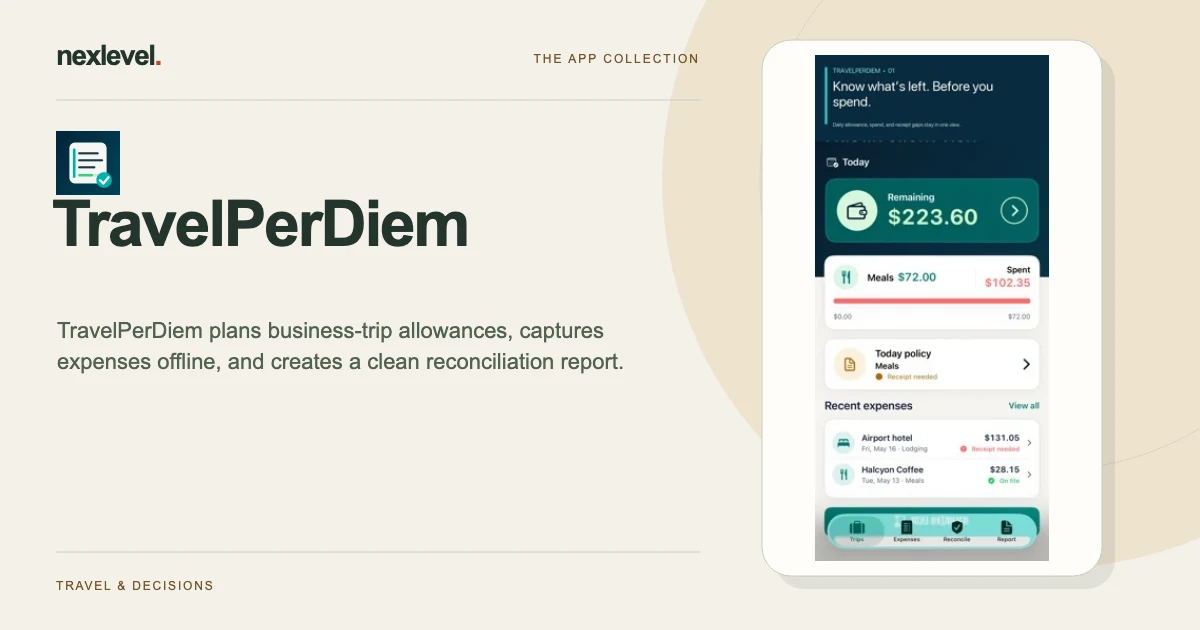
TravelPerDiem works locally on your iPhone or iPad and does not require an account. These answers cover the most common questions.
Restore a purchase
Open the Pro screen in TravelPerDiem and choose Restore Purchases. Use the same Apple ID that made the purchase. A subscription unlocks Pro while active; a Trip Pass remains assigned to the trip selected when it was purchased.
Manage or cancel a subscription
Open Settings on your Apple device, tap your name, then tap Subscriptions. Apple controls renewals, billing, cancellations, and refund requests.
Protect trip data
Trip and expense records are stored on your device. Keep device backups enabled before replacing or erasing your device. Deleting the app can remove local records.
Open the expense breakdown
In version 1.1 or later, go to Report and choose View expense breakdown. It groups employer-visible reimbursable amounts by category and currency. A Free user can choose one video to unlock the breakdown for that trip on the device. Pro and a Trip Pass for the selected trip open it directly. Your original report remains available if a video cannot load. Use Ad Privacy Choices in Report to manage regional preferences.
Report an issue
Email contato@nexlevel.com.br and include “TravelPerDiem” in your subject. Please include your device model, iOS or iPadOS version, the screen where the issue occurred, and what you expected. Do not include complete payment details or confidential employer information.
Privacy
Read the TravelPerDiem Privacy Policy.
Work with entered policy values
Allowance amounts and policy source dates are entered by you or your employer. Review receipt status, personal portions, and reconciliation exceptions before sharing a report. The app does not determine tax treatment or reimbursement entitlement.
A record is missing
Avoid deleting or reinstalling the app while investigating missing trip data. Purchase restoration restores eligible access; it is not a backup of your trip and expense records. Contact support with the app version and steps to reproduce, leaving confidential trip or employer information out of the first message.
Apple billing help
See Apple’s instructions to manage or cancel an App Store subscription or request an App Store refund. Removing the app does not cancel an active subscription.