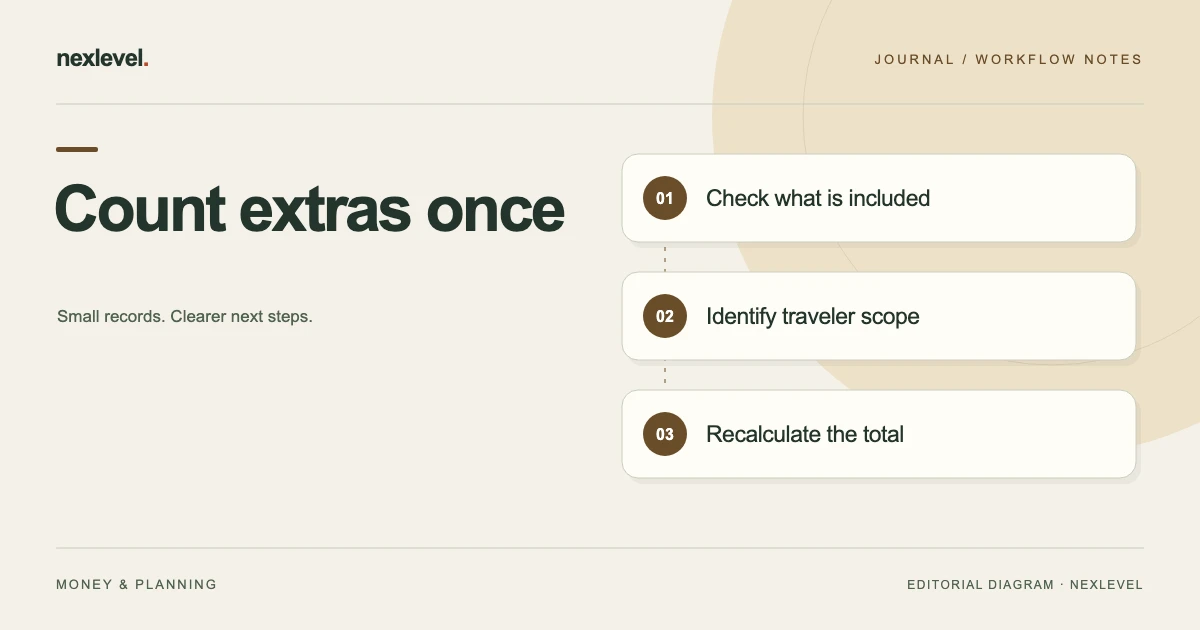
To avoid double counting travel costs, distinguish a fare's included breakdown from an additional charge and record who or what each amount covers. A corrected total should be traceable to the source; removing a duplicate is a record correction, not a new provider discount.
Label every cost's role before adding it to the total
- Choose the exact quote, travelers, journey scope and currency.
- Mark each component as included, additional, estimated or unresolved from its source.
- Apply per-traveler quantities and whole-trip charges on their actual bases.
- Recalculate independently and inspect the chosen decision copy for inclusion and scope labels.
Working fields:
Option/component | Source | Amount/currency | Quantity basis | Included/additional | Estimate/unknown | Total treatment
Useful next steps: Use the complete travel budget structure, Check airport access charge bases, Review one changed cost after a frozen decision.
Choose a consistent comparison boundary
Decide which travelers and journey the comparison covers. A one-way fare and a return-trip transfer total should not be combined without making their different scopes explicit.
Identify the actual entered option and source quote. A search result, retained screenshot, and later checkout view can contain different conditions. Review the source relevant to the decision rather than treating every displayed price as interchangeable.
TripCost Guard’s current listing describes transparent comparisons built from user-entered fares and costs. It does not scrape fares, sell tickets, or guarantee provider prices.
The worksheet should preserve those entered assumptions so a reader can reconstruct the comparison at its selected cutoff.
Separate included items from additional charges
An included item can be relevant to understanding an option without adding another amount to the total. A separate extra adds cost under the actual source conditions.
Do not decide inclusion from an icon or familiar fare name alone. Use the actual quote or provider source. This guide supplies no airline, rail, hotel, or payment-provider policy.
If a source amount is a breakdown of the entered fare, label that relationship. Adding both the fare and every included breakdown line would count the same cost twice.
Use the actual supported inclusion controls in the tool. The independent worksheet explains the intended meaning; it does not invent a particular internal calculation algorithm.
Use a cost-scope worksheet
Suggested fields are option reference, cost name, source amount, currency, traveler or trip scope, quantity basis, included or additional state, estimate flag, source location, and unresolved question.
| Cost role | Review question |
|---|---|
| Included breakdown | Is this already within the entered fare? |
| Per-person extra | Which travelers actually incur it? |
| Whole-trip extra | Should it be added once for this scope? |
| Estimate | Which assumption supports the amount? |
Keep uncertainty in its own field. A missing source should not become a zero merely to complete a comparison.
When the source becomes available, update the actual selected record and inspect the resulting total rather than assuming the worksheet changed the app automatically.
Work through fictional option A
Imagine two travelers comparing a deliberately simplified one-way trip in one fictional currency. Option A has an entered fare of 180 per traveler, so the fare portion is 360.
The fictional source states that the selected seats are included. An informational seat value of 20 per traveler appears in a separate note, but it is not an additional charge in this example.
The option also has an established additional baggage amount of 15 per traveler and a whole-trip transfer amount of 40. Additional baggage is 30, and the transfer is added once.
The total is therefore 360 plus 30 plus 40, or 430. Adding the informational seat amounts again would incorrectly produce 470. These are invented inputs illustrating inclusion, not a statement about any real fare.
Compare fictional option B on the same basis
Option B has an entered fare of 160 per traveler, producing a fare portion of 320. In this fictional source, seats cost an additional 10 per traveler and baggage an additional 20 per traveler.
The whole-trip transfer is 70. Under the stated simplified assumptions, the total is 320 plus 20 plus 40 plus 70, or 450.
Although B’s entered fare is lower, A’s complete fictional total is 20 lower: 450 minus 430 equals 20. That result depends on all stated inputs and does not establish the best real booking choice.
The comparison deliberately excludes other costs and uses the same one-way scope. Do not treat omitted real costs as zero without checking the actual source and trip requirements.
Check per-person and whole-trip scope
A whole-trip charge should not automatically be multiplied by the number of travelers. Conversely, a per-person charge should not automatically be added only once.
In option A, the transfer contributes 40 for the stated whole-trip scope. Multiplying it by two would create a different and unsupported assumption. The baggage amount, by contrast, is explicitly stated per traveler in this fictional example.
Actual quotes may use other quantity bases. Preserve the source definition rather than assuming that every transfer, room, fee, or meal follows the same convention.
For group transfer comparisons, use the separate parking, rail, and transfer worksheet. The current guide focuses on avoiding duplicate inclusion within an entered option.
Keep a breakdown from becoming another option
A quote can display a base amount, component amounts, and a final amount. Before entering all three, establish which is the total and which are its parts.
If a screenshot is unclear, retain the source question. A neat sum assembled from unrelated display lines can be less accurate than an incomplete comparison with a visible limitation.
Similarly, do not combine the base fare from one retained quote with extras from another without establishing that their conditions are compatible. Price observations have their own occasions and scope.
The independent worksheet should identify the selected source for each amount. That helps a later reviewer distinguish a source change from an arithmetic correction.
Preserve estimate and currency context
An estimated meal or local journey cost is an assumption, even when the arithmetic is correct. Label it so the reader can distinguish an entered estimate from a source-established quote.
TripCost Guard’s current listing includes estimated amounts and currency conversion using a recorded exchange rate and source. A selected rate is not a guarantee of the final amount a payment provider will charge.
This fictional exercise uses one currency and no exchange-rate calculation. For real comparisons, preserve the actual currency, entered rate, source, and relevant cutoff without inventing a live rate.
Do not add unlike currencies as though they were already equivalent. A comparison total should explain the conversion basis where one is used.
Keep travel-time value separate from cash cost
The current listing allows an optional value for travel time and rankings by total, duration, or hassle. Those comparison choices should remain distinguishable from cash charges.
A personal time valuation is an entered preference. It is not an extra fare line charged by the provider. Do not add it to a source quote and then describe the result as the amount due at checkout.
Likewise, the fastest or least-hassle option can differ from the lowest entered cash total. Use the actual selected view and explain which question the ranking answers.
This guide does not prescribe a time value or recommend a purchase. It helps keep the meaning of the comparison readable.
Review changed quotes as new source context
If a later source changes an included item into an extra, identify that change explicitly. Do not merely alter the total and leave the earlier note saying it was included.
Conversely, if a source establishes that an entered extra was already included, correct the duplicate through the supported workflow and inspect the resulting comparison.
Keep a current comparison distinct from a previously frozen decision record. The app’s listing describes freezing winning totals and assumptions. A later quote does not silently become the source used for an earlier decision.
This article does not invent a particular automatic quote refresh or version-replacement feature. Use the actual supported recordkeeping controls and retain an appropriate independent explanation.
Test the total with an independent calculation
For option A, calculate 180 multiplied by two, then add 15 multiplied by two and 40. For B, calculate 160 multiplied by two, then add 10 multiplied by two, 20 multiplied by two, and 70.
The results should be 430 and 450 under the stated fictional assumptions. Then separately check the source relationships: which charges are included, which are additional, and which are whole-trip amounts.
Correct arithmetic cannot establish an inclusion rule. The calculation and the source review are two necessary parts of a meaningful comparison.
If they disagree, keep the question visible until the actual input or relationship is established. Do not force the total to match a preferred option by changing unsupported assumptions.
Inspect the decision copy before sharing
Open the intended report or supported export. Check travelers, journey scope, cost roles, estimated amounts, currency basis, and the selected comparison question.
The current listing describes portable PDF or CSV sharing and places PDF decision sharing in Pro. Check actual plan access and the output you prepare. Do not assume every independent worksheet field appears automatically.
A prepared file is a copy of entered assumptions, not a reservation or a provider price guarantee. Sharing it does not book tickets.
Identify the intended source cutoff and any unresolved cost question. A recipient should be able to tell what needs confirmation before using the comparison in their own decision.
Close the review with a source-based explanation
A fictional receipt can state: “Two travelers and one-way scope confirmed for this exercise. A totals 430; B totals 450. Included seats in A were not added again. Per-person and whole-trip amounts kept distinct. No live prices or booking outcome claimed.”
For actual work, replace the invented figures with the entered sources and retain limitations. Ask a reader to identify why an item was excluded from the sum without relying on the original writer’s memory.
If the reader thinks an included breakdown is another charge, improve its label. If they multiply a whole-trip amount again, improve the scope explanation.
The review is useful when its assumptions can be reconstructed. It does not guarantee future availability, provider pricing, or the suitability of a trip.
Explain a corrected duplicate without claiming a new discount
Suppose an earlier fictional option A summary mistakenly added the included seat breakdown and showed 470. After the source relationship is checked, the corrected total is 430. The 40-unit change repairs duplicate counting; it is not a newly obtained provider discount.
That distinction matters when explaining the decision to another traveler. “Corrected our comparison” identifies what happened. “The fare dropped” would falsely describe an external price event.
Keep the actual source quote and the corrected inclusion state readable. If the source itself later changes, review that as a separate event rather than merging it with the arithmetic repair.
The recipient should be able to reconstruct why the seat amount is not added again and why the transfer remains a single whole-trip amount. If they cannot, improve the cost-role labels before using the total. A transparent explanation is more useful than a lower number whose basis disappears as soon as the original writer is unavailable.
Keep the selected traveler count visible in the final copy as well as in the working inputs. A total carried into another conversation without that scope can be misread as a per-person amount, even when the original arithmetic was correct.
Use TripCost Guard for transparent entered comparisons
TripCost Guard organizes fares, extras, inclusion states, traveler scope, estimated costs, durations, and decision assumptions. Its current listing describes a complete initial comparison with expanded trips, options, templates, and PDF sharing under Pro.
Check the official TripCost Guard App Store listing for current features and plan details. Keep every cost connected to its source and role so the final total explains the trip you actually entered.