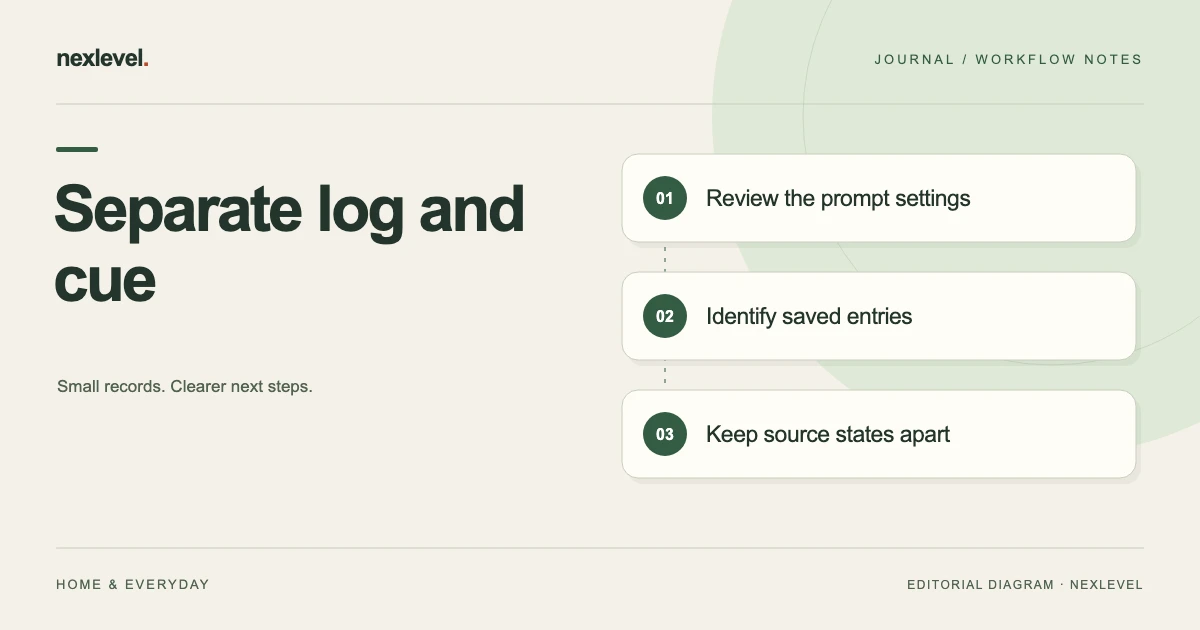
A reminder is a planned prompt, notification permission is a device setting, and a saved drink entry records a logging action. Check the relevant source for each question before adding or correcting a pour. Counts or amounts from these different roles should not be combined into one drinking total.
Find which record answers your question
- Choose the exact question and selected day or history period.
- Inspect schedule, actual permission state and saved entries as separate sources.
- Match screenshots and current history to entry identity before counting similar amounts twice.
- Correct the supported source or summary error and keep any unresolved relationship explicit.
Working fields:
Question | Selected period | Schedule source | Permission source | Saved entry/amount/unit | Copy context | Result
Useful next steps: Check schedule retention when permission is off, Reconstruct a total from its saved-entry period.
Start with the exact question
“Did I save the intended entry?” is different from “Was a reminder enabled?” The first concerns the log. The second concerns notification configuration.
Choose the question before changing settings or adding entries. Otherwise, an attempt to fix a reminder can accidentally create a duplicate-looking drink record.
Use the actual selected day or history period. A current Today view and a retained earlier screenshot can cover different source states.
QuenchPop’s current listing describes a personal logging and reminder tool. It does not establish that a saved amount independently measures what someone consumed.
Separate the three record roles
A chosen reminder time is a scheduled prompt. Notification permission is a device setting affecting delivery. A saved pour is an entry made through the supported logging workflow.
| Role | Question it answers |
|---|---|
| Schedule | Which prompt times were selected? |
| Permission | What delivery state does the actual device show? |
| Log | Which actions were saved in the selected period? |
| Retained copy | Which earlier source state does this represent? |
These are proposed worksheet labels. They are not a claim that the app includes a formal event-reconciliation screen.
A useful review keeps the meanings separate even when the displayed numbers happen to match.
Use a small discrepancy worksheet
Suggested fields are selected day, source view, reminder time, actual permission state, saved-entry reference, entered amount, source question, next check, and review result.
The reference can be an independent worksheet label rather than an app-native event ID. Use enough context to identify the actual entry without inventing a dedicated identifier feature.
Keep uncertainty explicit. “Retained screenshot not yet matched to current history” is more useful than assuming another drink event must have occurred.
The worksheet should explain the selected question, not become a second drink log with duplicate completed-looking entries.
Work through a fictional reminder question
Imagine a fictional user reviewing day D4. Their chosen reminder time remains in the schedule, but the actual device shows notification permission off.
QuenchPop’s current listing says the schedule stays saved when permission is off and provides a route to iOS Settings when permission is denied. A retained schedule therefore does not by itself establish that a notification was delivered.
The administrative result is a configuration distinction: schedule retained, delivery permission state identified. It is not evidence that the user did or did not drink at that time.
If the user chooses to change permission, inspect the actual resulting setting and source state. This exercise does not require enabling notifications or prescribe a reminder interval.
Review saved amounts independently
For a separate fictional arithmetic example, suppose the selected log contains entered amounts of 200 ml and 150 ml. Their sum is 350 ml.
That sum describes those two recorded entries under the stated example. It does not establish a recommended target, a health outcome, or unrecorded real-world intake.
If an independent summary shows a different total, compare the selected period and entry identity before adding another event. A mismatched view can be a scope question rather than a missing saved action.
The calculation and the source relationship need separate checks. Correct addition cannot tell you whether the same source entry was represented twice.
Distinguish a quick-log setting from an entry
The current app description includes a main quick-log amount and custom pours. A setting defines what a chosen logging action will use; it is not itself a saved drink event.
Review the actual configured amount before interpreting an action. Do not assume that a label retained in an old screenshot describes the current setting.
If a setting changes, keep that event separate from earlier saved entries. This guide does not claim that changing a quick-log amount retroactively changes history.
For the fictional 200 ml and 150 ml entries, the reviewer should identify the actual source values rather than reconstruct them from whichever quick-log setting happens to be visible now.
Keep visual feedback in its role
QuenchPop’s listing describes a responding glass animation after saved actions, along with a reduced-motion treatment. That presentation can make the logging action clear.
A visual response is not an independent physical measurement or a health assessment. The review should still identify the actual saved record and selected period when the question concerns history.
Do not compare an animation screenshot with a history total as though they necessarily represent the same source moment. Identify when each copy was prepared and what it displays.
The aim is to understand the entered record, not to infer a physiological result from an interface effect.
Check the selected history period
The current listing distinguishes seven-day history in Free from thirty-day history in Pro. A missing visible row can reflect the selected view or available scope rather than a lost event.
Identify the actual period before comparing counts. “Not shown in this selected source” is a different statement from “not saved anywhere.”
Do not promise indefinite complete history from a description that gives bounded periods. Check the current product and actual output relevant to the task.
If the source does not establish an answer, preserve that limitation. Re-entering an old event just to make two views agree can make the record less accurate.
Review Watch and device context carefully
The listing supports logging from iPhone, iPad, and Apple Watch. Inspect the actual source and supported resulting record when reviewing an entry.
Do not infer a cloud household synchronization service or a particular queue delay from the fact that several Apple devices are listed. Use the current actual workflow.
A companion glance and a retained export may represent different source states. Keep that distinction readable in the independent worksheet.
If a relevant device record is unavailable, identify the next source check rather than creating another completed-looking action to force agreement.
Keep targets and streaks separate from event identity
The app’s current description includes a personal target, visual trend, and streak. Those organize entered activity according to the tool’s supported behavior.
A target is a selected preference, not a medical prescription. A streak display should not be treated as evidence about unrecorded actions or a person’s health.
When reviewing a source discrepancy, begin with the saved entries and period. Do not change the underlying record merely to restore a preferred visual streak.
This guide supplies no target amount or rule for how much anyone should drink. Health-related questions belong with appropriate qualified guidance rather than a logging worksheet.
Review a routine change as a separate task
A changed daily routine can make an old reminder arrangement less useful. That planning question is different from reconciling what was recorded on a particular day.
Use the separate routine-change review guide for that task. Preserve the difference between selecting future prompts and interpreting prior entries.
A reminder edit should not silently rewrite the meaning of earlier history. Keep the actual supported setting change and the selected log period identifiable.
If an independent review note combines both tasks, label its sections so a future reader can distinguish configuration decisions from source checks.
Inspect an actual portable copy
QuenchPop’s current listing places CSV export in Pro. Check current feature access and open the actual intended output before relying on it.
Confirm the selected period, recorded amounts, and relevant source context. Do not assume every reminder setting or independent worksheet question appears automatically in a log export.
A static file is a copy prepared at an occasion. It is not automatically a continuously current view of the working app.
Keep the copy private according to the actual purpose. A personal administrative review does not require distributing unrelated history.
Run a source reconstruction test
Ask the intended reader to explain fictional D4. They should identify the saved schedule, the actual permission state, and the two recorded amounts without treating them as the same event.
They should also be able to explain why 200 plus 150 equals 350 while recognizing the limit of that figure: it is the total of the selected fictional records.
If they infer intake from a reminder alone, improve the role labels. If they infer notification delivery from a saved schedule, improve the permission explanation.
A useful review receipt identifies the actual selected sources, established result, and open question. It does not claim a health outcome or certainty about activity outside the record.
Compare schedule counts with log counts carefully
Imagine the fictional D4 worksheet shows three selected reminder times and two saved entries. Those counts describe different sets. Subtracting two from three does not establish a missed drink, because a reminder is not a required physical event and the log does not independently measure all real-world activity.
The first check is whether the worksheet accurately represents the actual schedule and selected history period. The second is whether the two saved entries are the intended source records. Keep those administrative questions separate from any inference about behavior.
If the worksheet contains the same 200 ml entry copied from both a screenshot and a history view, the reviewer should not add it twice. Under that fictional duplicate-representation branch, the two sources point to one event. If the actual sources establish two separate saved entries, retain that distinction instead. Matching amounts alone cannot choose between those branches.
For a supported record correction, inspect the actual available workflow rather than assuming a particular Undo or merge control. The current listing establishes logging features, but this guide does not invent a dedicated reconciliation function.
The review note can finish with a bounded statement: “Selected schedule and permission state identified; source entries matched to their representations; 350 ml is the sum of the two stated fictional entries; no intake target or health conclusion inferred.” Replace the example with actual source-backed findings in real use.
At the next review, begin with any unresolved identity question rather than adding another event to make a displayed total look familiar. A clear log can honestly retain a limitation. The practical improvement is that the reader can tell which figures describe configuration, saved records, or a static copy, without translating the difference into medical advice or an unsupported judgment about what someone should have done.
A complete independent row for D4 can retain three separate observations: the selected schedule contains three prompt times; the actual permission source shows its current state; and the selected log contains the two stated entries. Do not turn that row into a required relationship between the counts. The reader can verify each source separately and leave an unavailable source explicit. This makes the worksheet usable even when a screenshot is old or a device setting changed later, without claiming that the record measures all real-world drinking.
Use QuenchPop for a clear personal log
QuenchPop connects entered pours, configurable local reminders, a visual log, and device-specific quick access. Its current Pro description expands reminder patterns, history scope, visual treatments, and CSV export.
Check the official QuenchPop App Store listing for current capabilities and plan details. Keep prompts, settings, and saved actions distinct so the record explains what the user actually entered.