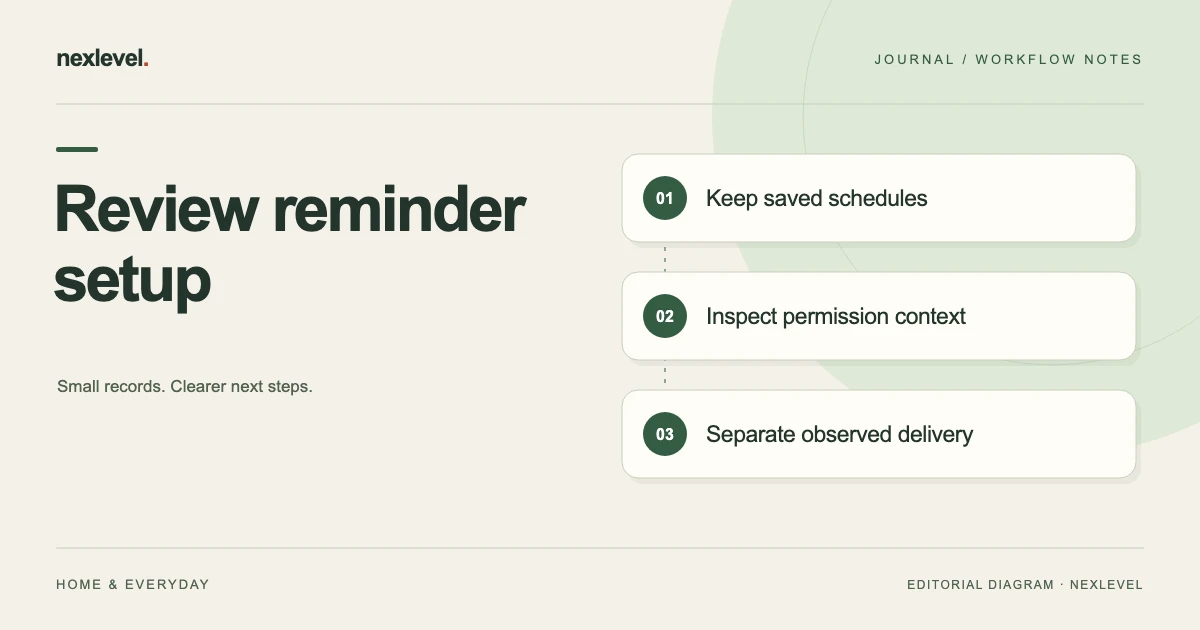
QuenchPop's official listing says your reminder schedule stays saved when notification permission is off. Saved times therefore establish configuration, while permission and any observed alert answer separate questions. You can review that distinction without adding drink entries or changing your choice about notifications.
Check the saved schedule and device permission separately
- Locate the selected saved schedule using the supported reminder controls.
- Inspect the actual notification permission through the app's supported Settings route.
- Distinguish permission and presentation settings from any alert you actually observed.
- Record the checked device context and cutoff; leave an unperformed delivery test unclaimed.
Working fields:
Schedule | Saved configuration | Device/permission | Presentation context | Observation if any | Cutoff | Next check
Useful next steps: Build a chosen reminder schedule, Review the schedule after a routine change, Keep prompts separate from saved pours.
Define the selected setup task
A saved reminder plan, app permission, alert presentation, and log entry have different roles. State which relationship the setup is intended to establish.
Write the selected schedule scope, source occasion, actual permission context, intended local review, and precise question. A check for one app should not appear to verify every device notification.
Use fictional records for the exercise. There is no need to change real health routines or enter actual drinks merely to test the worksheet.
Start from the advertised app boundary
The verified current QuenchPop description includes saved local reminder times, the next scheduled prompt, a saved schedule even when notification permission is off, and a route to iOS Settings when permission is denied.
It also includes core logging, visual history, and plan-dependent reminder/history/export tools. The app is a personal reminder/organization tool rather than medical advice.
Check actual access. Free has a bounded reminder-time allowance, while Pro expands patterns and other advertised features. A purchase should not be described as overriding device permission.
Set up a fictional permission-off example
Imagine schedule S12, selected reminder references R1/R2, permission-state note P3, and setup receipt C8. The fictional permission context is off.
The selected question is whether S12 remains identifiable and what P3 establishes. No actual clock times, device settings change, reminder delivery, saved drink, or health state is supplied.
The exercise evaluates administrative source roles, not a real notification experiment or recommended daily routine.
Use a schedule-and-permission worksheet
| Source role | Question to establish | What not to infer |
|---|---|---|
| S12 | The selected saved schedule | Permission or delivery solely from saved times |
| R1/R2 | The configured local prompts | Additional drink entries |
| P3 | The actual selected permission context | Every alert-presentation setting |
| Observed event | What actually appeared, if tested | A guarantee of every future reminder |
| C8 | The selected setup receipt/cutoff | The device’s permanent current state |
These are independent setup prompts, not a native diagnostics module or a promise of universal notification delivery.
Save the chosen local schedule
Use the actual supported reminder workflow and inspect which selected times are saved. This guide supplies no time or frequency to adopt.
The current app explicitly describes retaining that schedule when permission is off. A saved setting can therefore remain useful configuration without establishing that a notification can be presented.
If the selected source is unclear, retain the precise question rather than add a drink entry or repeatedly recreate the whole schedule.
Inspect permission through the actual supported route
QuenchPop currently advertises a clear route back to iOS Settings when permission is denied. Use the supported route if reviewing that actual device arrangement.
Apple’s notification-settings guide explains app-specific controls in Settings under Notifications, including Allow Notifications and alert presentation. Follow the guide for the device/version being used.
This article does not change the reader’s settings. The fictional worksheet can record a permission-off context without enabling notifications or modifying a real routine.
Separate permission from presentation and timing
Apple also documents app alert choices, notification summaries, and Focus-related delivery behavior. Permission is one part of the arrangement, not a promise that a particular banner appeared at a particular moment.
That platform guidance is separate from QuenchPop’s saved schedule. The selected check should identify what source actually establishes each role.
Do not invent a notification failure or success from a missing banner alone. Preserve the exact device/source question and observed event if a supported test is actually performed.
Keep logging independent from reminder conclusions
A saved pour is an entered log event. A configured reminder or permission setting should not count as another drink.
Use the reminder-versus-entry guide for that narrower task. Preserve its actual result or precise limitation.
The setup guide provides no target or conclusion about physical consumption. A readable local schedule does not measure hydration or establish a health result.
Keep actual observations bounded
If a supported local test is performed, record the selected schedule, actual permission context, presentation arrangement inspected, observed event, and cutoff.
A test not performed should not be described as successful merely because the setting exists. One observed notification should not guarantee every future prompt.
The fictional S12/P3 exercise requires no actual device action. It demonstrates the relationship structure a truthful setup receipt would need.
Preserve later permission changes visibly later
A later device-permission change or schedule edit can have its own source occasion. It should not make C8 appear to have described that later state from the start.
A correction to an explanatory note is different from changing the schedule, enabling permission, or recording another drink. Keep those purposes distinguishable.
For current routine review, use the routine-change review guide. A historical setup receipt is not the current schedule itself.
Inspect any selected portable representation
QuenchPop Pro currently advertises CSV export and a longer history window. Check actual access and inspect the selected output rather than assuming it contains every reminder/permission field.
A companion setup note may be needed where the actual CSV concerns saved entries rather than device configuration. A log table and a settings receipt can have different purposes.
The public description does not establish arbitrary CSV import or universal restoration of device permission/settings. Keep the setup task within actual supported capabilities.
Run a second-reader setup test
Give a reader the fictional C8 and worksheet. Ask what is saved, what permission is established, what was actually observed, and what remains uncertain.
They should not infer delivery solely from R1/R2 or count those references as drinks. They should also distinguish the selected cutoff from a later device state.
If the working source is accurate but a summary overstates it, repair the summary. If the source itself remains uncertain, retain the exact question rather than fabricate a test event.
Write a bounded setup receipt
Name the selected schedule, permission context, sources inspected, actual observations if any, cutoff, and precise next question. Avoid a generic notifications-fixed label that hides what was checked.
Keep device/source roles and cutoff inside the receipt as well as in filenames. A copied screenshot should not become an unexplained permanent permission claim.
The receipt documents local administrative setup without a reminder-delivery guarantee or medical outcome conclusion.
Connect setup to retention and tool selection
For a historical record, use the drink-entry/reminder archive guide. Its contents/cutoff task differs from reviewing permission.
For method selection, use the reminder-system comparison. Choosing a tool and inspecting one device arrangement have different requirements.
The fictional references remain teaching inputs. Reuse the source-role worksheet with actual authorized records while preserving device control, saved-history, and health boundaries.
Complete a schedule-versus-permission state sheet
The fictional C8 note can keep saved configuration, device permission, actual observation, log history, and cutoff on separate lines. This is an independent worksheet rather than a native diagnostics specification.
| Selected source state | What can be recorded | What should remain separate |
|---|---|---|
| Schedule saved; permission off | The selected saved configuration and permission context | A claim of notification delivery |
| Schedule saved; permission reviewed | The actual controls inspected | An unperformed delivery test |
| One event observed | The bounded observation and occasion | A guarantee of every future reminder |
| Permission changes later | The later source occasion | The earlier receipt’s historical context |
| A drink entry exists | The actual saved-log role | Reminder configuration or physical measurement |
The sheet supplies no reminder times, intake amounts, daily goals, or health conclusions. It can be completed with placeholders and no device action.
Work through a permission-off setup branch
In one fictional branch, S12 remains saved while P3 records permission off. The supported result is that the selected configuration and permission roles are distinguishable. It is not a failed log entry or another drink event.
In another branch, an actual supported settings review has been performed, but no notification observation was made. Record what was inspected and leave delivery unclaimed rather than write notifications fixed.
A third branch has a bounded observed event. Preserve that actual occasion without guaranteeing every future prompt or inferring physical consumption.
A fourth branch concerns a later permission change. Keep its own source occasion rather than make C8 appear to have described the later state originally.
Prepare a truthful setup receipt
Give another reader only the fictional C8 and worksheet. Ask what is saved, what permission context is established, what was actually observed, and what precise question remains.
The reader should not infer delivery from configured times or count R1/R2 as drinks. They should also distinguish the selected device/source cutoff from a later current state.
Record the actual supported app/settings route inspected, selected configuration, permission context, observed event if any, copy correction if any, and precise next question. Do not describe an unperformed change as successful merely because a setting or Pro feature is available.
Keep schedule identity, source roles, actual observations, and cutoff inside the receipt as well as in filenames. A copied screenshot can lose its original folder context.
A useful result can remain conditional on a specific source or device check. It does not need a guarantee of reminder delivery, a drinking target, or a health outcome to support the bounded setup task.
The fictional references remain teaching inputs. Reuse the state sheet with actual authorized records while preserving device control, saved-history, physical-consumption, and medical boundaries.
Finish with an observed-versus-configured check
For a final practical check, give the reader only the fictional C8 and setup worksheet. Ask which schedule is saved, what permission context was inspected, what was actually observed, and which source question remains. They should not infer notification delivery from a configured time or count R1/R2 as saved drinks.
If a real supported settings review was conducted, name the selected app/device context and actual cutoff. A later permission change can be current information without rewriting the earlier receipt. Keep saved configuration, reviewed controls, presentation context, and observed event as distinguishable roles.
The actual user’s choice to leave permission off can coexist with a saved schedule under the advertised app behavior. A setup note should not claim a Pro purchase overrides device controls or that creating more reminder rows establishes delivery.
Record the supported route inspected, selected configuration, permission context, observation if any, copy correction if any, and precise next question. A test not performed should remain unclaimed. One event observed should not become a guarantee about every future prompt.
A useful setup result can make a bounded next check specific without a health target, drinking recommendation, or medical outcome. Keep the evidence limit inside the receipt so another reader can understand it without reconstructing the original conversation. The fictional records remain teaching inputs and should not be imported as genuine log or device events.
Use QuenchPop for clear local reminder context
QuenchPop connects saved reminder choices, a route to permission settings, local log entries, visual history, and plan-dependent outputs without requiring a NexLevel account.
Check the official QuenchPop App Store listing for current capabilities. Keep saved schedules, permission, presentation, observed delivery, and recorded drinks in their appropriate roles.