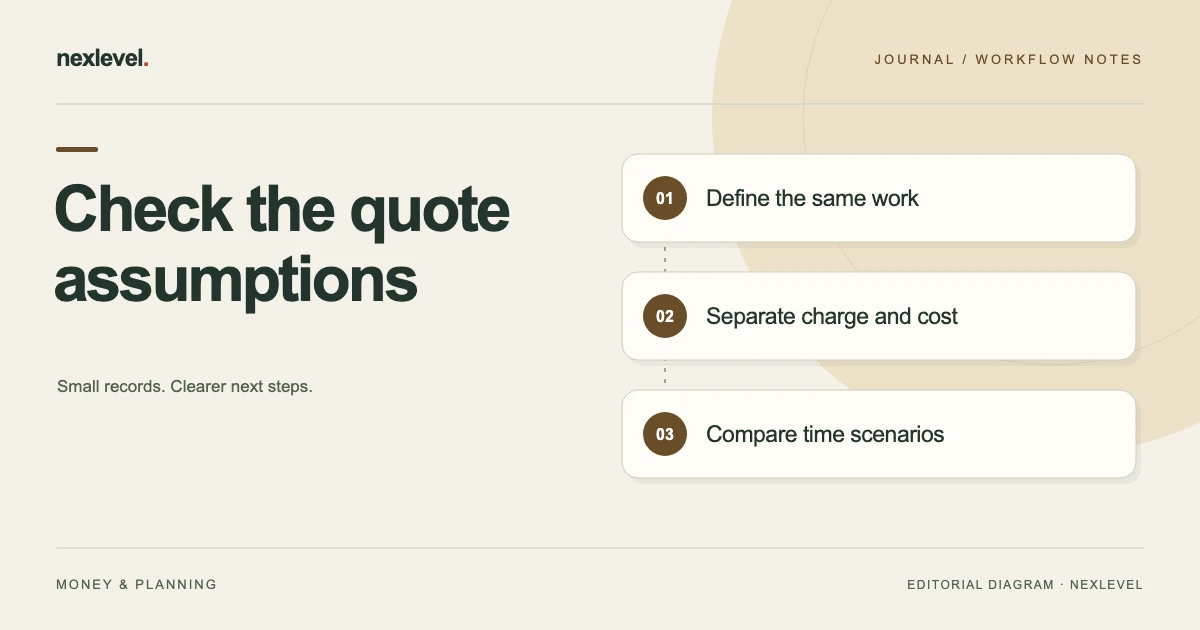
To compare a fixed-price quote with an hourly quote, hold scope, direct costs and owner-time valuation constant while stating each revenue assumption. Then vary actual hours and billable hours separately. The comparison explains exposure to changed inputs; it does not choose contract terms or a selling rate for you.
Compare assumptions before comparing quote totals
- Write the same deliverable, exclusions and direct-cost basis for both quote scenarios.
- Keep the customer-facing hourly rate separate from the internal value assigned to owner time.
- Calculate modeled revenue and included costs at the estimated duration, stating the percentage denominator.
- Test longer durations, then test a different billable-hours assumption without changing hidden inputs.
- Preserve the comparison edition and unresolved terms; record actual acceptance and payment through their separate processes.
Working fields:
Scope/edition | Fixed amount | Proposed hourly rate | Worked hours | Assumed billable hours | Direct costs | Internal labor value | Modeled result/denominator | Open terms
Useful next steps: Build the underlying service-job cost record, Record a quote revision without overwriting actuals, Keep percentage and hourly measures distinct.
Define the same work on both sides
Record the intended deliverable, scope, estimated time, direct costs, and assumptions that matter to the job. If the two options cover different work, identify that difference before treating their totals as competing prices for the same output.
Keep unresolved scope questions visible. A fixed amount for a narrowly defined task and an hourly arrangement for an open-ended task may answer different needs. Do not erase that distinction merely to produce a simple comparison table.
Use the actual customer and business process to establish terms. The worksheet records the assumptions being compared; it does not determine what work someone is entitled to charge or what a contract legally requires.
Keep the charge rate separate from labor value
An hourly amount proposed to the customer and an internal value assigned to owner time serve different roles. Record them in separate fields with clear labels. Using the same word “rate” for both can obscure the calculation.
In the fictional example, the customer-facing hourly assumption is 60 currency units, while the entered internal labor value is 30 per hour. Neither figure is a recommendation or a statement about a real profession.
Keep the source or decision behind each input in your own records. If an entered value changes, identify the new comparison edition instead of silently changing the basis of an earlier quote.
Record direct costs on a consistent basis
List the direct-cost categories included in the comparison, such as materials, travel, or subcontracted work where relevant. Identify estimates and source figures. Keep the same boundary on both sides unless you deliberately model a difference.
The worked example uses an invented direct-cost subtotal of 180. It does not include every possible business category. Taxes, fees, adjustments, and other terms are outside its limited calculation unless explicitly added.
Check for duplicated entries. A subcontractor amount or travel cost already included in another line should not reappear under a generic allowance without an explanation of what the second amount represents.
Write the revenue assumptions explicitly
For the fixed-price view, record the proposed amount and the work boundary it concerns. For the hourly view, record the assumed billable hours and proposed rate. Keep those assumptions distinct from payments received or an issued invoice.
If the hourly arrangement includes a cap, minimum, excluded time, or another condition, the calculation needs that actual information. Do not assume every recorded labor hour becomes billable revenue.
Where terms are unresolved, label the model provisional. It can still help identify questions, but its displayed result should not be presented as a confirmed outcome for the job.
Use a comparison worksheet with visible formulas
Useful fields are: job and scope reference; estimate edition; expected labor hours; internal labor value per hour; direct-cost subtotal; proposed fixed amount; assumed billable hours; proposed hourly rate; excluded categories; and open terms.
Add result fields for modeled revenue, entered labor value, total included costs, difference between revenue and those costs, and the percentage basis used. Label the result as a management estimate under the stated boundary.
Keep a separate decision field for which option is being considered or selected. A calculated difference is not evidence that the customer accepted a quote or that payment has occurred.
Work through an eight-hour fictional estimate
Imagine a service job estimated at eight labor hours, with 180 direct costs and an internal labor value of 30 per hour. The entered labor value is 240, making the limited cost subtotal 420.
The fixed-price view uses a proposed amount of 600. The modeled difference is 180: 600 minus 420. Relative to the modeled revenue, that difference is 30 percent.
The hourly view assumes all eight example hours are billable at 60, producing 480 modeled revenue. Subtracting the same 420 cost subtotal leaves 60, or 12.5 percent of that modeled revenue. These results depend entirely on the invented inputs and exclusions.
Test a ten-hour actual-time variation
Suppose the same scope instead takes ten hours, with the example direct costs unchanged. The entered labor value becomes 300, so the included cost subtotal is 480.
With the fictional fixed amount still 600, the modeled difference is 120, or 20 percent of revenue. If the hourly view assumes ten billable hours at 60, modeled revenue is also 600 and the same limited difference is 120.
This equality is a feature of these particular invented numbers. It does not show that the two arrangements are generally equivalent. Actual billability, scope, terms, and cost changes need their own recorded basis.
Test another variation without changing hidden inputs
At twelve labor hours and the same internal value, labor becomes 360. With the unchanged 180 direct costs, the limited cost subtotal is 540. Keep the unchanged assumptions visible so the comparison can be reconstructed.
The fixed-price example then leaves 60 from the proposed 600, or 10 percent. The hourly example, assuming twelve billable hours at 60, models 720 revenue and leaves 180, or 25 percent.
Do not present that variation as proof that hourly work is always preferable. It only shows how the modeled time and revenue assumptions interact under the selected example boundary.
Keep estimated and actual hours distinct
Record the original estimate and the later time observations separately. If time was measured, estimated afterward, or allocated across jobs, identify that basis. A precise decimal does not make an uncertain observation more reliable.
When a timer is part of the workflow, check which job it records and what the session represents. Do not assume a running timer establishes billable time or completes the business’s wider recordkeeping requirements.
Preserve the original forecast so the comparison explains what changed. Replacing eight estimated hours with ten actual hours in the same field can hide the estimating difference you intended to learn from.
Separate scope changes from time differences
If the customer requests more work, record the request and its relationship to the original scope. A longer job can reflect an estimating issue, a changed requirement, or another cause that needs evidence.
Do not classify every extra hour as the same kind of overrun. Keep the relevant source and decision close to the job record so a later reviewer can understand what the time actually represents.
Use the appropriate process to discuss and record any revised arrangement. The management worksheet should not turn a new request into an accepted charge or retrospectively change the earlier quote without a clear record.
Keep payment events outside the revenue assumption
A deposit or partial payment is a separate event from the proposed quote amount used in a scenario. Record what the payment source establishes without using it to replace the model’s scope and price assumptions.
If payment or adjustment information changes the business record, update it through the actual process and preserve the relevant reference. Do not assume that a management-estimate screen replaces invoicing, accounting, or banking records.
When comparing options, label whether revenue is proposed, agreed under your record, or observed through another source. That prevents an optimistic scenario from appearing to be money already received.
Check the percentage denominator
A difference divided by modeled revenue is not the same percentage as a difference divided by cost. State the formula used in your worksheet rather than leaving a bare percentage beside a currency total.
For the eight-hour fixed example, 180 divided by 600 gives 30 percent. Dividing 180 by 420 would describe a different relationship. The numbers can both be calculated, but they should not share an unexplained label.
Check the actual tool’s definitions before comparing its output with another sheet. Use matching categories and denominators, and keep the relevant exclusions visible.
Freeze a useful reference for the decision
Preserve the estimate edition, scope, values, and unresolved terms used when the option was considered. A later input change should create an understandable successor or comparison rather than rewriting the basis of an earlier decision.
Keep a readable summary with a route to the source rows. It should identify the option, time assumption, included cost boundary, modeled result, and remaining conditions.
Record actual customer acceptance or execution separately through the business’s normal process. A saved estimate snapshot is a record of the model, not a signature or proof that every proposed term has been agreed.
Review the completed job for a specific lesson
Compare actual time and costs with the selected estimate on the same boundary. Identify whether the main difference concerned scope, duration, a rate, a direct cost, or an assumption about billable work.
Choose a concrete improvement for the next model, such as recording a missing preparation task or using a clearer direct-cost source. Avoid deriving a universal pricing rule from one fictional or real job.
Keep the decision history useful. The goal is an estimate someone can reconstruct and improve, not a revised worksheet that makes the earlier result appear inevitable.
Model a different billable-hours assumption
Recorded labor and assumed billable labor need not be identical in a scenario. Keep both values visible and use the actual proposed arrangement to establish the model. A timer can record work without deciding what a customer will be charged.
In a fictional variation, twelve hours of labor create the same 540 cost subtotal, but the revenue model includes only eight billable hours at 60. Revenue is then 480, leaving a negative difference of 60 across the stated categories. That differs from the earlier 720 model because its billable-hours assumption differs.
This is not a conclusion about anyone’s payment rights. It demonstrates why a record should identify which hours a revenue scenario includes. Keep unresolved terms as questions for the responsible business process rather than filling the gap with whichever assumption produces the preferred result.
Test a changed direct-cost assumption separately
A time variation is only one possible change. If the direct-cost estimate changes, create a clearly labeled scenario instead of silently updating the original comparison and losing the reason its result moved.
With eight labor hours valued at 240 and a fictional direct-cost subtotal of 220, included costs become 460. The 600 fixed view then leaves 140, while the eight-hour 480 hourly view leaves 20. These are different results from the original 180 direct-cost assumption.
Keep the source of the new amount and its scope. An added material line may describe new work, a revised price, or a correction. The worksheet should preserve that explanation rather than presenting the changed result as evidence that one quoting method is inherently better. Use the same stated boundary when comparing scenarios.
Use JobMargin Pocket as a management record
JobMargin Pocket records job revenue assumptions, direct costs, labor value, and estimated results. Its current listing describes Pro labor timers, frozen estimate snapshots, and reports for comparing estimates with actual work.
It provides management estimates and is not invoicing, payroll, banking, or professional financial-advice software. Check current features and plan details in the official JobMargin Pocket App Store listing, and keep the model’s assumptions explicit.