Job Margin vs Hourly Return: Check the Calculation Basis
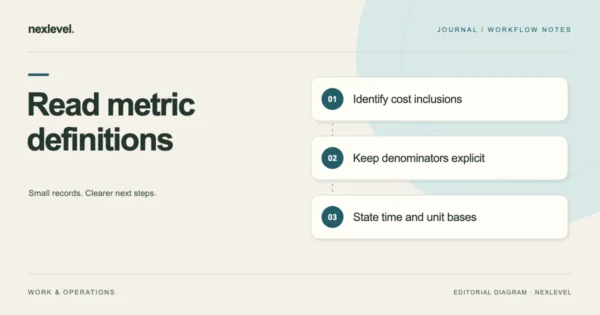
Distinguish revenue margin, cost-based ratios and hourly return by stating their inputs, owner-labor treatment, denominator and units before comparing job results.
Oct 16, 2026 · 10 min read
Track service-job revenue, direct costs, labor value, and true margin. Review estimate-versus-actual results and keep private receipts with the job.
iPhone · iPad
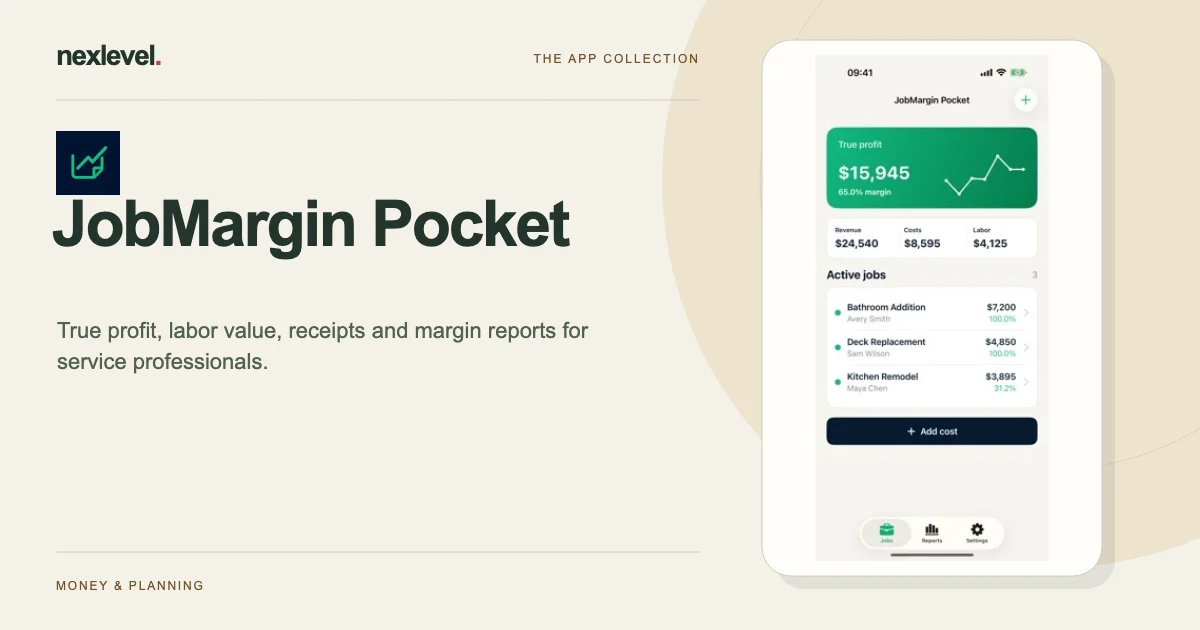
JobMargin Pocket helps a service professional distinguish revenue from the costs and labor value used to assess a job. Keep the estimate’s assumptions before recording actual work, then review margin and hourly-return labels on their stated calculation basis. These are management estimates from your inputs.
Start with a practical guide: Service job cost tracker template, Compare fixed-price and hourly assumptions, Allocate a supplier receipt across jobs.
Record quoted revenue, materials, travel, subcontractors, and the value of labor. Review profit, margin drivers, and effective hourly return from the inputs you enter instead of treating revenue as profit.
Attach a receipt image or PDF through the system picker. Keep job status and completed history together, compare actual results with frozen estimate snapshots, and review the seven-day profit trend. Pro adds labor tools and timers, additional estimate tools, and PDF/CSV exports.
Free includes three active jobs. Close a completed job to free capacity offline while retaining its history. Existing jobs and local work remain available without a video, internet connection, or separate app account.
In version 1.1, creating or reopening a job at full Free capacity can offer an optional completed video for one permanent extra active-job slot on this device. Videos require a connection, consent, and availability; closing early earns nothing. Earned slots do not expire, do not unlock Pro tools, and are removed by deleting local app data.
An Apple subscription or Lifetime purchase adds unlimited jobs and Pro labor, estimate, and export tools. Apple shows localized prices and trial eligibility before purchase. Restore Purchases is available in Settings and on the Pro screen; earned device-local video slots remain separate from paid Apple purchases.
Jobs, client labels, quotes, costs, labor, estimates, and receipts stay in private local storage. Optional non-personalized videos use Google AdMob and its consent platform; job content is not sent to the ad SDK. Manage available regional advertising choices in Settings. JobMargin Pocket provides management estimates, not accounting, tax, invoicing, payroll, banking, inventory, or legal advice.
The App Store listing shows current compatibility, pricing and any optional purchases.
Distinguish revenue margin, cost-based ratios and hourly return by stating their inputs, owner-labor treatment, denominator and units before comparing job results.
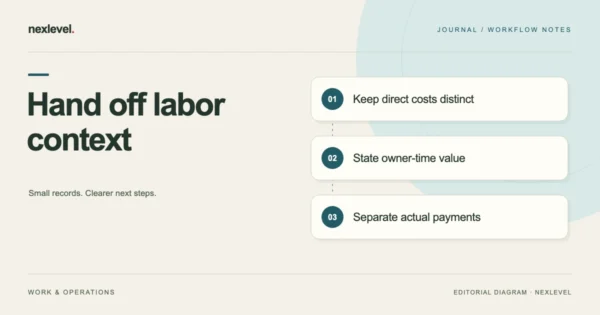
Prepare a job-cost report handoff that separates direct expenses from owner-time valuation. Include the calculation basis, exclusions, source questions and actual report scope.
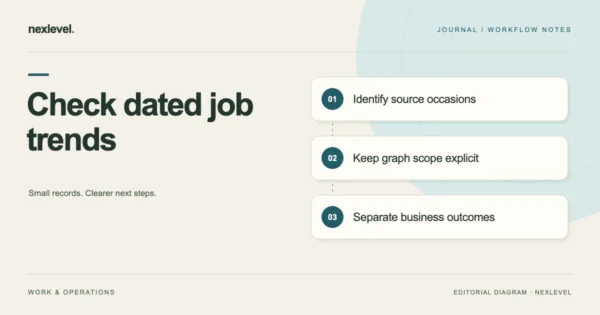
Check a seven-day job trend against dated job, cost and labor records. Preserve chart scope and metric questions before interpreting a pattern as business improvement.

A structured vendor-comparison workspace for defensible purchasing decisions.