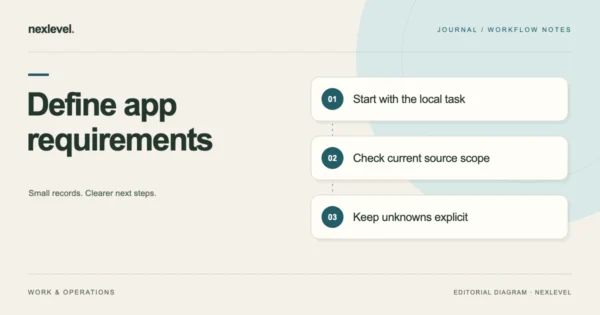
App Selection Checklist for Your Local Workflow
Choose app requirements before comparing products. Check local tasks, online operations, output format, feature access and missing evidence using a fictional intake workflow.
Oct 16, 2026 · 9 min read
Build client project briefs, review missing requirements on-device, collect encrypted responses with Pro, and preserve versioned Markdown records.
iPhone · iPad · Watch
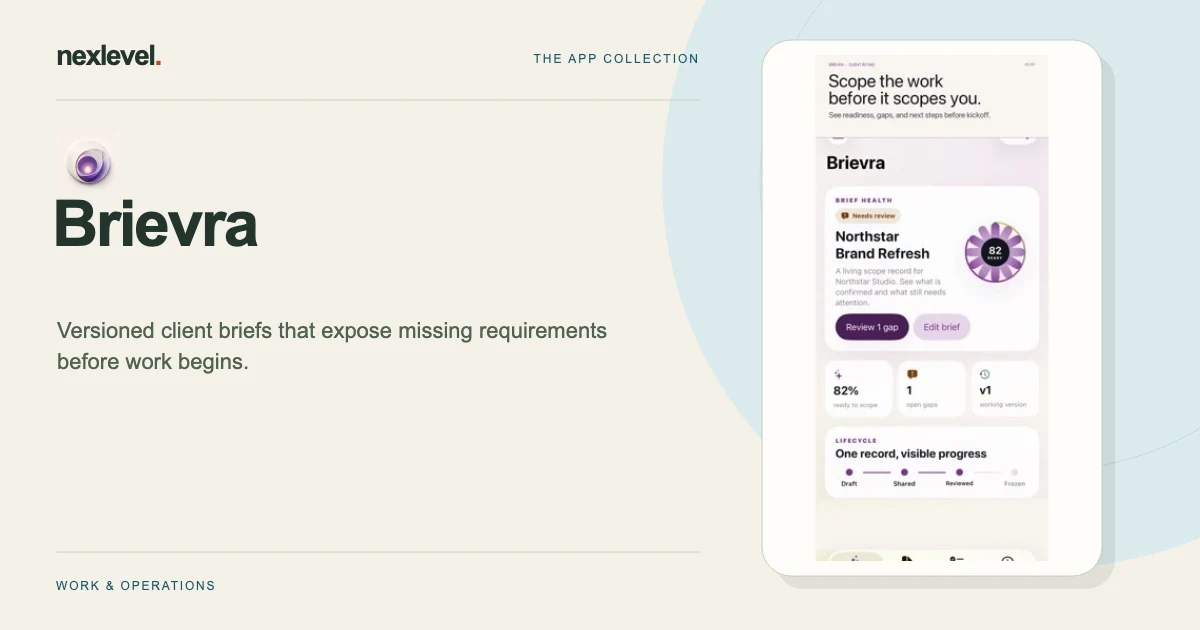
Brievra suits independent professionals and small agencies that need to turn client answers into clear scope. Begin with a service template, identify missing answers, and retain the version used for the next decision.
A website intake might cover audience, deliverables, client-supplied content and open integration questions. Review those answers before estimating. Optional Pro client links let a client answer in a browser without an app account; local editing remains a separate workflow.
Use the free client project brief template and worked example, then check the requirements handoff checklist when the brief moves into delivery.
Start with structures for creative, websites, campaigns, consulting, photography, or software. Edit locally and see readiness change as answers improve.
Pro links encrypt the brief before upload. Clients decrypt and answer in their browser; the service stores ciphertext and capability digests only.
Review deterministic gaps and preserve a canonical SHA-256 brief version with a readable timeline and Markdown export. Version evidence is a workflow record; it is not a legal signature or a guarantee that requirements are complete.
Complete an available optional rewarded video to permanently unlock version freezing and local Markdown export for one chosen brief on this device. Pro includes these tools for every brief without video. The reward does not unlock encrypted client-link publishing or response import.
Unlimited local briefs, six templates, editing, on-device gap checks, both appearances, and the Watch glance remain free. Optional videos require internet and may be unavailable; brief content is not sent to the advertising service. Manage ad privacy choices in Settings. Encrypted client links remain a separately chosen Pro online workflow.
The App Store listing shows current compatibility, pricing and any optional purchases.
Choose app requirements before comparing products. Check local tasks, online operations, output format, feature access and missing evidence using a fictional intake workflow.
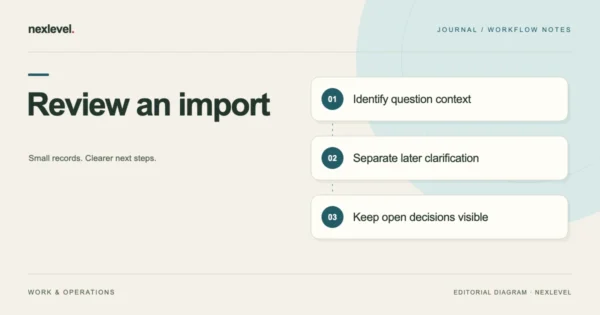
Review imported client answers against their project, original questions and working brief. Preserve later clarification and unresolved decisions before choosing a baseline.
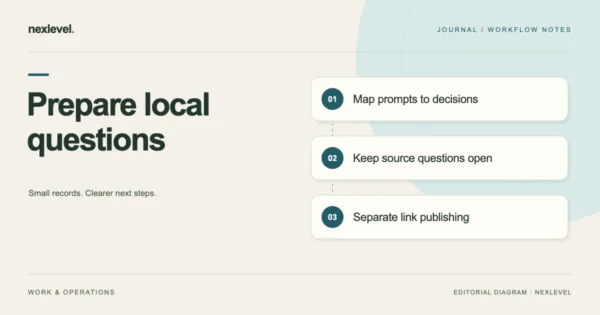
Prepare client intake questions locally by mapping every prompt to a decision, checking source requests and removing ambiguity before optional link publishing.
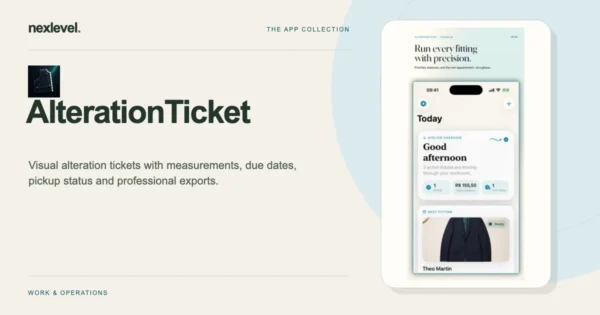
Track tailoring jobs with visual alteration tickets, garment measurements, fitting history, local pickup reminders, and customer-ready receipts.
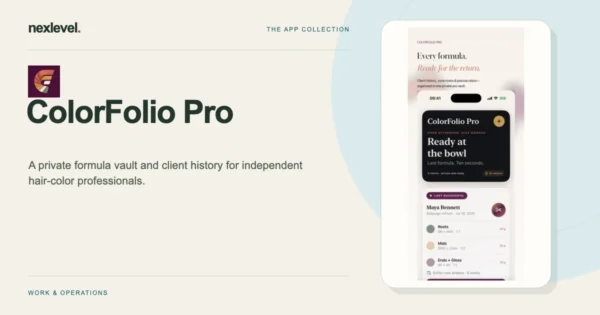
Keep hair-color formulas, client visit history, consent-aware photos, and adjustments in a local salon record, with optional PDF exports.
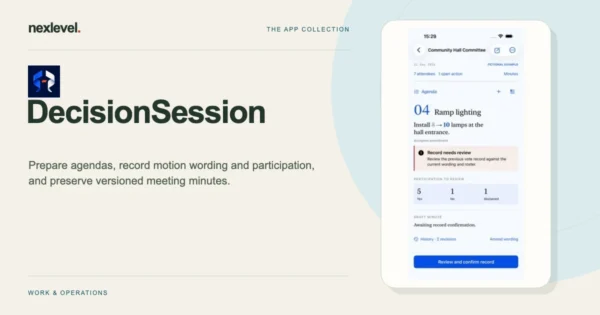
Prepare committee agendas, record motion wording and votes, and preserve versioned meeting minutes with local PDFs and optional private attendee review.