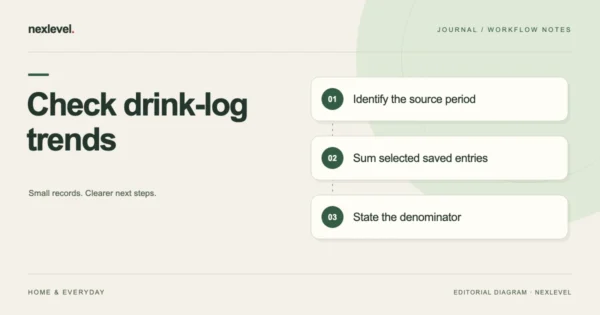
Check a Drink Log Trend Against Its Saved Entries
Check a drink-log summary's period, included entries, units and average denominator. Reproduce the saved-entry arithmetic without assuming the app's chart formula.
Oct 16, 2026 · 9 min read
Log water, set personal targets, and schedule local hydration reminders on Apple devices. Review your recent history with light, dark, and reduced-motion views.
iPhone · iPad · Watch
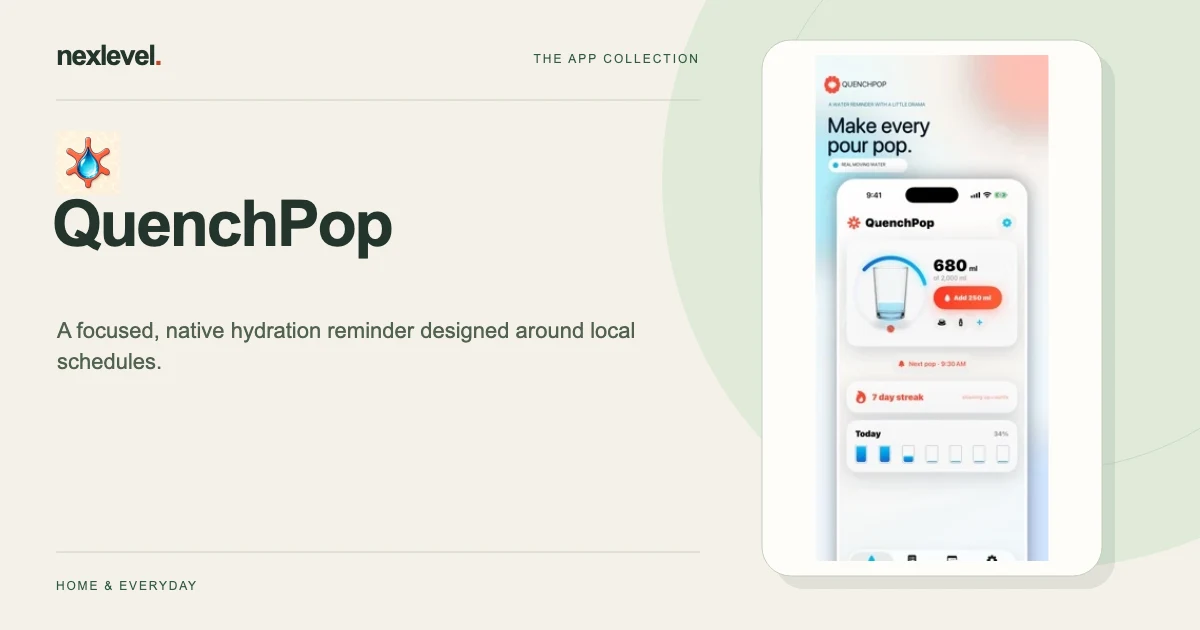
QuenchPop gives you a quick water log and a reminder schedule you choose. A reminder is a prompt; a saved entry records the amount you entered. Keep that distinction when reviewing a day’s history, especially after your routine or notification permission changes.
Start with a practical guide: Personal drink reminder schedule, Separate reminders from recorded drinks, Review reminders after a routine change.
Save a common pour or enter a custom amount from 50 to 1,500 ml. The animated glass responds to the log, with a gentler visual treatment available for reduced motion.
Set your own target, quick-log amount, and local reminder times. Your schedule remains saved if notification permission is off, and the app provides a route back to iOS Settings.
Logs and settings stay in protected local storage, without an app account or third-party advertising or analytics SDK. Apple Watch provides quick logging alongside the iPhone and iPad experiences.
Free includes core logging, three reminder times, seven-day history, themes, and Watch logging. Pro adds more reminder patterns, thirty-day history, premium visuals, and CSV export. QuenchPop is an organization tool, not medical advice or a prescribed hydration target.
The App Store listing shows current compatibility, pricing and any optional purchases.
Check a drink-log summary's period, included entries, units and average denominator. Reproduce the saved-entry arithmetic without assuming the app's chart formula.
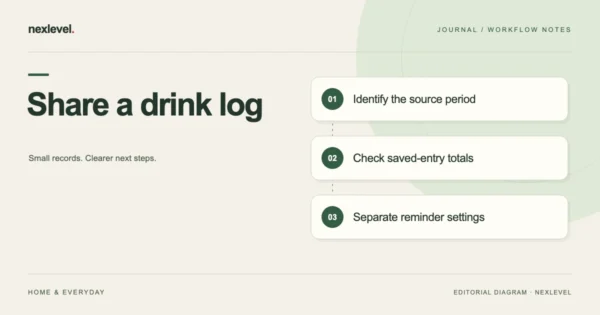
Prepare a drink-log summary with selected dates, saved entries, units and a cutoff. Check the actual copy and explain gaps before sharing personal history.
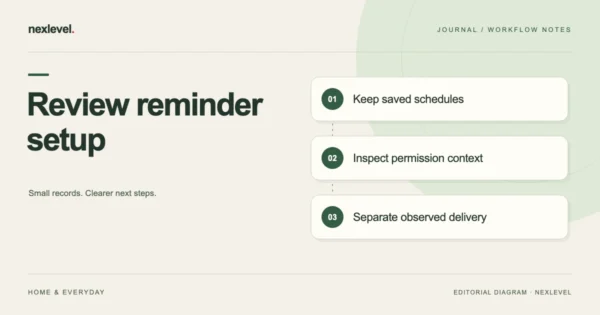
Understand QuenchPop's saved reminder schedule when notifications are off. Check schedule, permission and observed alerts separately before relying on delivery.
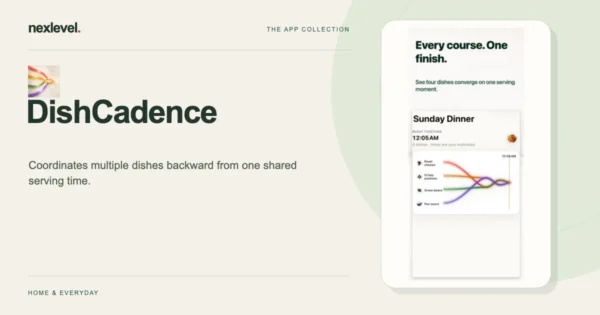
Plan a multi-dish dinner around one serving time with coordinated cooking stages, a live timeline, saved meal plans, and Apple Watch glances.