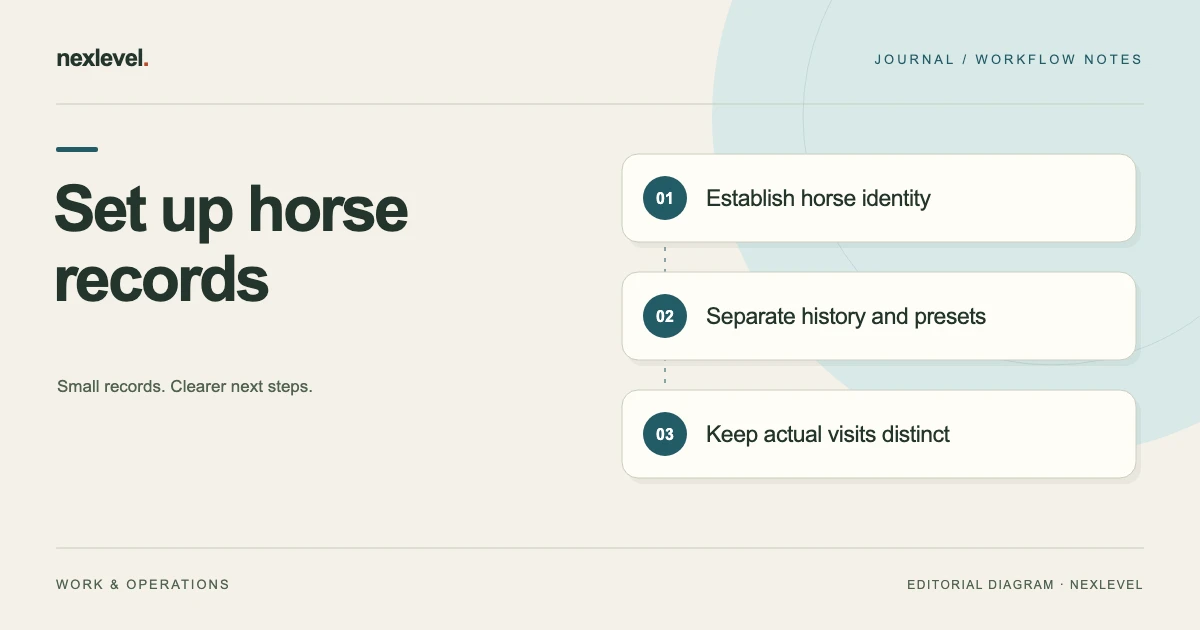
Set up a horse record by confirming which animal the profile represents and what each source describes. The first visit entered in a new workspace may be older history; keep it separate from a newly completed service, a reusable setup and a future plan.
Establish identity and history before entering completed work
- Identify the horse using authorized source context rather than its name alone.
- Record the owner/contact context and the occasion it describes.
- Match historical visits and hoof references to their actual horse and dates.
- Keep presets and future planning separate, and name any missing source before entering a completed visit.
Working fields:
Horse | Identity source | Owner context/occasion | Historical visit | Hoof reference | Preset role | Open question
Useful next steps: Record the completed visit by hoof, Check copied preset values, Review saved history before an owner summary.
Define what first recorded visit means
Write whether you are preparing a new local record, entering an authorized historical source, or recording a newly completed service. Those tasks can begin with similar screens while representing different occasions.
A setup note should not claim that a service happened merely because a horse profile exists. Likewise, an imported-looking paper history should not become a new physical service event by being retyped.
The preparation task can be complete while a future visit remains unperformed. Establish the record roles needed for later work without filling unknown history with plausible details.
Set up a fictional horse-record packet
Imagine H72 is the selected horse reference, O2 the owner/context source, I3 an identity note, V4 an earlier visit reference, P5 a reusable setup reference, and N6 a preparation note. C8 is a retained setup worksheet.
The immediate question is whether H72 is identifiable and its source roles are clear before the first visit entered in the new workspace. The exercise supplies no real horse, owner contact, hoof finding, material, amount, service date, or treatment result.
These labels are teaching references rather than native identifiers. The companion worksheet does not claim FarrierForge has a custom intake field for every item.
Use a setup-before-service worksheet
| Role | Question before the first entered visit | Keep separate |
|---|---|---|
| Horse identity | Which selected horse does H72 represent? | A familiar name alone |
| Owner/context source | What actual relationship does O2 establish? | An assumed current instruction |
| Historical visit | What occasion does V4 represent? | A new service performed now |
| Reusable setup | What role does P5 have? | Evidence of completed work |
| Preparation note | What remains open in N6? | A diagnosis or prescription |
| Retained copy | Which setup occasion does C8 describe? | The entire current workspace |
Use the worksheet to keep source meaning visible. It is not a substitute for actual professional judgment or a claim that a record itself authorizes a service.
Establish identity without relying on a familiar name
Horse names and owner labels can recur. Use the actual authorized source arrangement to distinguish the selected animal before associating notes or history. Do not assign V4 merely because its visible name is close to H72.
Keep the source route useful without copying unnecessary personal details into a broadly shared worksheet. A controlled identity reference can serve the administrative task while preserving the underlying source separately.
If I3’s relationship remains unclear, retain that exact question. A more detailed-looking profile does not establish identity when the additional details were guessed.
Keep owner context attached to its occasion
O2 may identify an owner, contact arrangement, or source of a note under the actual selected records. Its role should not silently expand into every current instruction for the horse.
If an older history names another arrangement, preserve its historical context. Do not rewrite an earlier record simply to make it resemble the current owner note.
The preparation exercise sends no message and changes no responsibility. Record actual source relationships separately from intended future communication or a task someone has not yet accepted.
Separate history intake from a new service event
An earlier visit source can supply useful context without proving work occurred during the current setup. Establish V4’s actual occasion and source before relying on it.
A local record can state that historical context is available while keeping uncertain details unresolved. Do not invent a service date, charge, material, or hoof-specific action to make the first record look complete.
If the available source concerns another horse, keep it outside H72’s history. A copied note should not become evidence merely because it is stored near the selected profile.
Prepare for hoof-specific records without copying across hooves
FarrierForge is built around a four-hoof map. The current description supports recording work performed for each hoof, including applicable shoe context where a shoe stays on.
The setup task should preserve the intended hoof identity when organizing authorized historical references. Information for one hoof should not be assigned to another solely because the notes look similar.
This guide supplies no real action to enter and no treatment recommendation. It identifies the documentation question that must be clear before actual performed-work records are relied upon.
Keep a reusable preset in its own role
FarrierForge advertises shoeing presets kept close to the working record. A reusable setup is different from evidence that those actions were physically performed during a selected visit.
Use the preset-versus-completed-visit guide for that narrower distinction. P5 should retain its actual template role in the setup worksheet.
If a prepared explanation calls P5 the last completed service without source support, repair the explanation. Do not create a new visit merely to give a reusable preset a historical-looking place.
Separate scheduling context from performed work
The current app allows a selected service cycle, tracks the next due visit, and supports local reminders. Those features organize scheduled work; they do not independently establish completion.
Use the actual authorized source for any real scheduling decision. This exercise recommends no interval and supplies no calendar date.
A due-looking item can remain an administrative prompt. Do not interpret it as a diagnosis or use a reminder state as proof that a visit occurred.
Decide what to do with incomplete history
Incomplete history should remain visibly incomplete. The setup worksheet can identify what source would establish a missing horse, visit, or hoof relationship instead of filling the gap from memory by assumption.
For example, N6 can say that V4’s identity relationship needs review. It should not supply a fabricated service detail to make the packet appear finished.
A useful preparation result can identify H72 clearly while leaving one historical question open. Those are different outcomes and need not be collapsed into one generic ready state.
Work through three setup branches
In the first branch, I3/O2 establish the selected horse context and V4 is clearly an earlier visit. The workspace can preserve that relationship while distinguishing the first newly entered visit from the horse’s first-ever service.
In the second branch, V4 belongs to another horse with a similar name. Correct the selected source association in C8 and keep accurate history with its actual identity.
In the third branch, P5 is the only available setup reference. Keep it as reusable context. It does not independently establish any prior physical work, specific hoof action, or completed visit.
Keep photo context separate from a treatment conclusion
FarrierForge currently describes before-and-after photos kept close to the working record. If an authorized photo is part of the actual setup context, preserve its horse and visit relationship.
A familiar image does not independently establish which hoof, occasion, or physical result it represents. If that relationship remains unclear, name the exact source question.
The exercise supplies no photo and draws no animal-health conclusion from appearance. It also does not claim the app provides a consent system, diagnostic interpretation, or automatic source validation.
Understand the local and Watch save roles
FarrierForge’s current description says records can be captured without signal or an account. Its Watch companion can log a visit, with actions queued until the iPhone confirms they were saved.
A queued action, an iPhone-confirmed saved record, and the physical service have different roles. If the actual task involves a Watch-origin record, establish the saved source rather than treating an attempted action as proof of persistence.
This setup exercise performs no Watch action and does not prescribe troubleshooting controls absent from the public description. Keep the actual confirmation boundary visible when interpreting a later source.
Choose a supported review representation
Free starts with five active horses, visit records, local reminders, and CSV export. Optional rewarded videos can add roster capacity when available under the current app’s conditions. Pro separately adds unlimited active horses and sharing individual owner summaries.
Inspect the actual supported representation selected for the task. A companion setup worksheet can preserve source roles without claiming that every suggested field appears in the native CSV.
The public listing does not establish arbitrary CSV import or complete restoration. A readable register should not be described as a full editable backup merely because it contains structured rows.
Run an independent identity-and-occasion test
Give another authorized reader C8 and the controlled source routes. Ask them to identify H72, explain O2/I3, distinguish V4 from a new visit, and keep P5 separate from evidence of work performed.
Then introduce another similar horse name or a later source note. The reader should preserve the actual identity and occasion rather than attach material by resemblance.
Record any manual explanation needed. If the source is accurate but the copy is confusing, repair the copy. If the underlying relationship is uncertain, keep the precise question open.
Write a concrete setup result
A companion receipt can name the selected horse, identity sources, owner-context occasion, historical visit reference, reusable setup role, actual representation inspected, and the most specific remaining source question.
For the fictional matched branch, the result can identify H72 through I3/O2 and retain V4 as an earlier occasion. P5 remains reusable context, and no new physical service is supplied by the setup exercise.
Keep that distinction inside the receipt. A future reader should not infer completed work from a profile’s creation date or from a generic setup-complete label.
Use a copy-ready preparation note
A short manual note can say: selected horse H72; identity context I3/O2 reviewed; V4 retained as historical source; P5 reusable only; N6 identifies the open question; C8 represents this preparation occasion. The note describes a companion convention rather than a native app schema.
If the identity relationship is not established, replace reviewed with the actual limitation. Avoid a generic ready statement that hides whether the unresolved issue concerns the horse, owner context, visit, or hoof source.
Read the note without its filename. The next reader should understand what was set up and what has not yet been recorded as performed.
Connect setup to later handoff and retention
For an actual professional transition, use the new-farrier handoff guide. Clear identity and occasion context make the next review specific.
For historical copies, use the horse and hoof-context archive guide. For choosing a working method, use the farrier record-system comparison.
Keep the administrative setup, actual work, saved visit, shared summary, and professional conclusions in different roles. A useful record does not need an invented service event to be understandable.
When actual work is later recorded, compare that new occasion with the setup note instead of carrying every historical detail forward automatically. The new visit should preserve what was actually entered for that occasion; the earlier setup receipt remains preparation context.
Use FarrierForge for clear horse and visit records
FarrierForge provides local horse records, hoof-specific performed-work history, scheduling context, supported outputs, and plan-dependent workflow extras without requiring an account.
Check the official FarrierForge App Store listing for current capabilities and access. Prepare identity and source context first so later entered visits remain distinguishable from reusable setups and historical notes.