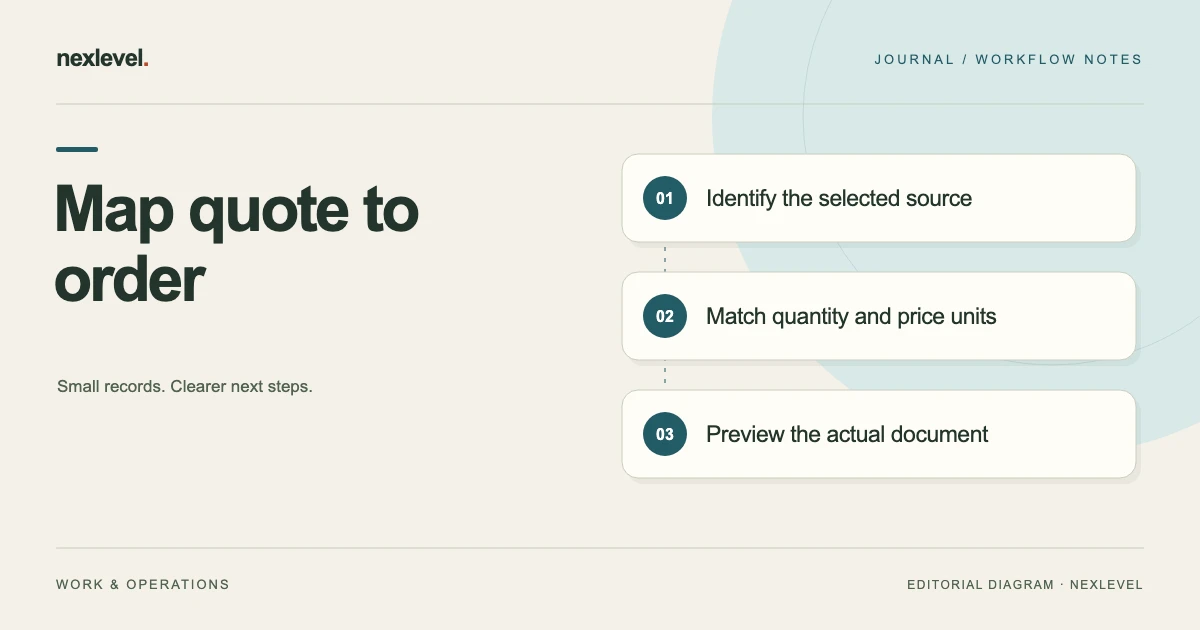
Turn a selected quote into a purchase order by mapping its item, quantity basis, price and sourced charges line by line. Preview the resulting document before sending: a correct worksheet is only useful if the supplier can read the same meaning in the order.
Carry the quote’s meaning into the order
- Identify the exact selected quote revision and leave any unresolved source gaps visible.
- Match each ordered quantity to its quoted price unit, including pack contents where relevant.
- Carry sourced terms and charges into supported fields, checking reusable catalog values against this quote.
- Inspect the actual PDF and preserve the version marked sent with its source reference.
Working fields:
Quote/revision | Source line | Required units | Ordered packs/units | Price basis | Charges/terms | PO line | Preview checked
Useful next steps: Check missing quote details first, Review the draft before marking it sent.
Lock down the source you actually selected
Identify the supplier, quote reference, source occasion, and selected revision. A file named “latest” is not enough when several retained copies exist. Open the actual source and preserve the relationship to the order you are preparing.
Write what remains unresolved before using the quote. A missing unit, unclear shipping amount, or proposed alternative item should not become a guessed order input. The separate quote-omission checklist addresses that review.
Vendraft’s current listing describes reusable vendors and catalog items, but those are entered records. They do not independently verify a supplier’s current details or establish which quote your business approved.
Map quote fields into order fields
Use a companion table before preparing the final document. It should retain the original source wording where a shortened catalog label could lose meaning.
| Quote source | Order review |
|---|---|
| Supplier and reference | Selected vendor identity and quote link |
| Item description | Ordered item and any established specification |
| Pack or unit basis | Quantity basis and units per pack where relevant |
| Price | Price attached to that same basis |
| Additional terms | Actual tax, shipping, discount, or note context |
These are proposed review fields, not a claim that Vendraft automatically imports a supplier quote or approves its contents. Use the actual supported order controls and responsible business process.
Work through a fictional pack-based quote
Imagine quote Q7, selected revision R2, for a fictional item supplied in packs of twelve. The stated pack price is 24 currency units. The buyer’s independent requirement is thirty individual units.
Three packs supply thirty-six units: three multiplied by twelve. The line price is three multiplied by 24, or 72. If the stated fictional shipping input is 8, the simplified total is 80 before any other applicable adjustment.
The example deliberately leaves taxes, discounts, currency conversion, and other conditions outside the arithmetic. It is not a real quote or procurement recommendation. The extra six units are a consequence of the stated pack example, not a rule that every business should round orders this way.
The order should make its chosen basis explicit. “Three packs of twelve” conveys something different from “quantity three” or “thirty-six at 24 each.”
Keep quantity and price on the same basis
A pack price attached to an individual-unit quantity can produce a large but arithmetically valid-looking error. Check the source basis before using the calculator. A total matching another document by coincidence would not establish that every line is correct.
For Q7, three at 24 means three packs under the stated example. Thirty-six at 24 would describe a different calculation. If the actual interface requires another unit arrangement, preserve the intended pack meaning in the supported fields and notes rather than relying on a hidden convention.
For comparing alternative pack sizes, use the supplier pack-size comparison guide. The current task begins after a source is selected and focuses on preserving its meaning in the order.
Review discounts, tax, shipping, and terms as sourced inputs
Vendraft’s current description includes discounts, tax, shipping, payment terms, notes, and project codes. Each should retain its actual source and business meaning. Do not invent a missing amount or assume a condition from an unrelated prior order.
The fictional 80-unit calculation is intentionally simplified. A real order may need other established inputs, which should be reviewed through the responsible business process. This article supplies no tax rate, legal term interpretation, or payment recommendation.
If a quote says an amount is included, preserve that relationship rather than adding it again as an extra. If the source remains unclear, retain the exact question before calling the document ready. A blank or guessed field can change the order even when the headline total looks familiar.
Keep catalog convenience separate from quote evidence
A reusable catalog entry can speed up preparation. It should not silently replace the description or price basis in the selected current source. Check which values the actual workflow places in the order.
For Q7, a prior catalog item might use an older short label or unit. The review should identify whether it still describes the selected order line. Do not change the quote’s meaning merely to match the reusable entry.
This guide does not claim automatic quote synchronization or a supplier-price feed. Vendraft’s advertised workspace uses company, vendor, catalog, order, and receipt data stored locally. Current external details still need their actual source.
Preview the document as the supplier would read it
Open the actual Letter or A4 preview through the supported workflow. Check supplier identity, order number, selected item, quantity basis, price basis, additional inputs, and any note needed to interpret the line.
The reader should not need the buyer’s memory to know whether the order is for three packs or three individual units. If a pack explanation is outside the rendered document, the order may not communicate what the worksheet intended.
Vendraft’s current free description includes a monthly order allowance and watermarked PDF sharing; Pro expands orders, numbering, backups, and exports. Check actual plan access and output. A feature visible in a different plan is not evidence about the file you prepared.
Preserve the marked-sent snapshot accurately
The current listing says marking an order sent preserves its number, totals, vendor details, and document snapshot. That is an important recordkeeping boundary: retain what the selected document said at that occasion.
A local sent state is not independent proof that an external recipient received or accepted the order. Keep the actual communication source separate through the responsible process. This guide does not send a message or issue a purchase order.
If a later source requires review, identify the actual supported workflow rather than pretending the earlier snapshot used new terms all along. A historical document can remain useful even when a later order decision differs.
Carry the quantity basis into receipt tracking
The ordered quantity should stay interpretable when receipts are recorded. If the order uses packs, preserve the relationship to individual-unit counts in the appropriate source context. Do not change units halfway through a comparison without explaining the basis.
Vendraft’s current description includes receipt tracking and prevention of entered quantities exceeding the order. That control does not independently verify physical delivery or identify the contents of a box.
For partial receipts, use the partial-delivery guide. The selected source, ordered line, and actual recorded receipt remain different parts of the process.
Test the handoff with one line
Ask an intended reviewer to reconstruct Q7/R2 from the prepared order. They should identify the supplier source, pack basis, three-pack quantity, thirty-six-unit consequence, 72 line price, and stated simplified shipping input.
If the reader says thirty-six at 24 each, improve the price-basis label. If they cannot identify the selected revision, improve the source reference. Correct multiplication alone cannot repair a misunderstood line.
A short review receipt can identify the quote mapped, line checked, actual document previewed, and unresolved question if any. Replace fictional values with actual established inputs. The review does not establish supplier acceptance or external payment.
Retain a usable local record
Keep the selected quote reference and intended order copy through the actual private arrangement. Do not assume every companion worksheet field or original quote attachment is included automatically in a PDF or export.
The current Pro description includes JSON backup and formula-safe CSV export. Those outputs have different purposes from a supplier-facing document. Inspect the actual file relevant to your task rather than treating every portable copy as a complete restorable system.
The useful stopping point is a readable order with source-backed inputs and a clear document state. It should not depend on invented supplier terms or an unexplained total.
Write the fictional source map line by line
The Q7/R2 mapping can start with a source row: “Selected quote Q7, revision R2, for the identified fictional item.” The actual supplier identity and source location belong in the appropriate private business record. A saved catalog name alone is not the quote reference.
The quantity row can distinguish the independent need from the chosen order basis: “Requirement thirty individual units; selected example order three packs of twelve; ordered individual-unit consequence thirty-six.” This prevents a reader from assuming the number three refers to individual pieces or that thirty-six was the original requirement.
The price row can say: “Quoted 24 per pack; three packs produce line amount 72.” The shipping row can say: “Additional stated example shipping 8.” Under the deliberately simplified assumptions, the total is 80. Keep excluded adjustments explicit instead of presenting the toy calculation as a complete tax or payment model.
Now inspect a mistaken draft that says quantity thirty-six and unit price 24 without the pack explanation. The draft no longer communicates the selected source meaning. Correct the actual order input or label through the supported workflow and inspect the rendered result. Do not merely add a private note that the supplier will never see.
Consider another mistake: the PDF names R1 while the working source is R2. Establish whether the wrong quote reference or the wrong line inputs were used. A matching total cannot settle that question, because revisions can differ in descriptions or conditions without changing the headline amount.
The review should therefore compare both meaning and arithmetic. Ask a reader to explain the selected item, quantity basis, price basis, additional inputs, and source revision using only the intended document. If they answer from a remembered conversation rather than the document, improve the relevant field before the actual business process considers sending it.
Keep later receipt counts on a compatible basis. A source reporting individual pieces and an order line reporting packs need an established relationship before their quantities are compared. The app’s prevention of entered over-receipt does not independently resolve a mislabeled unit or verify a physical delivery.
A useful final note identifies what was reviewed: Q7/R2 mapped to the selected order, pack basis retained, arithmetic reproduced, actual preview inspected, and remaining source question if any. It does not claim the supplier accepted the order, a message was delivered, or a payment occurred. This makes the local record useful without turning document preparation into an external transaction.
Keep the six-unit difference between the example requirement and selected pack quantity in its actual role. It describes the chosen order model, not stock already on hand. A prepared order does not establish that thirty-six pieces were delivered. That later source question belongs to the receipt workflow.
Similarly, a supplier’s quoted item description and an internal project code serve different readers. Preserve both where needed through the supported fields rather than replacing the supplier-facing description with an internal nickname. The recipient should be able to identify what was ordered without access to the buyer’s private shorthand or memory.
Use Vendraft for a reviewed purchase order
Vendraft organizes entered vendors, catalog items, order lines, exact stored-unit totals, document snapshots, and receipts. Its current Pro description expands order capacity, unwatermarked output, numbering, backup, and CSV features.
Check the official Vendraft App Store listing for current capabilities and plan details. Use the mapping worksheet to preserve the selected quote’s meaning before preparing the order through your actual business process.