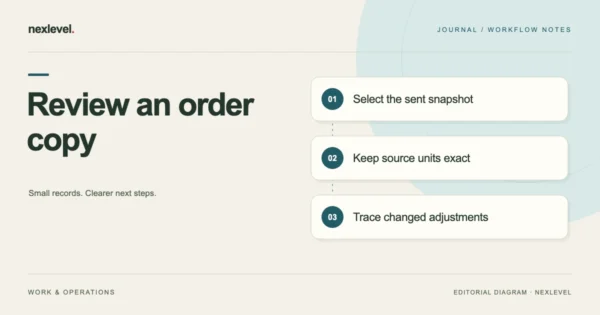
Check a Purchase Order Copy Against Its Sent Snapshot
Compare a purchase-order copy with the preserved sent snapshot by identity, vendor details, items, units, adjustments and totals before reusing the copy.
Oct 16, 2026 · 9 min read
Create purchase orders with vendor details, exact totals, and PDF previews. Preserve sent-order snapshots and track partial receipts through to closure.
iPhone · iPad
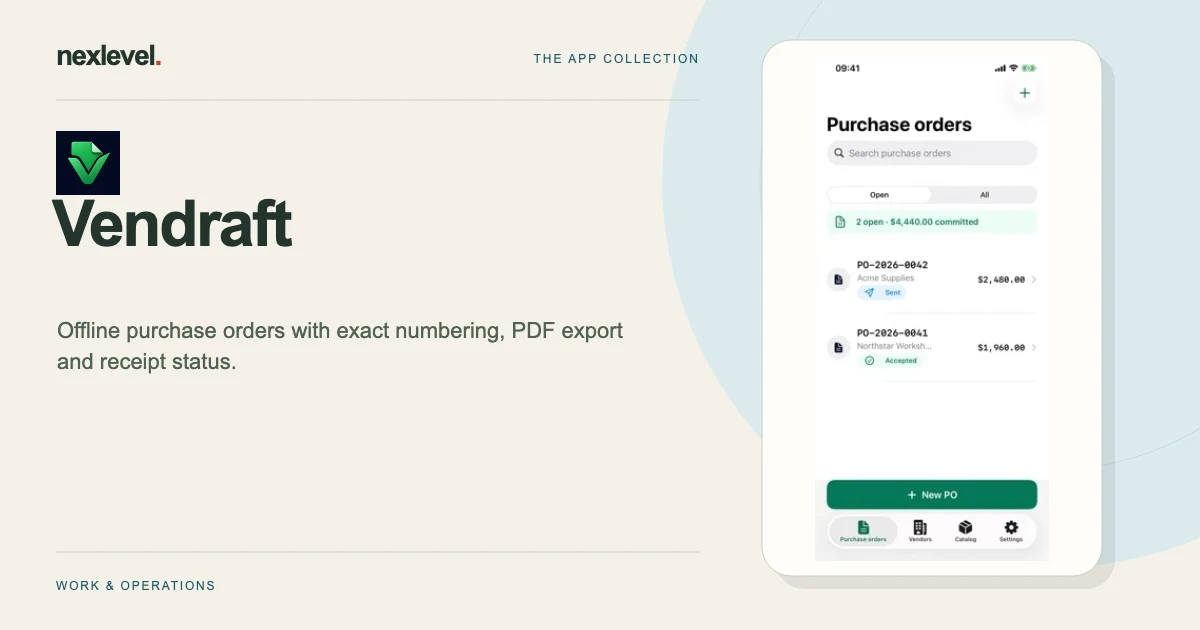
Vendraft helps a small business prepare a purchase order and retain the issued version while deliveries arrive. Keep the vendor, line quantities, terms and totals understandable, then record each receipt against the same order rather than replacing the original quantities.
Start with a practical guide: Purchase order template and example, Track partial purchase-order deliveries, Compare supplier pack sizes.
Use saved vendors, catalog items, project codes, terms, notes, discounts, tax, and shipping. Totals are calculated from stored units, keeping the monetary basis available for review.
Preview Letter or A4 output before sharing. Marking the order sent preserves its number, totals, vendor details, and document snapshot instead of letting later edits silently change the issued record.
Move through sent, accepted, partially received, received, and closed states. Enter received quantities while the app prevents them from exceeding the order. Delivery evidence and status remain records you maintain.
Free includes three purchase orders per calendar month with watermarked PDF sharing. Pro adds unlimited orders, unwatermarked PDFs, custom numbering, JSON backup, and formula-safe CSV export. Data stays on device without an account; review your business approvals, taxes, and terms before sending.
The App Store listing shows current compatibility, pricing and any optional purchases.
Compare a purchase-order copy with the preserved sent snapshot by identity, vendor details, items, units, adjustments and totals before reusing the copy.
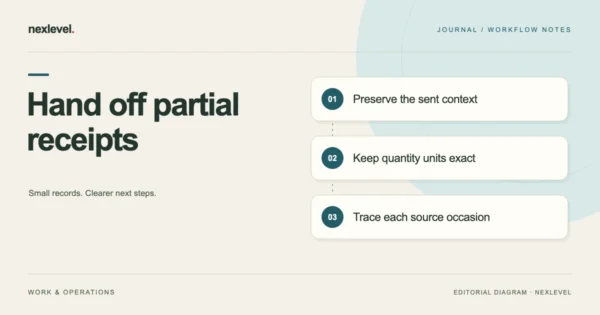
Hand off a partially received purchase order with its sent snapshot, exact line units, delivery sources, receipt entries, remaining quantity and next question.
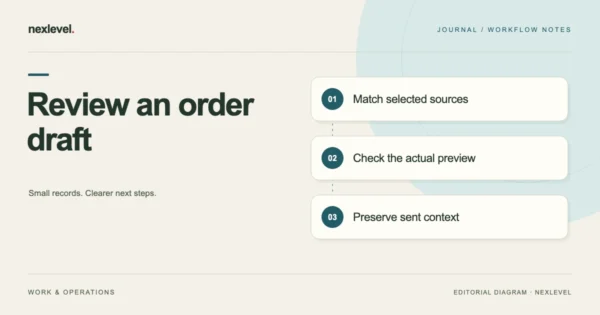
Review a purchase-order draft’s vendor, quote revision, quantities, price basis, terms, numbering and actual PDF before preserving the sent document snapshot.
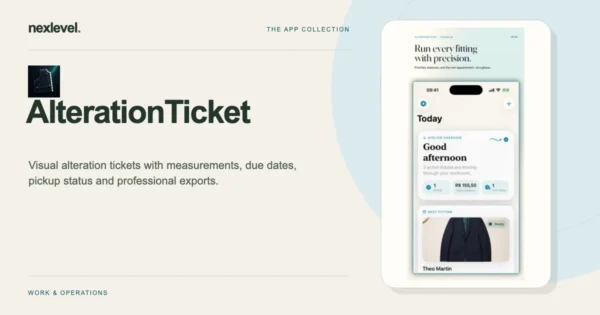
Track tailoring jobs with visual alteration tickets, garment measurements, fitting history, local pickup reminders, and customer-ready receipts.
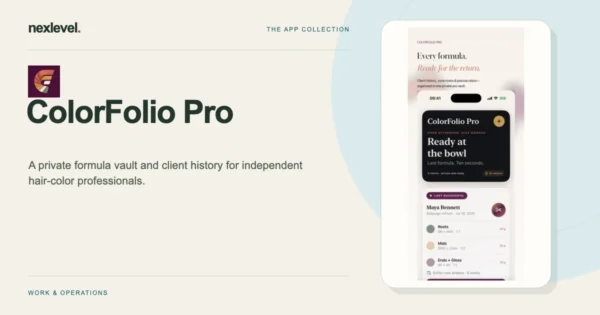
Keep hair-color formulas, client visit history, consent-aware photos, and adjustments in a local salon record, with optional PDF exports.