Laser engraving & cutting
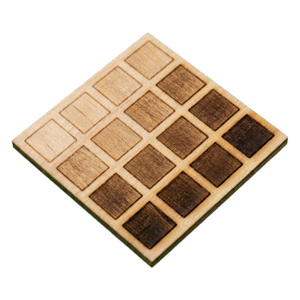
Log the settings of each engraving or cutting test and how the result looked.
iPhone · iPad · Apple Watch
Your proven settings, on the bench.
Tempermark is a notebook for makers who run tests. Record the exact settings of each trial, note what you observed, and mark the setup you trust as proven, so the next time you work with the same material on the same machine you can start from what already worked.
For iPhone and iPad, with an Apple Watch companion.
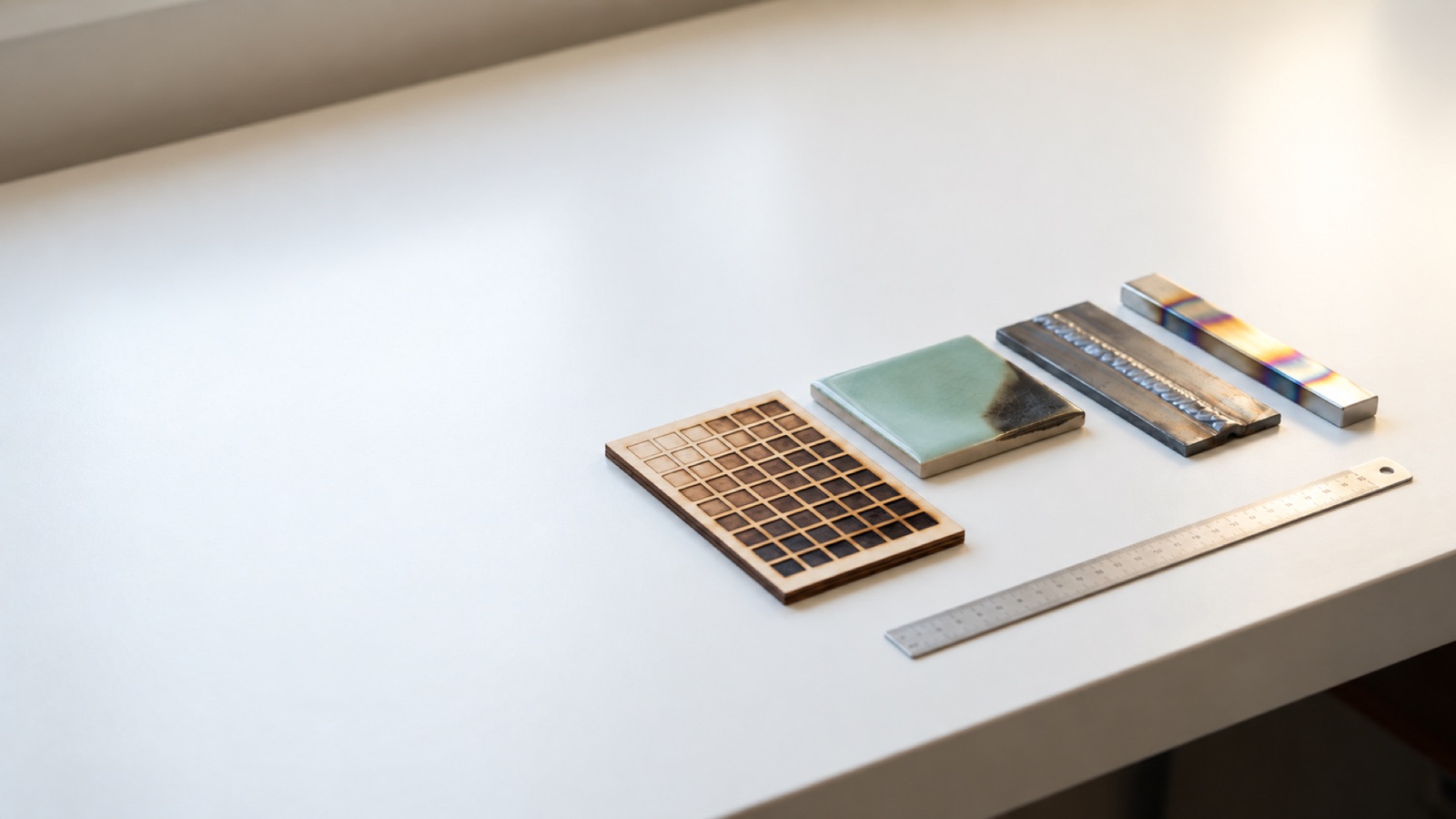
Each process keeps its own fields, so a trial records what that process actually needs.
Log the settings of each engraving or cutting test and how the result looked.
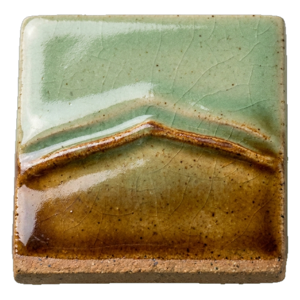
Keep firing and glaze tests together with photos of the fired pieces.
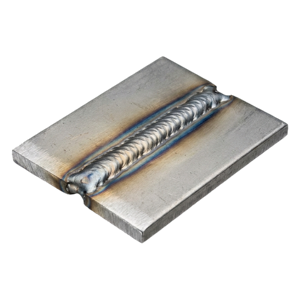
Record weld settings and what the bead and joint looked like.
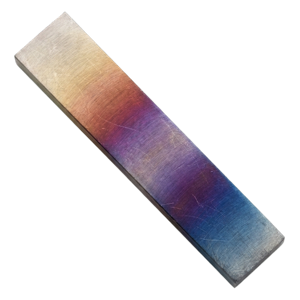
Note heat treatment steps and the results you observed afterwards.
A focused log for test work: what you set, what you saw, and which setup you trust.
Write down the values you used for each trial. A value you don’t know is stored as Unknown, never as zero.
Attach sample photos and note what you observed, so a result is more than a number.
Once a result is recorded, mark the setup as proven. Proven setups are easy to find again.
Starting a new trial for the same material and machine can begin from the last proven setup for that combination.
Copy a trial and alter a single field, so you know which change made the difference.
Put trials side by side. Fields that changed between them are highlighted.
Export a PDF setup sheet, a CSV of your trials, or a full backup you can restore on another device.
Follow-up timers on your wrist, and log a result from the Watch when a timer ends.
A calm, instrument-style interface that follows your device appearance.
On iPad, lay out a test grid with power on one axis and speed on the other. Run the test, then tap each cell to record what you observed. Cell colour shows your recorded darkness reading, and seals mark the cells you proved or rejected.
The grid is a record of your own tests. Tempermark never suggests which cell to choose or which values to run.
Start free with all four processes. Upgrade to Pro when you need more room.
Pro is available as a monthly or annual subscription, each with a 7-day free trial for eligible new subscribers, or as a one-time lifetime purchase. See the App Store for current prices in your region.
Tempermark records your settings. It never recommends operating values or controls machines — always follow your equipment and material safety guidance.
There is no account. Your trials, photos and notes are stored on your device, and Tempermark has no analytics or tracking. The optional ads in the Free version are described in the Privacy Policy. Questions? Visit Support.