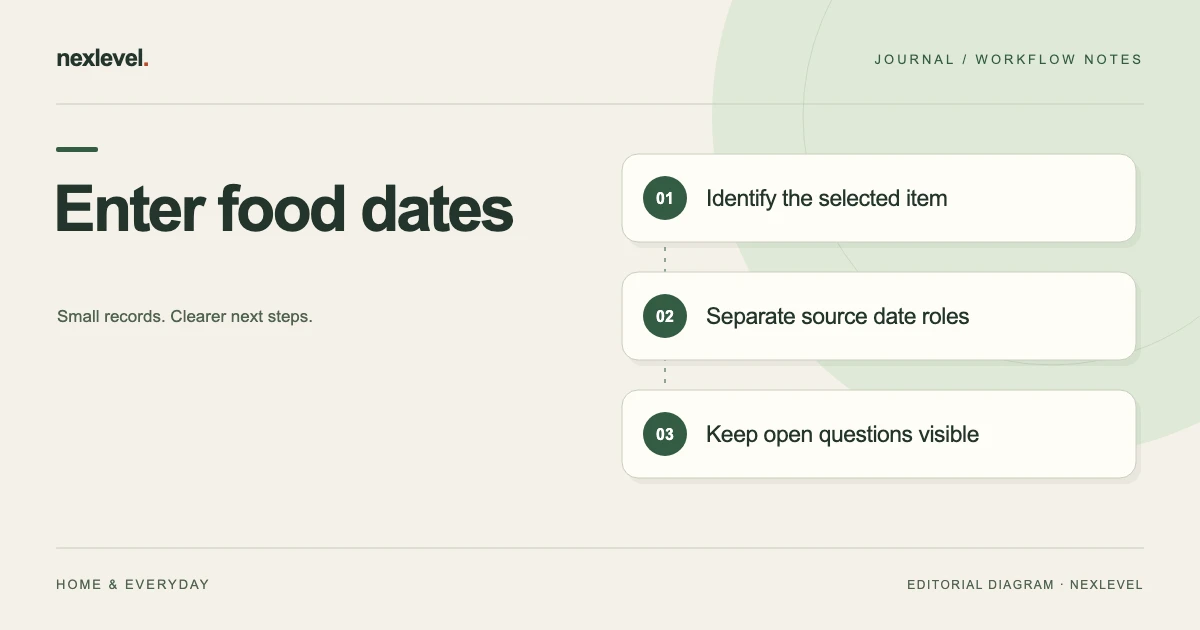
Build a food register from mixed notes by identifying the package first, then assigning each source its own role. The package supplies label wording, a matched receipt may supply acquisition context, and household notes may supply opening or freezing events. A missing source remains an explicit question.
Assign each source to the item and event it establishes
- Select one item and list the package, receipt and household notes available.
- Match every source to that item before assigning a date.
- Keep label, acquired, opened and frozen roles separate.
- Explain the basis of any user-selected date or preset.
- Inspect the entered record and keep a short intake note for missing context.
Working fields:
Item | Source/reference | Item match | Date role | Value as recorded | Entered field/basis | Uncertainty | Copy/cutoff
Useful next steps: Retain package wording accurately, Check the source roles before export, Pass the intake record to the household.
Choose one item and a bounded intake task
Write which selected item is being entered and which sources are available. A packet for one container differs from a general household inventory or a later waste-history review.
The task is to preserve source meaning in an entered register. It is not to decide whether a food is safe, extend a printed date, or supply a missing manufacturer instruction.
A short companion source note can retain context when the actual supported app fields do not express every source relationship. Do not assume the note creates new native controls.
Set up a fictional mixed-source packet
Imagine I26 is the selected item, P2 its package-label reference, R3 a purchase-receipt reference, O4 an opening note, F5 a frozen-date note, D6 an entered expiry-date reference, and C8 a retained intake worksheet.
The selected question is whether each source is associated with I26 and assigned its actual role. No real food, date, storage instruction, purchase amount, or physical consumption event is supplied.
These labels are teaching identifiers. They do not establish native record IDs, an automatic scanner, a receipt importer, or a custom source field for every reference.
Use a source-role intake template
| Companion role | Question to establish | Keep separate |
|---|---|---|
| Item identity | Which selected item does I26 represent? | A similar package or household label |
| Package wording | What does P2 actually state? | An interpretation broader than the source |
| Acquired context | What relationship does R3 establish? | An opened or expiry date by assumption |
| Opened context | What occasion does O4 represent? | The purchase occasion |
| Frozen context | What does F5 record for this item? | A calculated safety extension |
| Entered date | What source supports D6’s selected role? | An unverified suggestion |
| Copy cutoff | What does C8 represent at its occasion? | Every later change or outcome |
The table is a manual companion worksheet, not a native CSV schema or a promise that the app automatically validates every relationship.
Establish item identity before assigning dates
A receipt can contain several items, and similar packages can exist in the same storage area. Match the selected source to I26 through the actual available context rather than the closest-looking product name.
If R3 does not establish the selected item relationship, retain that question. Do not give I26 another item’s acquired date merely to complete a field.
The same principle applies to a household opening or freezing note. A familiar container label can help locate a source without independently proving which item occasion the note describes.
Preserve the package wording as source context
A package date should retain its actual wording and selected source meaning. A short copied number can lose the context needed to distinguish it from another label or event.
The date-wording preservation guide covers that narrower task. Use its source result rather than translate an unfamiliar label into a more convenient meaning.
This exercise interprets no actual labeling term. If a real label or safety question needs authoritative guidance, use the appropriate source rather than a generic app record as the answer.
Keep acquisition separate from opening
SavorSoon currently supports an expiry date plus optional acquired, opened, and frozen dates. Those roles should remain distinguishable even when their values happen to be similar in an actual record.
R3 can support acquired context under the selected source arrangement. It does not independently establish when a package was opened.
O4 needs its own actual source relationship. If no opening occasion is established, retain that limitation rather than copy the purchase date into another role by assumption.
Keep a frozen-date note separate from an expiry conclusion
F5 can record a selected freezing occasion while remaining different from D6’s expiry-date source. The existence of one field does not automatically explain another.
This guide supplies no calculation that extends a date and no statement about real storage safety. A fictional intake worksheet should not become a shelf-life rule.
If the actual source relationship is unclear, keep the question beside F5. A tidy date sequence does not independently establish what happened physically or how a real item should be handled.
Use entry suggestions without rewriting provenance
The current SavorSoon description says practical suggestions speed entry while leaving dates under the user’s control. It also describes reusable custom expiry presets under Pro Lifetime.
A suggestion or preset should retain its own role. It is not automatically a date printed on P2 or an event documented by R3, O4, or F5.
If a real entered value comes from a user-selected convention rather than the package, keep that provenance clear in an appropriate companion note. Do not claim the app verified the label, read a receipt, or supplied a safety guarantee.
Keep storage location useful but distinct
SavorSoon organizes fridge, freezer, and pantry records. A selected location can help identify where an entered item belongs in the register while remaining separate from its source identity and dates.
A location note does not independently establish actual temperature, condition, or proper handling. The administrative worksheet should not make those claims.
If an item record later changes location context, preserve the source occasion represented by C8. An older retained copy should not appear to update automatically with the current register.
Work through a matched-source branch
In the first fictional branch, the sources establish P2, R3, O4, and F5 as relevant to I26, each in its own role. D6 retains the actual selected date source.
C8 can describe those associations without a claim that the food is safe, that a storage practice was correct, or that a manufacturer instruction was verified beyond the selected source.
The bounded result is an understandable entered-source register. It does not require a real food example or a fabricated date to show how the roles fit together.
Work through a wrong-item source branch
In another branch, R3’s selected receipt line concerns a different item. Correct the source association in the worksheet using the actual available evidence.
Do not change an accurate package date or household note merely to make the mistaken receipt association appear consistent. Repair the representation that contains the error.
If the correct acquired source is unavailable, retain that exact limitation. The rest of I26’s established source roles can remain useful without inventing the missing relationship.
Work through a date-role copy error
In a third branch, C8 labels O4’s opening note as the package expiry source. The useful correction is to restore O4’s actual role and identify what source supports D6.
A label repair does not require changing an accurate underlying event note. It also does not create a new physical opening or freezing occasion.
Keep the correction specific. A generic fixed label would hide whether the actual issue involved item identity, date wording, acquired context, or an entered-value source.
Keep reminders separate from item events
The current app supports optional local reminders that can be changed or disabled. A saved prompt is configuration, not another acquired, opened, frozen, used, or discarded event.
Do not add a reminder time to the intake history merely because it appears near an item in a working view. Preserve the source role that the selected record actually establishes.
This exercise chooses no reminder schedule and changes no notification permission. A reminder state is not a food-safety determination or proof that a person saw or acted on a prompt.
Keep entered outcomes in their actual role
SavorSoon supports marking food used, discarded, or archived. An entered status should retain its selected source occasion and meaning rather than fill a missing date relationship by assumption.
This intake exercise performs none of those actions and describes no physical consumption. A fictional register can be prepared without inventing an outcome.
For later historical work, use the food-tracker archive guide. Keep earlier source context distinguishable from a later entered outcome.
Separate estimated value from measured results
The current listing advertises optional estimated value and waste-history review. An estimate can help organize entered records while remaining different from verified expenditure, savings, or a measured physical outcome.
This case supplies no monetary amount or economic calculation. Do not infer that filling a register saved money or reduced waste.
If value context is part of an actual selected task, preserve its source and assumptions separately from the date roles. A more polished dashboard does not change what the underlying entered evidence establishes.
Inspect the supported portable copy
SavorSoon Free currently includes CSV export along with up to thirty active foods, location tracking, reminders, and history. Pro Lifetime adds the advertised expanded access and custom presets.
Inspect the actual selected representation for item identity, date roles, outcome context, and cutoff. The companion worksheet is not a promised native export layout.
The public description does not establish arbitrary CSV import or complete restoration. A readable register should not be described as the entire editable workspace merely because its rows are structured.
Run a second-reader intake test
Give an authorized reader C8 and the controlled source references. Ask which item is selected, what P2 states, how R3/O4/F5 differ, and what source supports D6.
Then introduce another similar package or receipt line. The reader should retain actual item identity rather than assign dates by the most familiar label.
Record any manual explanation needed. If the source is accurate but the copy is confusing, repair the copy. If a source relationship remains unclear, keep the precise question visible.
Use a copy-ready intake result
A concise companion note can identify I26, the selected P2/R3/O4/F5 sources, their established date roles, D6’s actual basis, location context, cutoff, copy correction, and next source question.
For the matched fictional branch, the note preserves each source separately without a shelf-life or safety conclusion. For the wrong-item branch, it identifies R3’s mistaken association and leaves the acquired-source question open.
Read the note without its filename. A future reader should understand which dates came from which source roles without reconstructing the original household conversation.
Connect intake to handoff and method choice
For an administrative transition, use the food-label record handoff guide. For choosing a working method, use the food date-label tool comparison.
Keep the selected intake purpose visible when deciding which representation to use. A household source index, a current entered register, and an older retained file can all be useful without representing the same occasion.
The fictional references remain teaching inputs. Reuse the structure with authorized actual sources while preserving uncertainty and real food decisions outside the administrative exercise.
Before retaining the entered record, compare each selected date role with its actual source individually. A correct item name does not guarantee that the acquired, opened, frozen, and expiry references were copied into the intended roles. Record the specific copy correction if one is needed, while leaving accurate source history intact.
Use SavorSoon for clear entered date roles
SavorSoon connects entered food dates, storage locations, chosen local reminders, history, and supported CSV output without requiring an account.
Check the official SavorSoon App Store listing for current capabilities and Pro Lifetime access. Keep package wording, event dates, suggestions, entered outcomes, and physical safety conclusions distinguishable.