Create an Equipment Register from Certificate Files
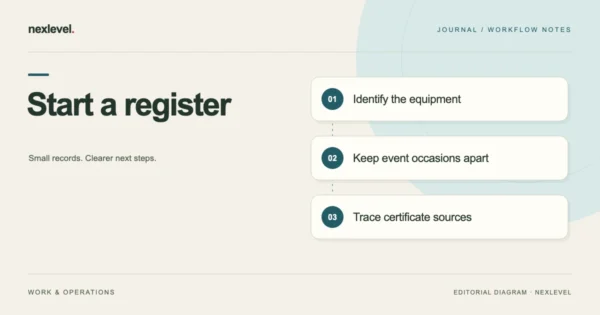
Turn an existing certificate folder into an equipment register by separating instruments, calibration occasions and source references. Includes a manual intake map.
Oct 16, 2026 · 9 min read
Track equipment calibration dates, certificates, and QR labels in a local register with reminders, CSV export, and optional Pro PDF audit packets.
iPhone · iPad
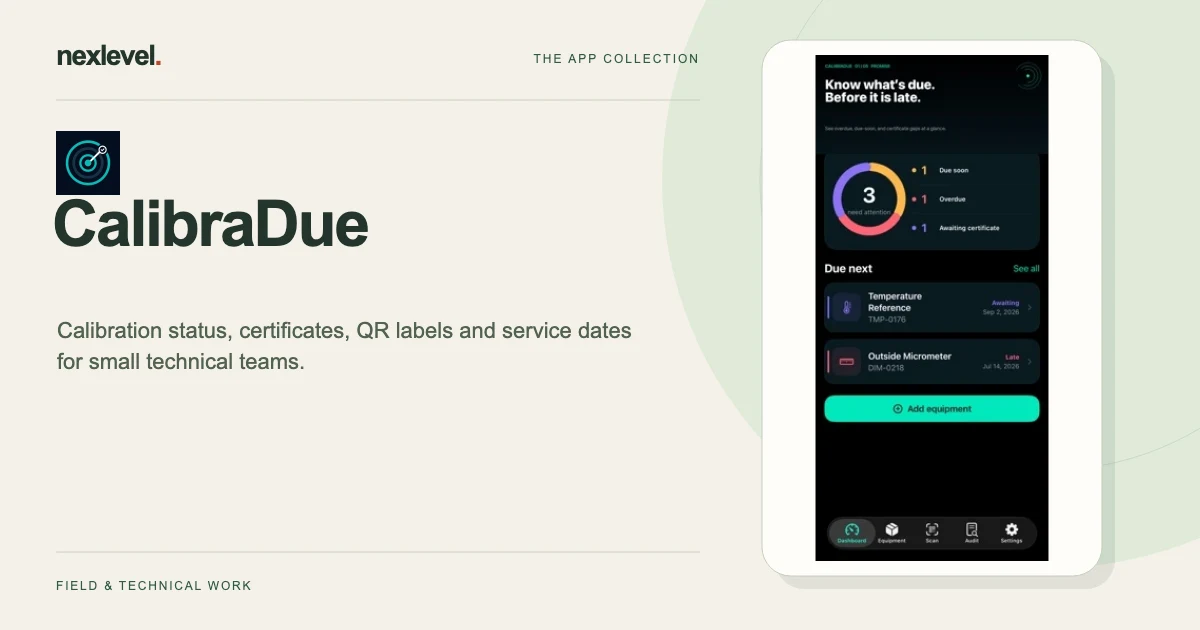
CalibraDue is an equipment register for teams that need to locate an instrument, see its calibration history and identify the next due action. Use the record to connect the physical label to the certificate reference; recording a date does not perform or certify a calibration.
Start with a practical guide: Equipment calibration register template, Match certificates to equipment records, Review due dates and pending certificates.
See overdue, due-soon, and certificate-pending work without digging through a spreadsheet.
Generate equipment QR labels and scan back into identity, history, and next service actions.
Export CSV at any time. Pro adds formatted PDF audit packets and unlimited active equipment.
Free includes three active equipment records, QR labels, reminders, and CSV export. When the register is full, choose an available optional rewarded video to earn one permanent extra active-instrument slot on this device. Pro provides unlimited active equipment without videos.
Existing equipment, certificate references, calibration records, and free CSV export stay available without watching a video. Videos require internet and may be unavailable. Equipment content is not supplied to the advertising service, and ad privacy choices are in Settings.
CalibraDue records due dates and evidence. It does not perform a calibration, certify a measurement, grant accreditation, or replace your quality system.
The App Store listing shows current compatibility, pricing and any optional purchases.
Turn an existing certificate folder into an equipment register by separating instruments, calibration occasions and source references. Includes a manual intake map.
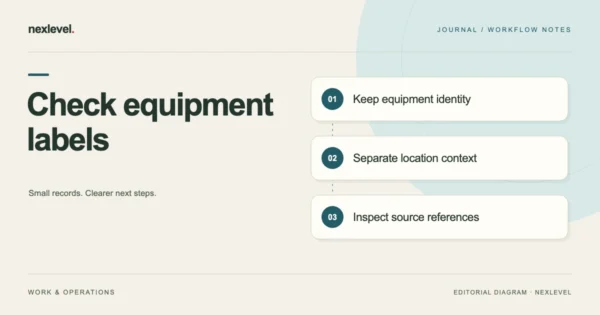
Resolve changed equipment location labels without merging distinct instruments or misassigning certificates. Compare identity sources, historical labels and event context.
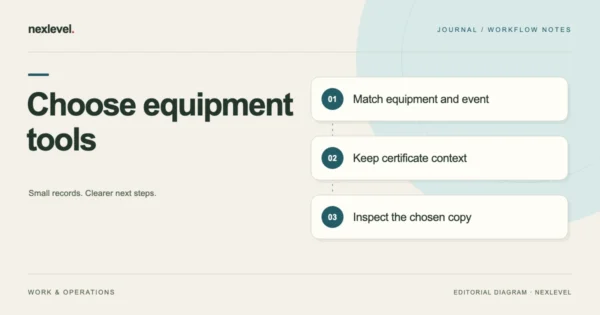
Compare paper, spreadsheets and a calibration app using one equipment record, event history, pending certificate and export. Record the manual work each needs.
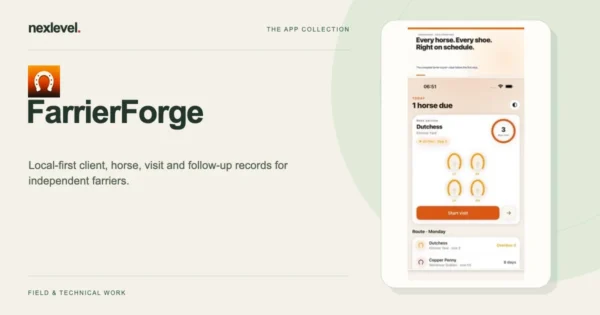
Keep horse and hoof records, plan farrier service cycles, and export CSV offline. Start with five horses and optionally earn an extra local roster slot.